
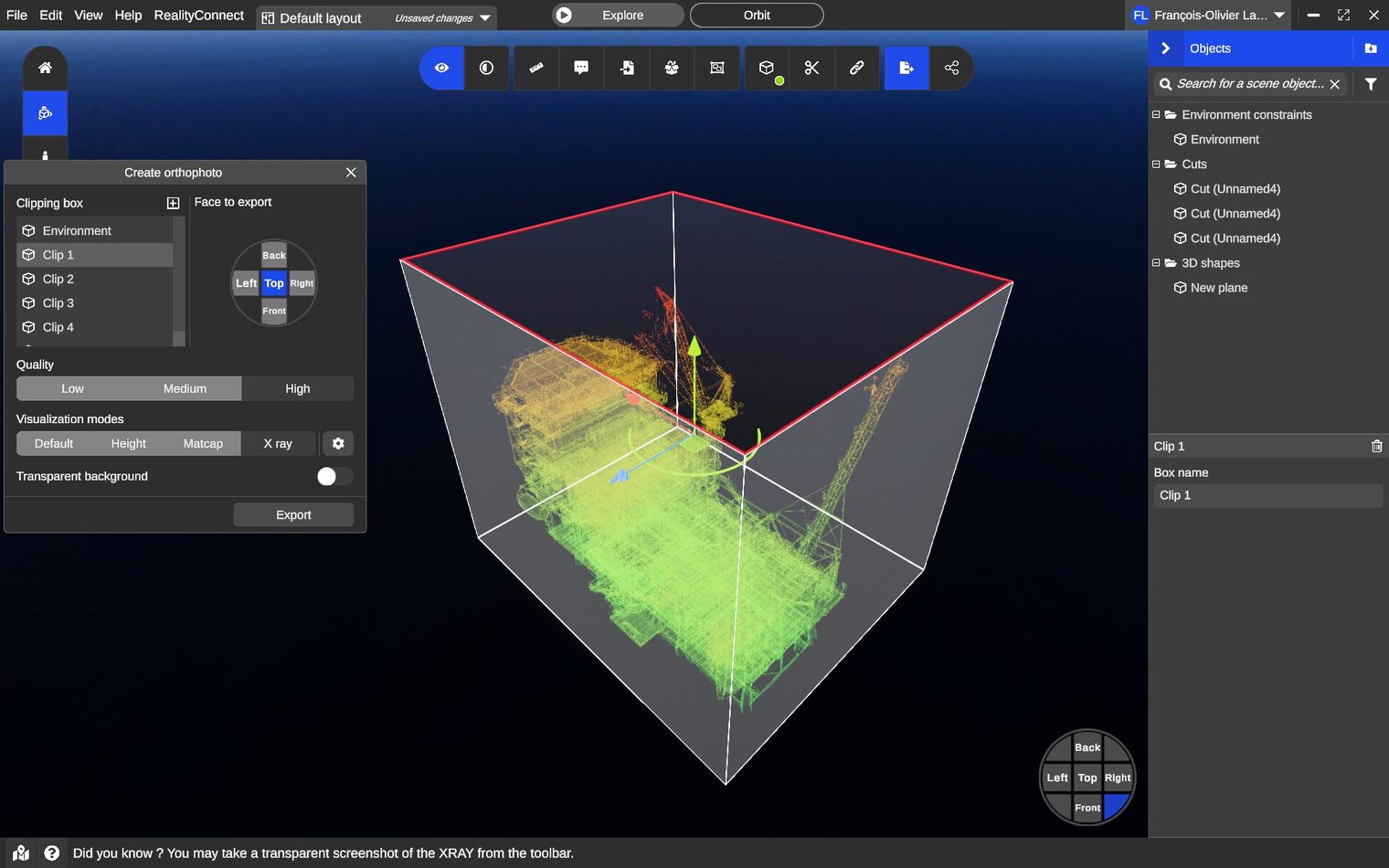
Engineering and infrastructure teams are sitting on terabytes of reality capture data — laser scans, drone imagery, point clouds — that almost no one can open.
The files are too large for a laptop, the software too specialized for stakeholders, and the insight too locked away to drive decisions. Cloud-based 3D visualization solves that bottleneck by moving the model to the browser, where anyone with a link can explore it.
What Is Cloud-Based 3D Visualization?
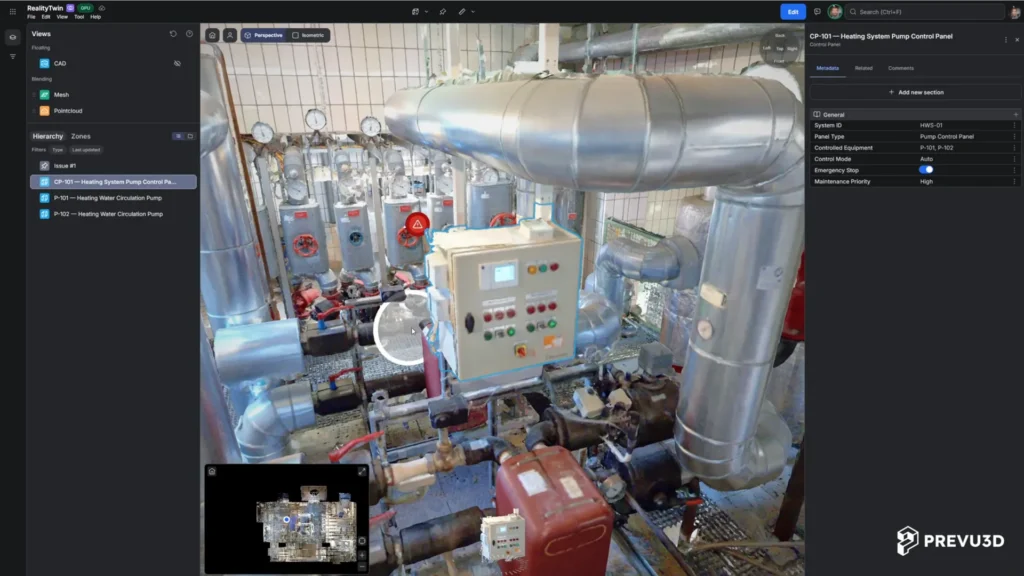
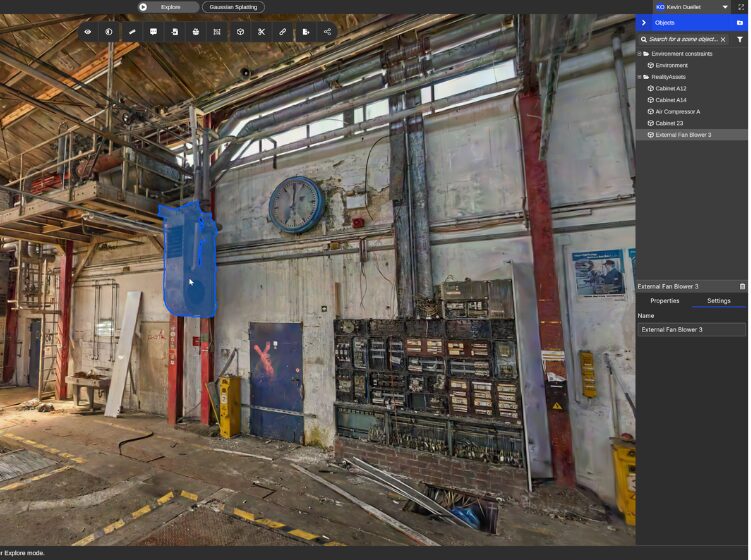
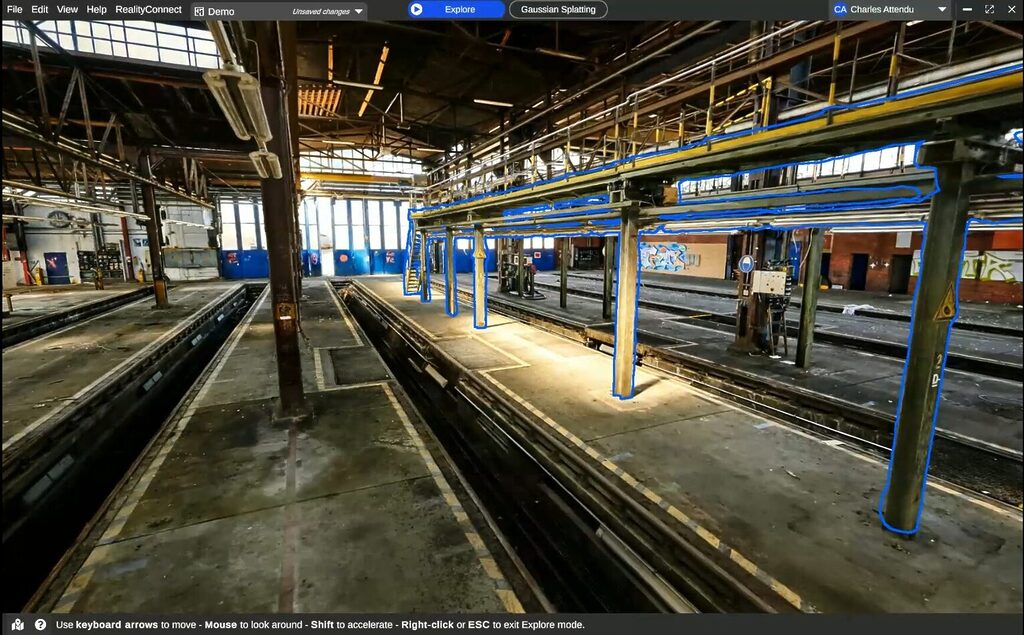
Cloud-based 3D visualization is the rendering and exploration of 3D models — point clouds, meshes, and digital twins — through a web browser, with the heavy processing handled on remote servers instead of a local workstation. Instead of installing desktop software and downloading multi-gigabyte files, users open a URL and interact with the model in real time.
It’s the difference between mailing a CAD file and sharing a Google Doc. The data lives in one place, stays current, and is accessible to everyone who needs it — from field engineers to executive stakeholders.
How Cloud 3D Visualization Works: From Scan to Web-Based 3D Viewer
A cloud 3D visualization platform typically follows four stages:
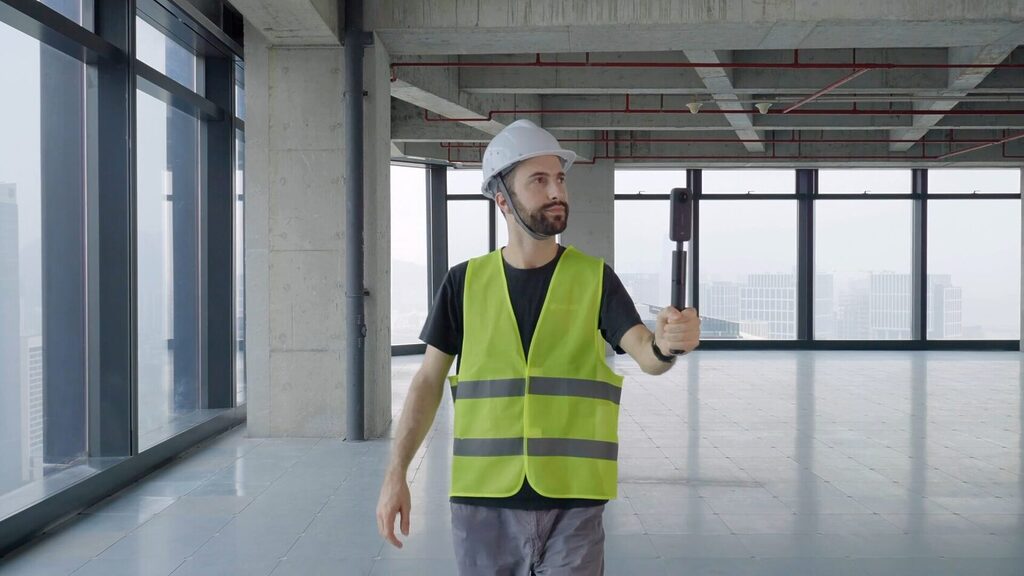
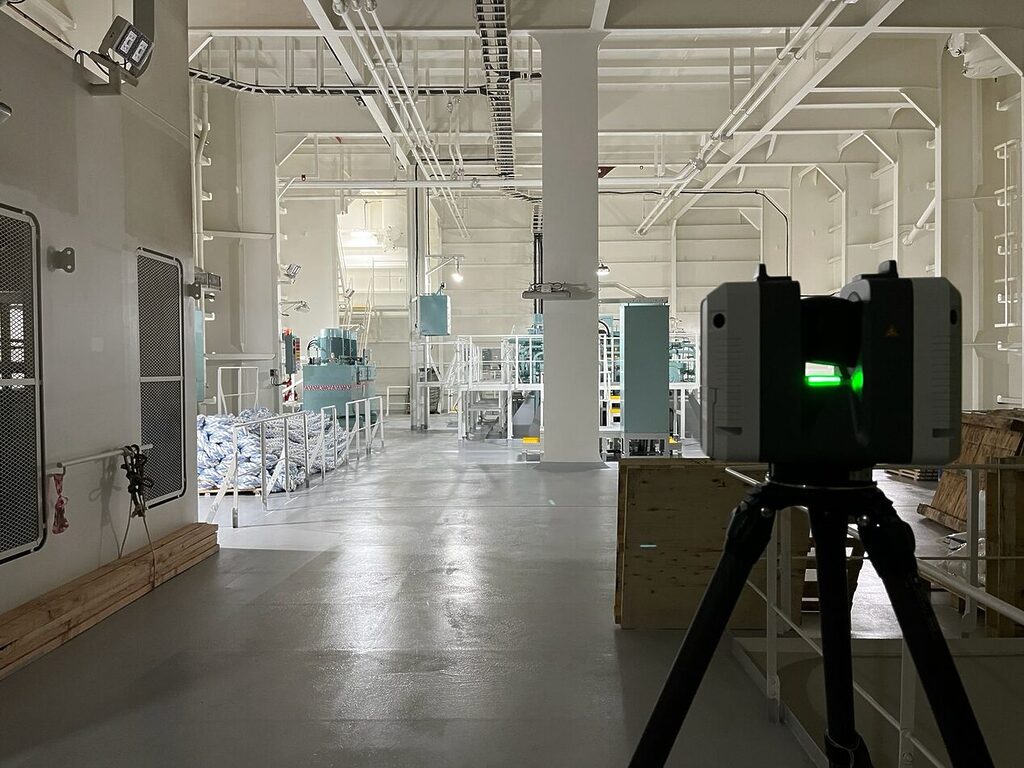
- Capture. Reality data is collected via laser scanners, LiDAR, or photogrammetry, producing dense point clouds. (For best results, see our reference guide on scanning for the highest-quality digital twin.)
- Process. Cloud servers handle the compute-heavy work — including point cloud to mesh conversion — turning raw scan data into optimized, navigable 3D models. This is where reality capture cloud processing replaces hours of desktop rendering.
- Stream. The optimized model is streamed to the browser using level-of-detail techniques, so users see a responsive scene without downloading the full dataset.
- Collaborate. Teams annotate, measure, and share directly in the viewer, with everyone looking at the same source of truth.
Benefits of a Real-Time 3D Platform in the Cloud
No hardware ceiling. Because rendering happens server-side, a phone can open a model that would crash a high-end workstation. The browser only handles what’s on screen.
Instant access for everyone. A web-based 3D viewer means no installs, no licenses for occasional users, and no file transfers. Stakeholders click a link.
One source of truth. When the model lives in the cloud, there’s no versioning chaos. Updates propagate to every viewer instantly.
Faster point cloud to 3D model workflows. Converting point cloud data to 3D models in the cloud removes the local-compute bottleneck, shortening the path from scan to usable deliverable. It also speeds up downstream work like back-modeling in Revit from point cloud.
Real-time collaboration. A real-time 3D platform lets distributed teams measure, mark up, and review together, cutting the back-and-forth of screenshots and exported views.
Cloud 3D Visualization Use Cases Across AEC and Industry
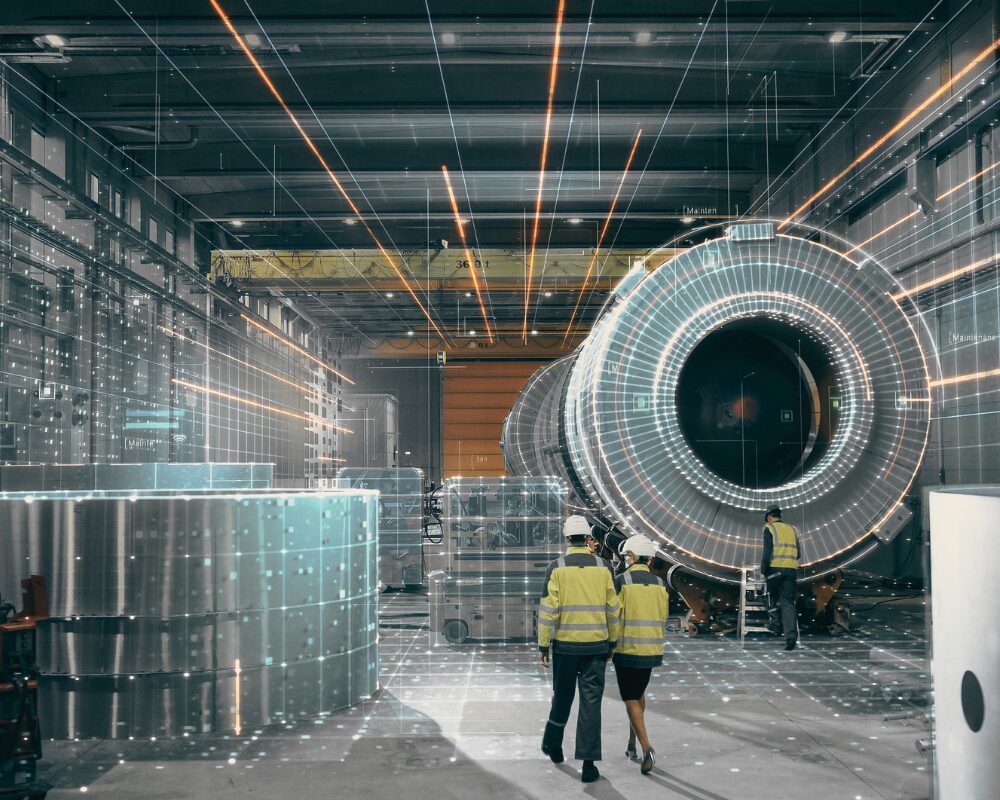
- Facility and asset management. Maintain a live digital twin of a plant, substation, or building that operations teams can navigate for inspections and planning.
- Asset visualization for infrastructure. Visualize energy assets, utilities, and industrial sites without dispatching crews for every question.
- Design and construction review. Compare as-built point clouds against design models in the browser to catch discrepancies early.
- Stakeholder communication. Replace static renders with an interactive scene clients can explore themselves.
- Training and remote site assessment. Walk a captured site from anywhere, reducing travel and site visits.
See how these play out in practice in our digital twin case studies, including an oil and gas visual twin deployment.
Cloud vs. Desktop 3D Visualization: Which Is Right for Your Team?
| Desktop | Cloud-Based | |
|---|---|---|
| Setup | Install software, download files | Open a browser link |
| Hardware | Powerful workstation required | Any device |
| Large datasets | Limited by local RAM/GPU | Streamed, effectively unlimited |
| Collaboration | Export and email files | Shared live link |
| Updates | Manual file distribution | Instant for all viewers |
| Access for non-experts | Steep — specialized tools | Immediate — point and click |
Desktop tools still have a place for deep, specialized editing. But for sharing, reviewing, and operationalizing reality capture data across a team, the cloud removes nearly every barrier to access.
Bring Your Reality Capture Data to the Browser
If your scan data is trapped in files only a handful of people can open, you’re leaving most of its value on the table. Cloud-based 3D visualization turns that data into a shared, living asset your whole team can use.
See how Prevu3D turns point clouds into browser-ready digital twins →