




Advanced 3D Visualization
Bring your data to life with advanced visualization on RealityPlatform™.
powerful 3d visualization
Unified Powerful Visuals for Point Clouds, CAD, and Meshes
RealityPlatform™ renders point clouds, CAD designs, meshes, and layouts in one platform. Navigate effortlessly with avatar, flythrough, and photosphere modes.
Visualize
Reality capture data
View point clouds, CAD designs, meshes, and layouts in one platform.
Navigate
Advanced exploration
Explore projects with avatar, flythrough, and photosphere modes.
Understand
Insightful modes
Use x-ray, heightmap, shaded, and MatCap views for better project context.
Transform how you explore and analyze reality capture data
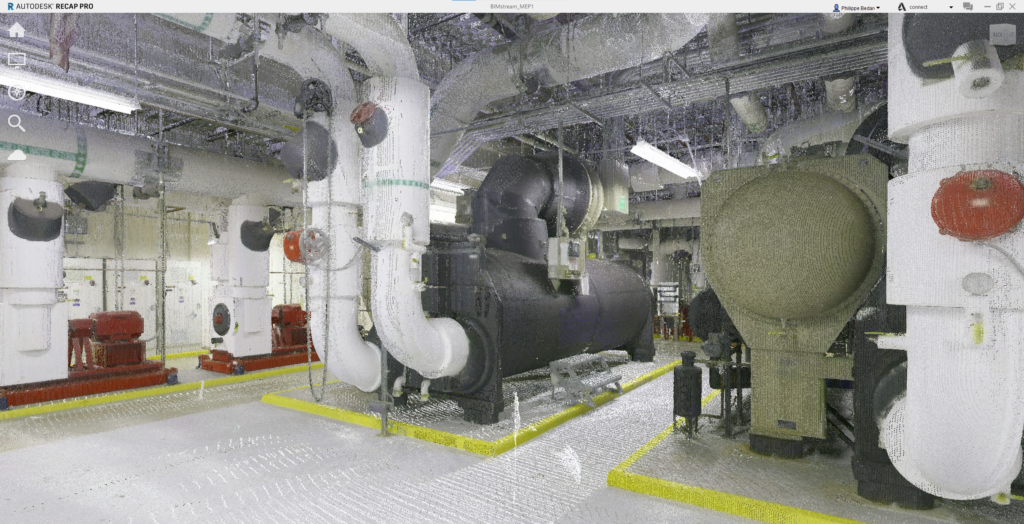
Point cloud viewer
- Easily inspect raw point cloud data directly within the Point Cloud Viewer.
- Adjust the minimum and maximum height of the point cloud change the viewing mode from top to any of the side views.
- Navigate seamlessly through site captures using immersive photosphere and picture-based navigation modes.
- View, manage, and share raw point cloud data effortlessly on RealityPlatform.
- Enjoy an intuitive interface designed for smooth exploration and walkthroughs of 360° site captures.
Navigation modes
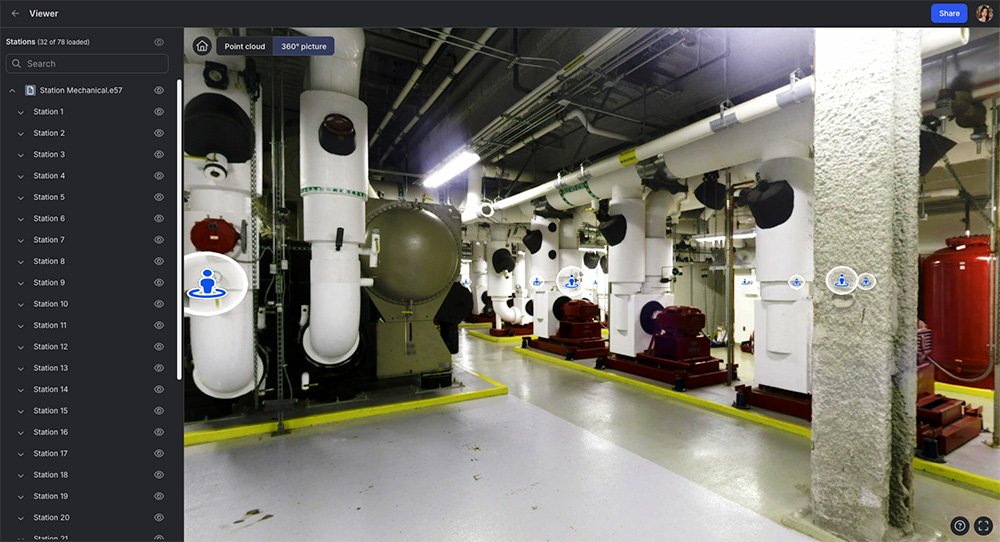
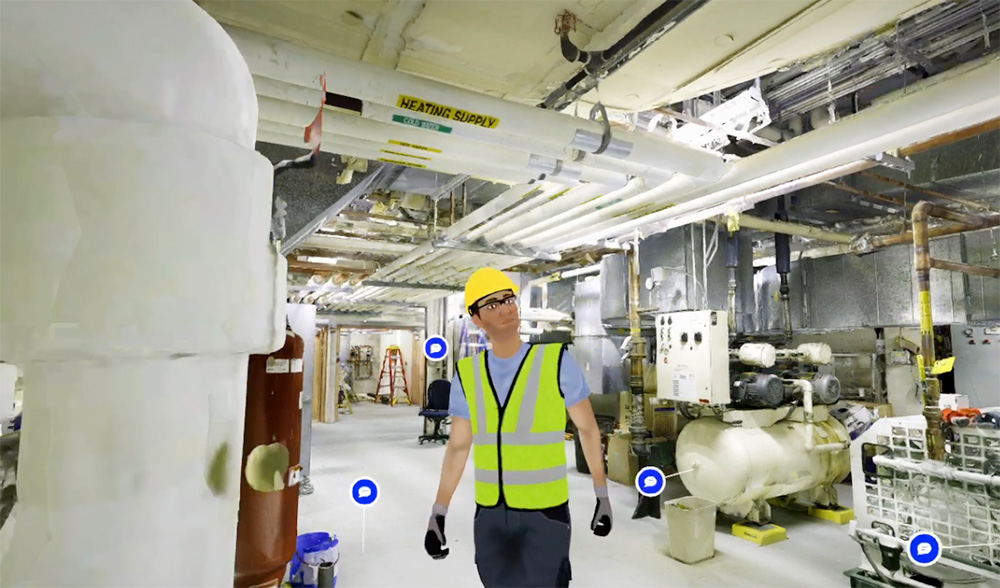
- Navigate 3D environments using advanced modes like avatar, flythrough, and photosphere for a dynamic experience.
- Use avatars to virtually “walk around” and explore spaces, bringing your 3D environment to life.
- Switch between X-ray, heightmap, shaded, and MatCap (greyscale) modes to enhance contextual understanding.
- Combine navigation and visualization styles for a deeper understanding of your environment.
Document
- View project layouts, track changes, and take precise measurements.
- Attach notes, documents, and URL links directly to assets.
- Provide comments on assets and project files, tagging users for feedback.
- Enable seamless collaboration with multiple users in a shared environment.
- Share projects with an unlimited number of web users.
With Prevu3D, projects where we have many engineers collaborating, we can give them access to the platform and they can get all their measurements in one place. It allows them to make quicker and better decisions, like ‘We’ll move this machine one meter or two, or we can insert new equipment here because we have the space.’ It’s been an extremely useful tool for that purpose.
Seneca Digital Twin Case StudyJean-François Legault
Chief Environment, Health, and Safety Officer at Seneca