
Anyone who has delivered a point cloud to a client knows the challenge. The data can be accurate, registered and complete, yet still hard for many stakeholders to interpret, so the conversation shifts to screenshots, markups and PDFs.
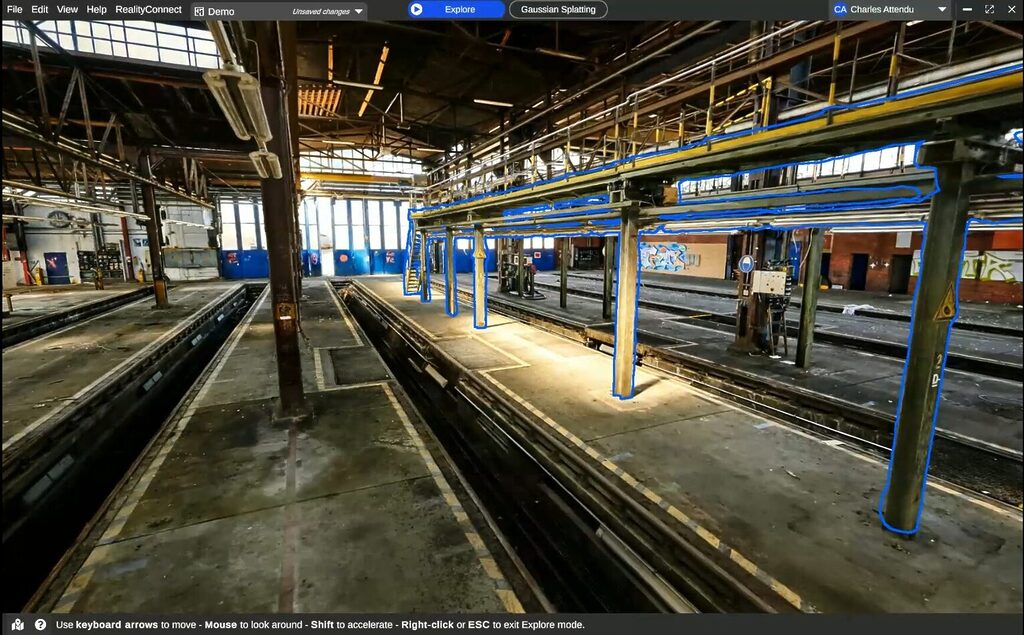
Gaussian splatting changes that. The same space becomes a photorealistic, navigable scene that non-specialists can review, discuss and act on.
For scanning professionals, the practical question is where a splat belongs in a workflow built on survey-grade data. The answer: next to the scan, not instead of it. This article looks at where splats fit, where their limits begin, and where 360 video comes in.
In short
- A splat’s strength is readability: it makes the captured environment easier to see, understand and discuss.
- Splats are optimized for readable visual context; metrology is outside that scope.
- Every frame sees the whole sphere, so one slow walk gives the reconstruction far more overlap than a set of phone photos.
- When a higher-fidelity scan arrives, that work carries forward.
- Review in the splat. Measure in the point cloud. Model against the mesh.
What a Gaussian splat actually is
3D Gaussian Splatting emerged from a 2023 SIGGRAPH paper by Kerbl, Kopanas, Leimkühler and Drettakis at Inria and the Max Planck Institute for Informatics.
Unlike a mesh, which reconstructs a scene as connected surfaces, a Gaussian splat represents it using millions of small, oriented 3D elements. Each carries information about position, shape, color, opacity, and how it should appear from different viewpoints.
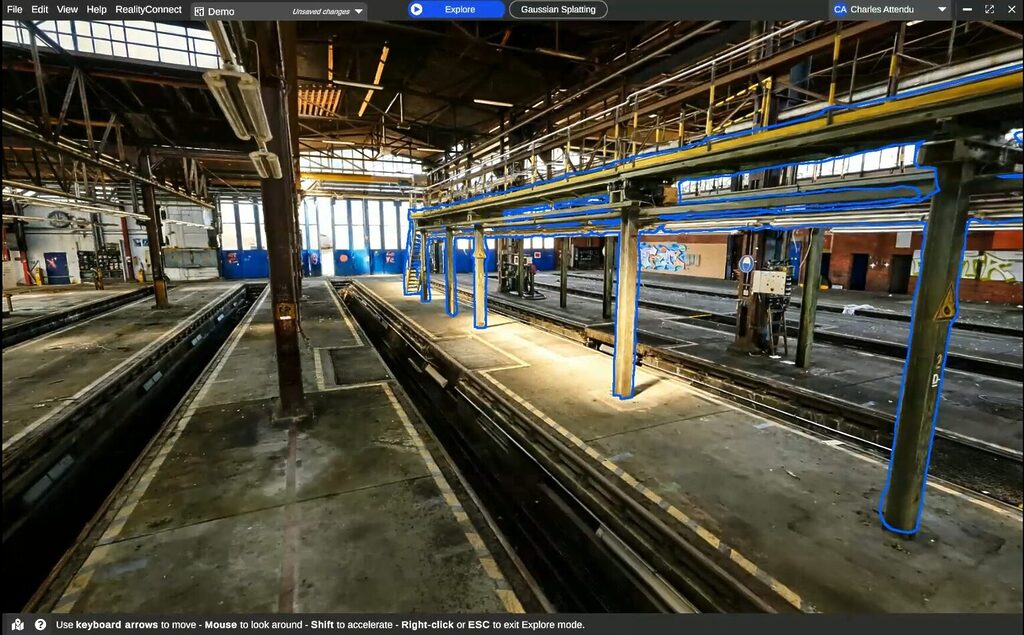
The result is a scene that can look remarkably close to the original imagery while remaining interactive and navigable in 3D.
That distinction matters. Splats are particularly good at preserving visual detail that can be difficult to represent cleanly with conventional geometry, including vegetation, reflections, fine textures, and complex lighting.
They can also provide a highly readable view of an environment without first turning every visible surface into an explicit mesh.
Industrial use cases for Gaussian splats
For the industrial clients you deliver to, splats are especially useful when the goal is understanding and communication:
- Remote site reviews with stakeholders who do not routinely work with point clouds
- Safety briefings and contractor onboarding before anyone travels
- Access and clearance discussions where visual context matters
- Reviewing existing conditions alongside proposed changes
A splat’s strength is readability: it makes the captured environment easier to see, understand and discuss.
Where Gaussian splats stop: accuracy and measurement limits
Javier Zhang, who leads the Spatial Intelligence vertical at Insta360 Enterprise, made the distinction clear during a recent Prevu3D Expert XChange session.
A splat gives you great site context, he said, but no engineering-grade measurements.
There are two reasons:
- A standard Gaussian splat does not contain an explicit surface to measure or snap against in the same way a mesh does.
- Its geometry can be locally inaccurate even when the rendered view looks convincing. Textureless surfaces, reflections, and thin structures are common problem areas.
Scale and intended use for camera-derived splats
That has two practical consequences:
- Treat scale deliberately. A splat inherits the scale established during capture and processing. RealityPlatform™ does not rescale Gaussian splats after upload, so the splat should be generated at the correct real-world scale or aligned to a trusted reference, such as registered scan data.
- Be clear about intended use. A camera-derived splat should be treated as contextual or scoping data unless its accuracy has been independently validated. It is excellent for understanding the environment, but it should not be mistaken for survey-grade geometry.
Splats are optimized for readable visual context; metrology is outside that scope.
Why a 360 camera is the most practical way into Gaussian splatting
Gaussian splats require imagery from many overlapping viewpoints.
A 360 camera’s video delivers that by default. Every frame sees the whole sphere, so one slow walk gives the reconstruction far more overlap than a set of phone photos.
Cost: a 360 camera versus dedicated splat hardware
It is also the lowest-cost place to start. Dedicated systems that pair LiDAR with high-frequency imagery can produce stronger splats, but a 360 camera costs well under $1,000.
Teams can test splats on their own sites before investing in specialized hardware.
The camera is also usually already on site.
Most days, the best capture tool is the one that’s already on site
Jay Ure, Director of Enterprise Success & Partnerships at Prevu3D.
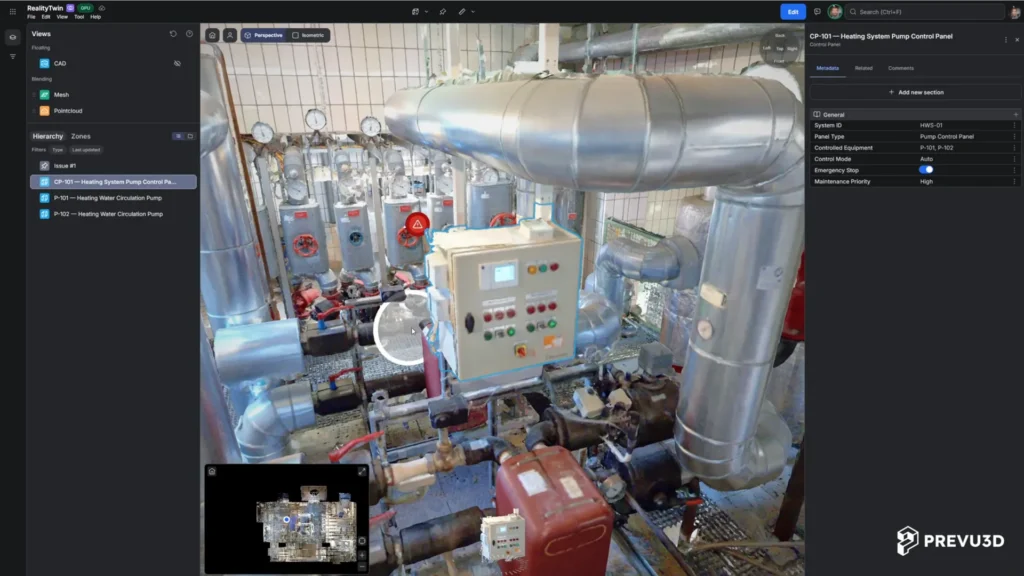
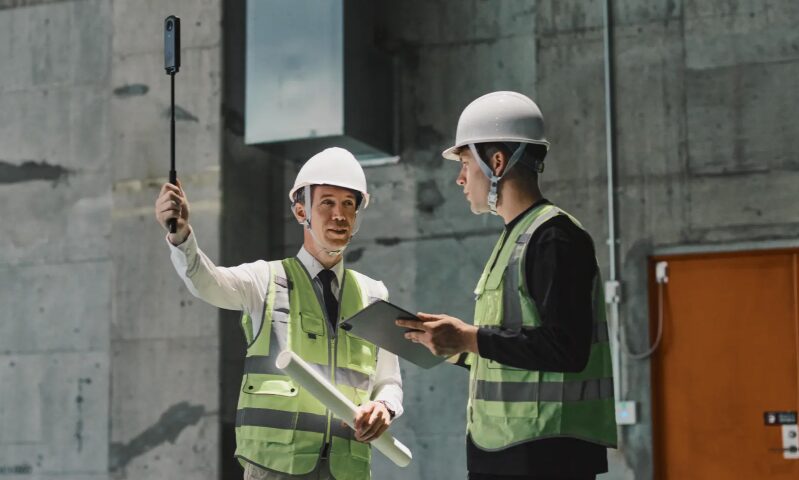
A supervisor can walk their normal route with an Insta360 X-series camera on a stick. RealityPlatform™ then processes the footage into panoramic imagery, a point cloud, a mesh and a Gaussian splat.
360 capture settings for Gaussian splats on Insta360
When capturing with supported Insta360 hardware, we suggest the following best practices:
- Capture settings: Timelapse 360 at 5.7K when available, or 8K on the Insta360 X6; 30 fps playback; 0.5-second capture interval.
- Camera position: Mount the camera on a rigid pole, in front of the operator and slightly above head level.
- Movement: Walk steadily at approximately 4 to 6 km/h, with smooth turns and at least 5 m of movement per capture.
- Clearance: Maintain at least an arm’s length from walls, equipment, and other nearby surfaces.
- Environment: Use good, consistent lighting and minimize moving people or machinery.
- Recording length: Keep each capture between 15 seconds and 30 minutes.
- Source files: Upload the original .insv files directly from the camera’s SD card without exporting, converting, renaming, or editing them.
Capture requirements may evolve; see the latest 360 capture guidelines for current settings.
Low light and highly reflective surfaces remain the main limits. Hazardous zones still call for a trained operator and a scanner.
One environment for Gaussian splats, point clouds and LiDAR scans
On its own, a splat is an impressive file. It becomes useful for engineering once it sits in the same coordinate system as your scan data. Here is the workflow:
1. Walk it. A 360 walkthrough gives a same-day navigable environment and scopes the job.
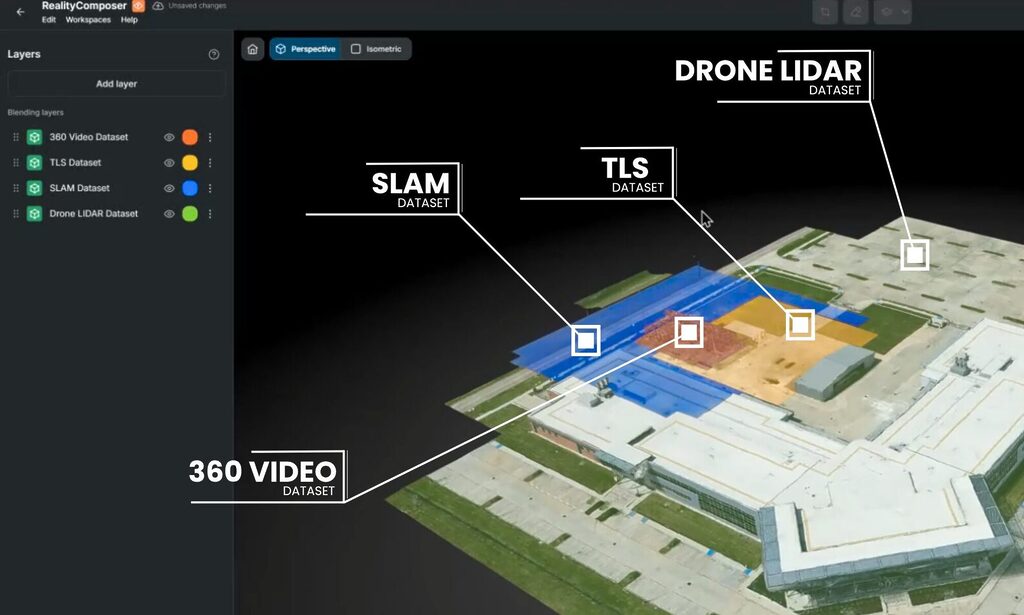
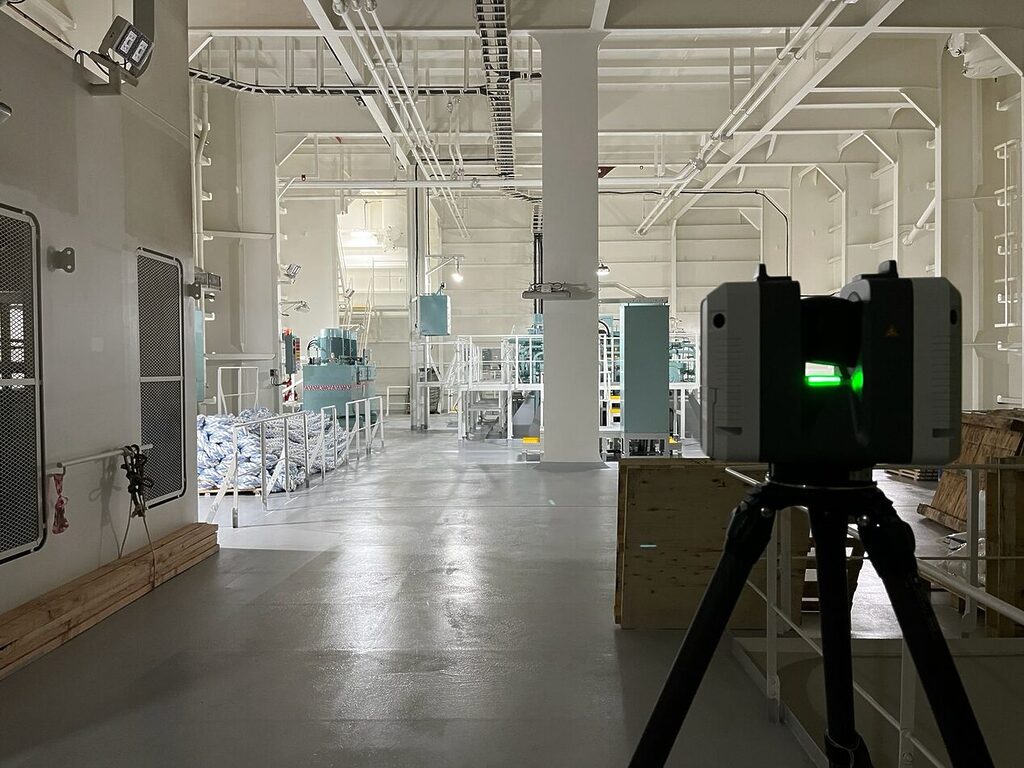
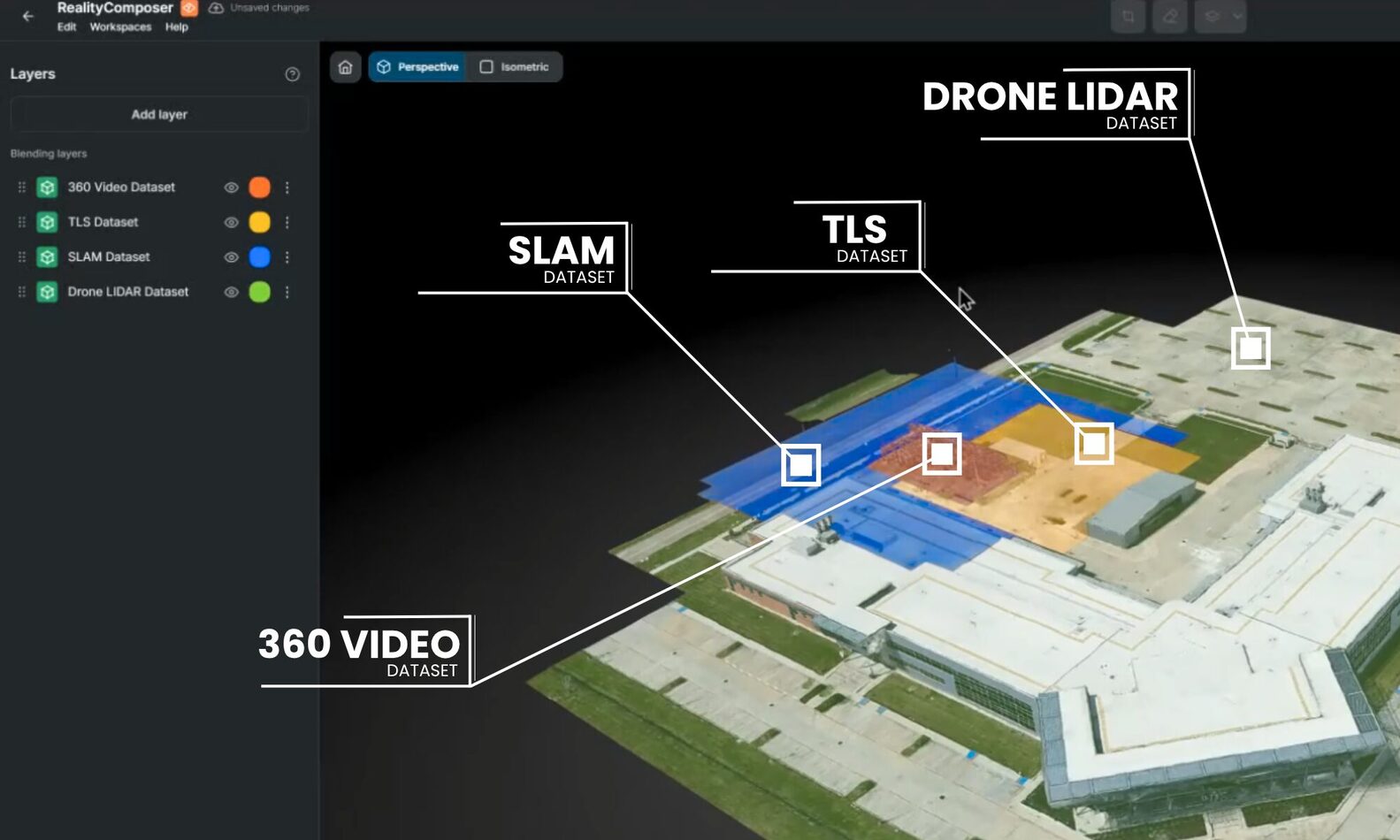
2. Scan where precision matters: TLS and SLAM. The walkthrough tells the crew which zones need TLS, which can be SLAM, and where the access issues are.
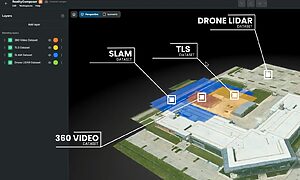
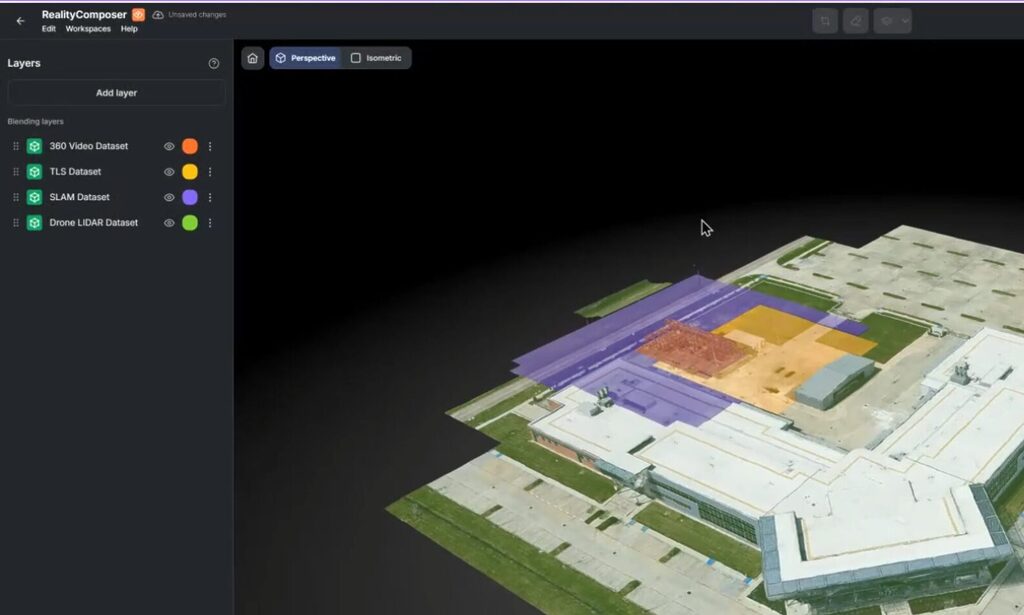
3. Align the splat with LiDAR. RealityComposer brings the 360 capture, the splat and the LiDAR into one environment, using survey control, local control or manual alignment. The scan supplies absolute scale and position; the 360 capture and splat supply context and coverage.
4. Use each representation for what it does best. Review in the splat, measure in the point cloud, model against the mesh. It’s the same environment, with no separate project.
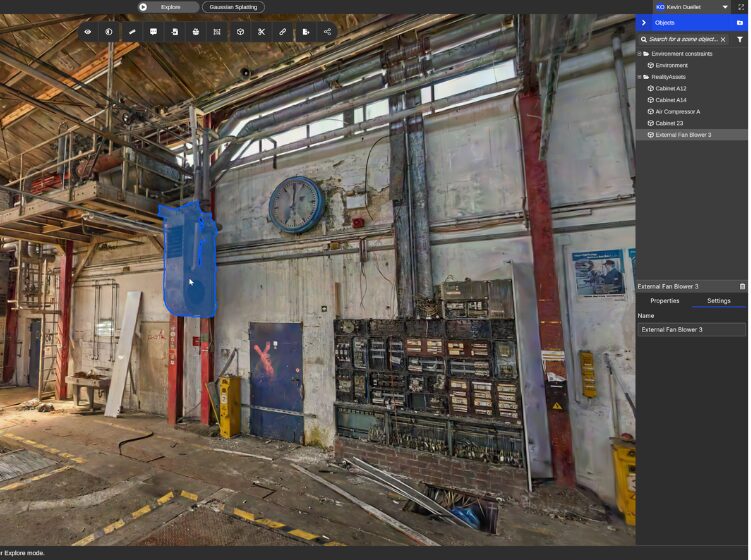
5. Build asset knowledge that carries forward. Teams create RealityAssets™, zones and points of interest directly in the splat-based environment. When a higher-fidelity scan arrives, that work carries forward.
As Jay put it during the session, you upgrade the capture, but the knowledge doesn’t start over.
Gaussian splats and 360 capture in practice: DB Systel and Topo3D
DB Systel, Deutsche Bahn’s digitalization subsidiary, shows what this looks like at scale. Staff with no 3D background captured hundreds of stations with affordable 360 cameras, and each spatial asset links to SAP PM.
Large, complex stations still get mobile LiDAR.
TOPO3D, a Montreal surveying and scanning firm, applies the same principle before every job. It walks each prospective site with an Insta360 before quoting, and the walkthrough answers what the quote depends on: number of setups, access constraints, and which zones need TLS versus SLAM.
The light capture makes the scan count.
Gaussian splats and LiDAR: the takeaway for scanning professionals
Survey-grade deliverables still come from the scan. What splats add is a version of the site that project managers, engineers, operators, contractors and executives can read without working inside a point cloud.
For scanning and reality capture providers, that makes the underlying scan more valuable. A splat gives clients a reason to keep using the data between scans, and gives you a reason to come back.
The real decision is which representation fits each task, and how to keep them connected.
- Review in the splat.
- Measure in the point cloud.
- Model against the mesh.
Send us a 360 walkthrough of a current project and see it in RealityPlatform™ as a navigable environment with point cloud and mesh. Want to see it as a Gaussian splat? Talk to our team