
Health and Safety
health and safety
Why safety training and site briefings miss the real site, and how to fix it
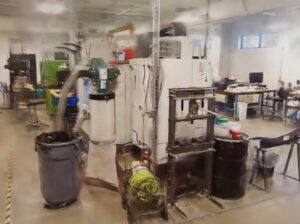
Health and safety without RealityPlatform™
Health and safety with RealityPlatform™, from scan to safer site
health and safety use cases
From emergency response training to contractor onboarding: 3D health and safety use cases
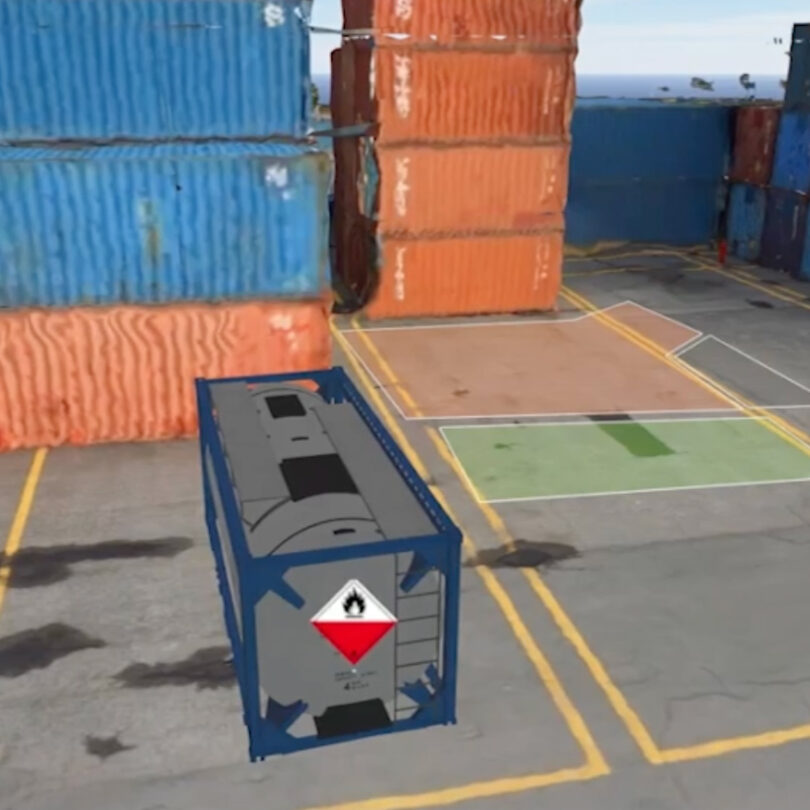
Emergency response training
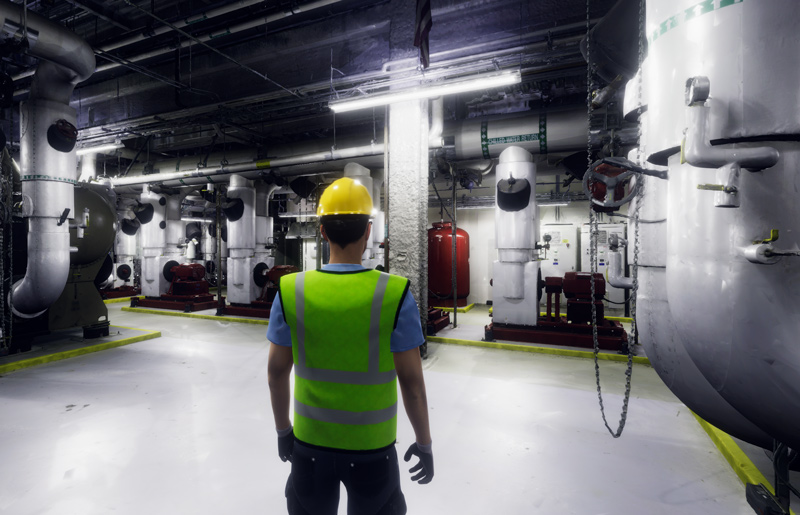
Multiuser virtual simulation
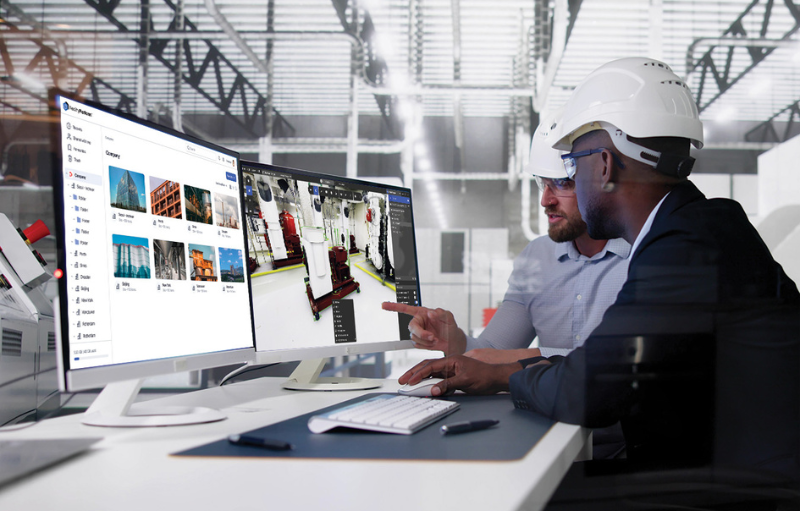
Hazard mapping and control testing
Contractor onboarding and safety briefings

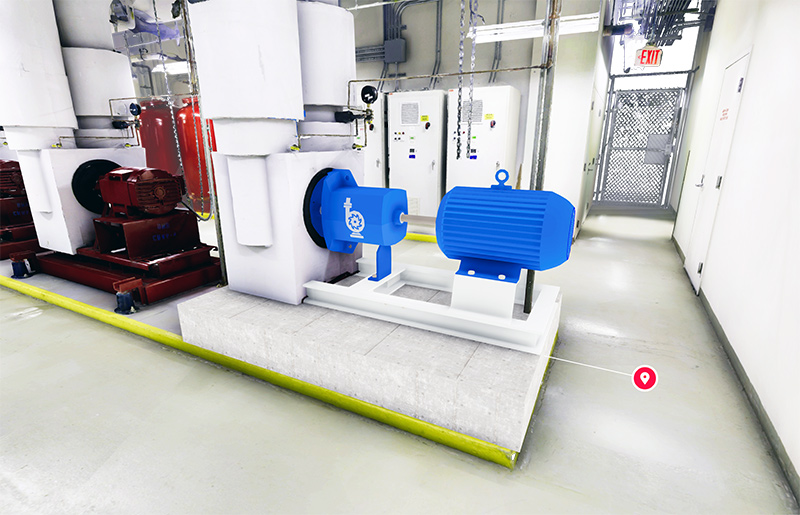
Inspection requirements on the asset
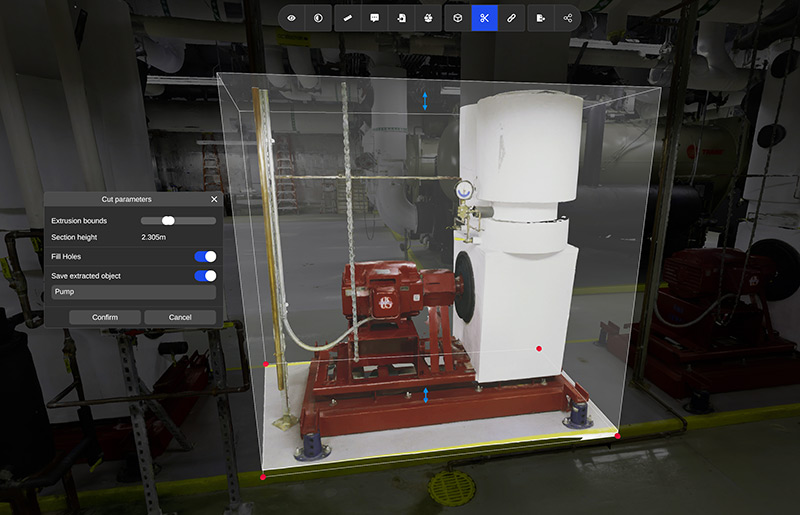
Remote practice, any time
WHAT WE DO
Enhance employee training with immersive 3D scenario testing to prioritize safety and minimize risks
Experience remote, interactive health and safety training with RealityPlatform™
Continuous practice in incident response is crucial, but on-site simulations can be impractical and expensive. Empower your team to simulate workplace conditions, identify safety hazards, and optimize safety protocols.
- Boost team engagement beyond lecture-based training using immersive environments and simulations.
- Maintain peak proficiency even during low-frequency, high-risk events.
- Develop and maintain cost-effective, site-specific hazard control programs.
CUSTOMER STORY: PORT OF MONTREAL
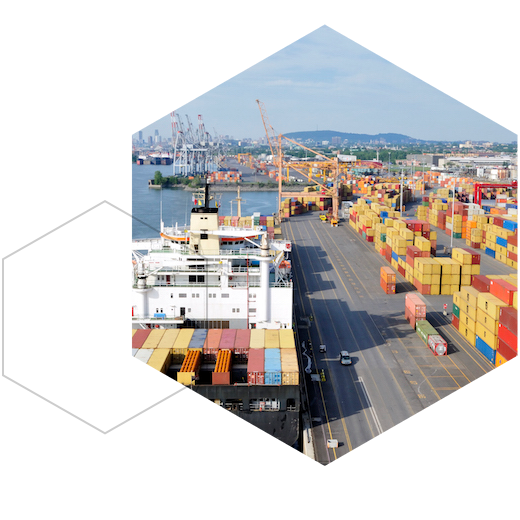
How the Port of Montreal trains fire and safety officers on a 3D model of the real port
Health and safety training FAQs
How does 3D emergency response training work in Prevu3D?
Trainers set up scenarios on a 3D scan of the real site and review how teams respond. At the Port of Montreal, scenarios can be placed anywhere along the 26 kilometre port, and conditions such as weather affect decisions and evaluation.
Do trainees need special software for 3D safety training?
No. RealityPlatform™ runs in a browser, so teams can practice on site or from home without installing software.
What do I need to start health and safety training in 3D?
A 3D scan of the area: E57 or LAS/LAZ point clouds from any scanner, or 360 video. No CAD model of the site is required.
Can we record inspection requirements on assets?
Yes. Assets carry inspection requirements such as frequency, accessibility and the date of the last inspection, so the safety record sits on the equipment itself.
How do we keep the 3D site current for safety work?
When the site changes, add a new scan or a 360 walkthrough. Assets, zones and notes stay in place as the capture improves.
What is the difference between a point cloud and a mesh?
A point cloud is the raw output of a scanner: millions of measured points, see-through and heavy. RealityPlatform™ processes it into a textured 3D mesh that looks solid and real, loads fast and opens in a browser for anyone on the team.
Is 3D safety training software secure enough for our IT team?
Prevu3D is SOC 2 certified, Cybersecure Canada and GDPR compliant, with SSO/SAML and role-based access by organization, site, project and team. See enterprise access and security.