
Immersive 3D Navigation
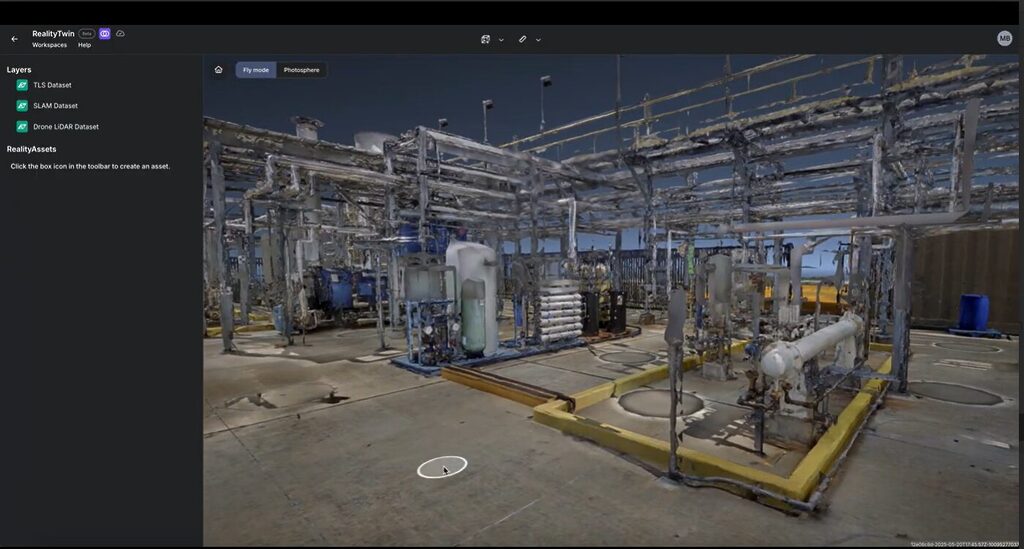
RealityTwin™ 3D Navigation delivers spatial clarity with an immersive browser-based experience to explore your site, locate assets, and plan from anywhere.
Virtual access to real-world conditions
Move through your site without leaving your desk
RealityTwin™ gives teams an immersive way to walk through their facility, inspect assets, and navigate complex environments directly from the browser. Whether you're planning a retrofit or prepping for shutdown, RealityTwin™ puts visual context at your fingertips, anywhere, anytime.
Immersive Exploration
Full-facility visibility
Navigate in 3D with precision and confidence, no site visit required.
Contextual Asset Access
Click-to-reveal information
Instantly identify, locate, and interact with assets in spatial context.
Cross-Team Coordination
Visual reference for everyone
Align field crews, planners, and stakeholders with a shared view of reality.
RealityTwin™ Key Differentiators
Facility-Wide Visual Context
Navigate through your entire site in one cohesive twin.
- Move through zones, floors, and equipment areas with smooth 3D navigation
- Seamlessly switch between SLAM, drone, TLS, and photogrammetry layers
- Use visual clarity to verify conditions, reduce miscommunication, and speed up workflows
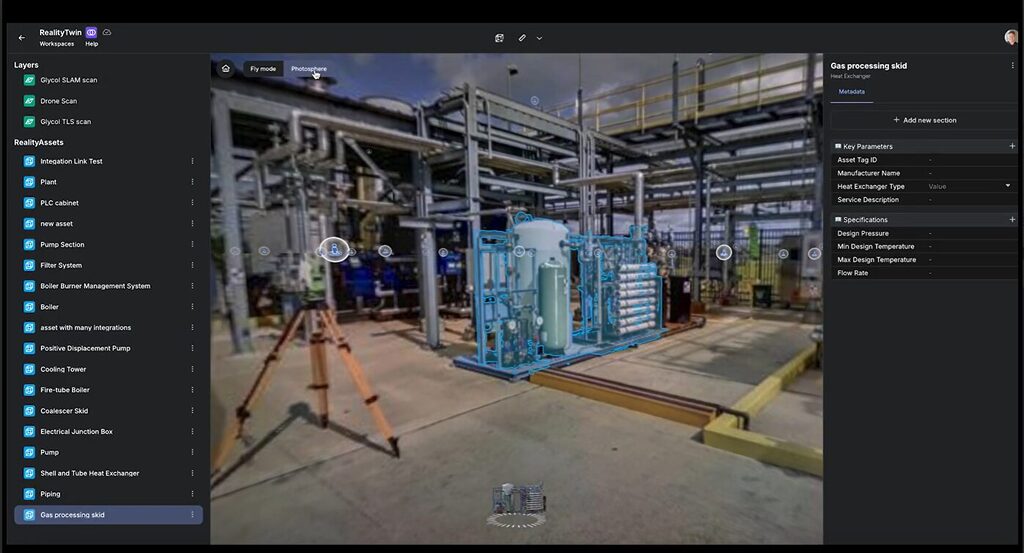
Click-to-Identify Assets
Instant access to asset data from within the 3D view.
- Select any tagged asset to surface metadata, documentation, or maintenance records
- Locate equipment faster—no manual lookups or back-and-forth with paper records
- Great for inspections, repairs, or training new team members
Always Accessible
Explore from anywhere, no plugins or software needed.
-
Web-based experience works across devices
-
Empower cross-functional teams and remote contractors
-
Use as a daily reference point for shutdowns, walkdowns, or emergency response
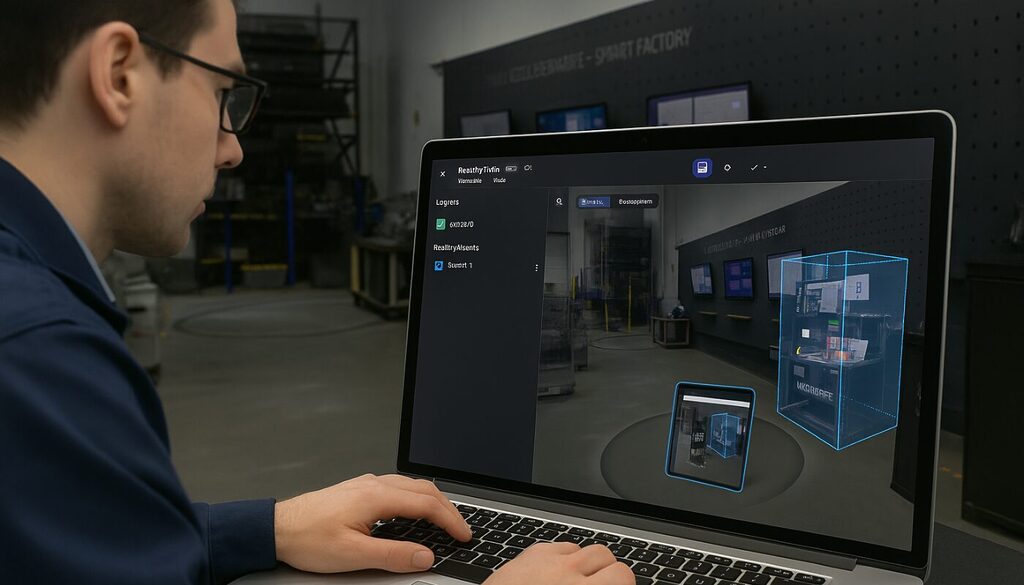
Managing buildings, I must ensure that construction plans are up to date, often requiring on-site measurements and validations. This information is available in our 3D environment on the Prevu3D platform, which is accessible even when working from home or on-site with suppliers.
Yves Gaudreault
Mechanical Engineer, General Mills


