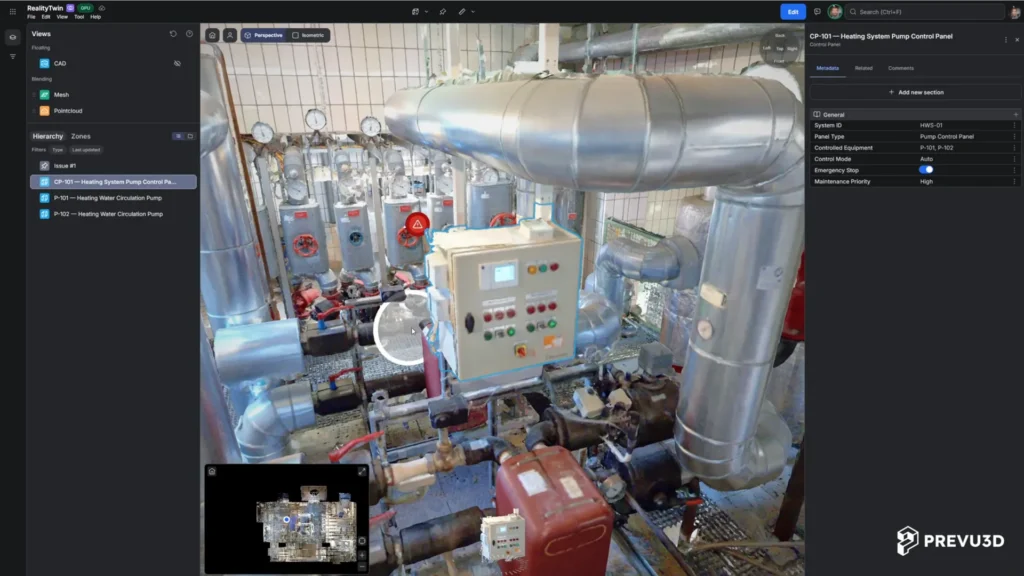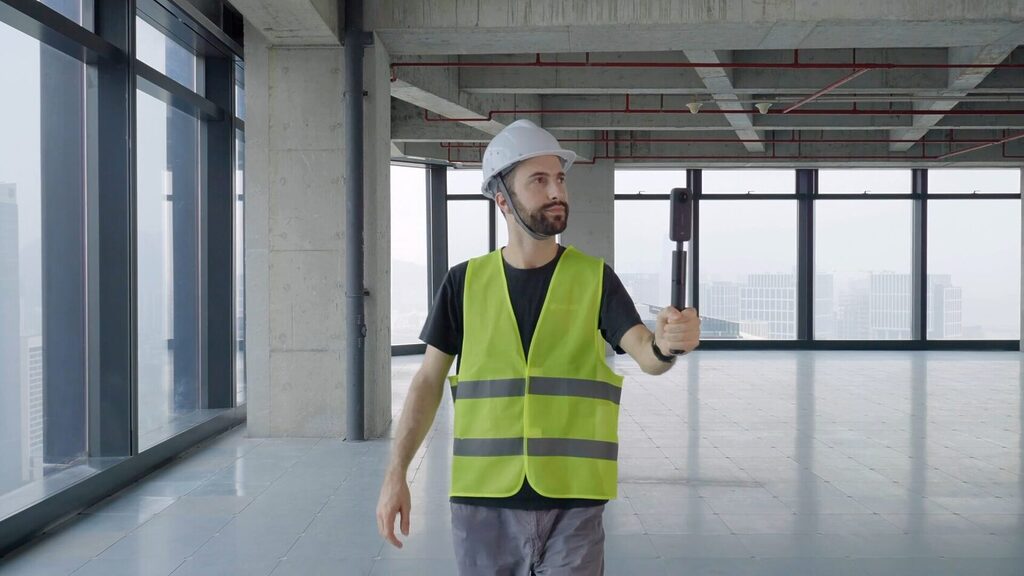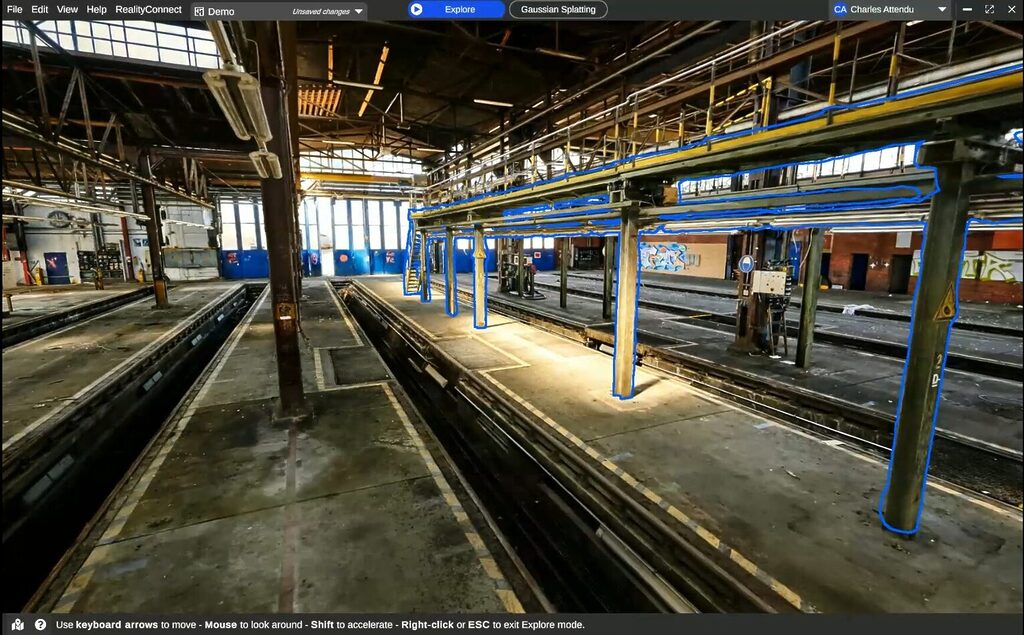
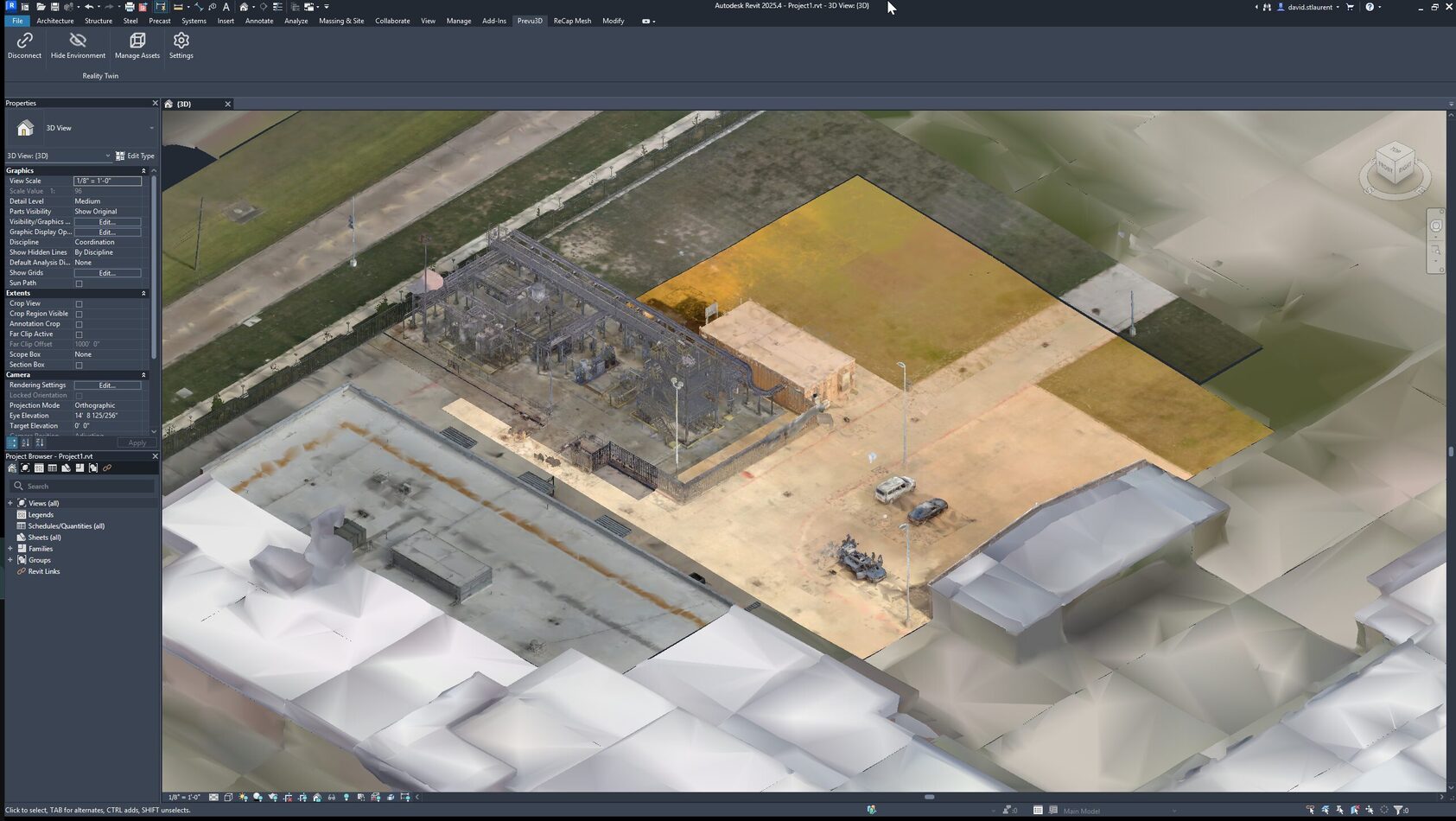
Reverse engineering or back modeling a CAD model from point clouds and meshes in Revit can be complex and time-consuming for design engineers. Point cloud datasets are often quite heavy and take a long time to load. Working with point clouds also presents challenges in isolating specific assets while removing the surrounding noise. Large meshes pose display issues within Revit.
RealityConnect for Revit is a plugin that improves the efficiency of using reality capture data in Revit while also accelerating your back modeling work.
Seamless management of heavy point cloud datasets
One of the key features of RealityConnect for Revit is its ability to seamlessly manage heavy point cloud datasets by enabling the design engineer to control the point cloud density.
Traditionally, handling large point clouds involves significant time and effort in downloading data, performing numerous file conversions, and manually managing the large point cloud files. Our plugin, RealityConnect eliminates these steps, allowing for a more streamlined workflow.
Efficient workflows in meshed environments
Revit often struggles to display large meshes, making them impossible to use during the modeling process. RealityConnect for Revit tackles this issue by enabling fast loading of meshes at low resolution for an overview and then clipping specific areas for higher resolution when needed.
This ensures that you have the necessary detail precisely where you need it without bogging down the system with unnecessary data.
Cropping with the section box is straightforward, but overlaying can be complex, often requiring multiple views. In RealityConnect for Revit, a single 3D view allows us to toggle the entire scene with ease and versatility. One major challenge is computing power, especially with large point clouds. Segmenting a small portion, if you’re going asset or back modeling, can greatly improve performance and usability.
– Janet Ferrara, BIM Manager at Progressive Design
Breaking down point cloud into RealityAssets
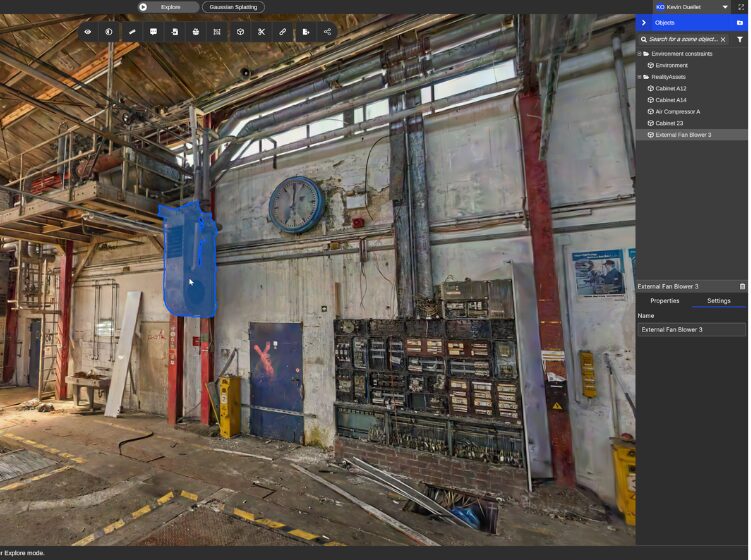
RealityConnect for Revit empowers users to break down their reality capture data into 3D assets that are easier to manage inside Revit. This capability makes it easier to isolate specific elements within the point cloud, making it easier for the back-modeling process. The plugin also preserves textures and materials when importing meshes, making it ideal for projects where meshed assets serve as visual references or context – further reducing the amount of modeling needed for your engineering project.
Streamlined integration with Revit
Loading RealityAssets from Prevu3D into RealityConnect for Revit allows users to load only the required trimmed point cloud and mesh components. This selective loading significantly reduces the time and resources needed to work with large datasets. There are several benefits to using this capability, from creating assets in the Revit family that can be reused for your design work to reducing the number of assets you need to back model if you are able to reuse those meshed assets.
Advantages of modeling off existing conditions
Modeling off existing conditions using meshes offers distinct advantages over point clouds. Meshes provide more precise and visually accurate references, which is particularly beneficial for complex projects.
RealityConnect for Revit leverages Prevu3D’s unique point cloud to meshing technology enhancing the efficiency and accuracy of the modeling process.
A better way for Revit users to deal with point cloud
Prevu3D is excited to introduce RealityConnect for Revit, a new plugin designed to improve and streamline the CAD modeling process from point clouds and meshes right inside your Revit environment. This innovative tool addresses common pain points and introduces a more efficient workflow for design engineers.
We’ve tried other plugins that convert point clouds into native Revit elements, but they take a while and don’t work well. We end up back modeling anyway. RealityConnect™ for Revit is something we’ve been dreaming about for a while, especially since we scan every job. There’s always back modeling involved, and this is just an easier way.
– Janet Ferrara, BIM Manager at Progressive Design
RealityConnect for Revit is a plugin that transforms design engineer workflows. It streamlines the CAD modeling process, enabling efficient use of reality capture data within your Revit environment. Transform your projects with unmatched efficiency and precision.