





Point Cloud to Revit
Scan-to-revit Point Cloud Modeling
Import Point Clouds into Revit — without slowing down your workflow
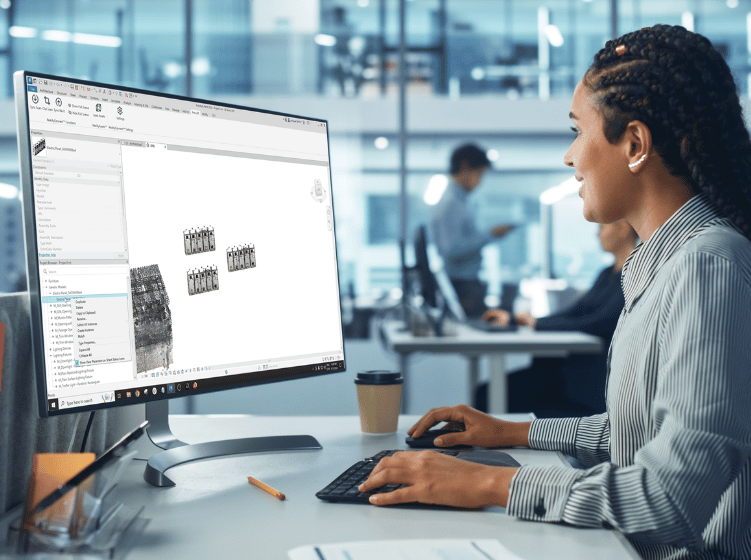
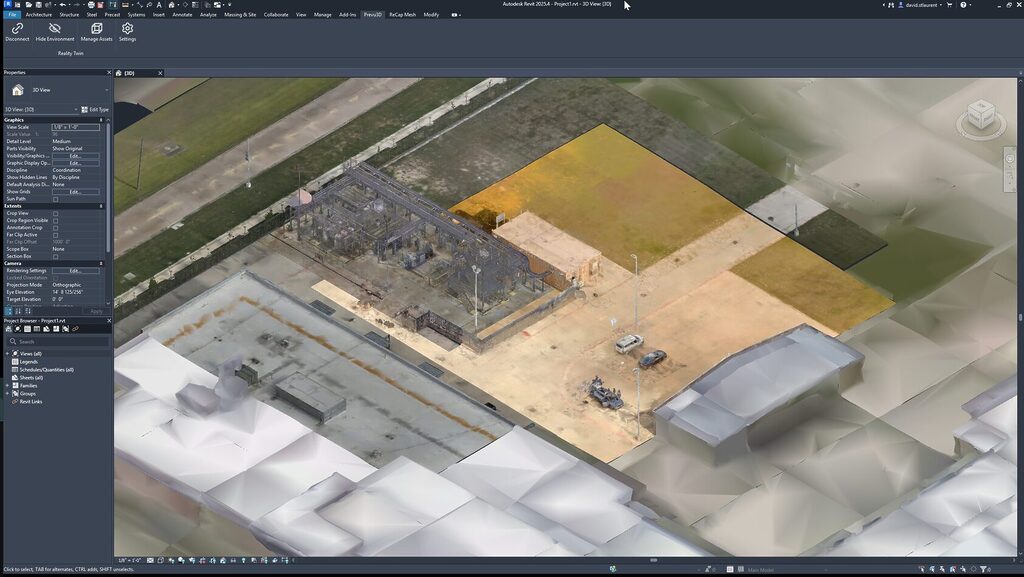
RealityConnect™ Autodesk Revit plugin for scan-to-Revit and reality capture workflows. Load point clouds, 3D meshes, and as-built scan data directly into Revit — without file conversion, without performance lag, and without leaving your modeling environment.
Deliver Faster Revit modeling against existing site conditions
Built for Scan-to-Revit modeling workflows
RealityConnect™ helps Revit users work from reality capture data without slowing down their modeling process.
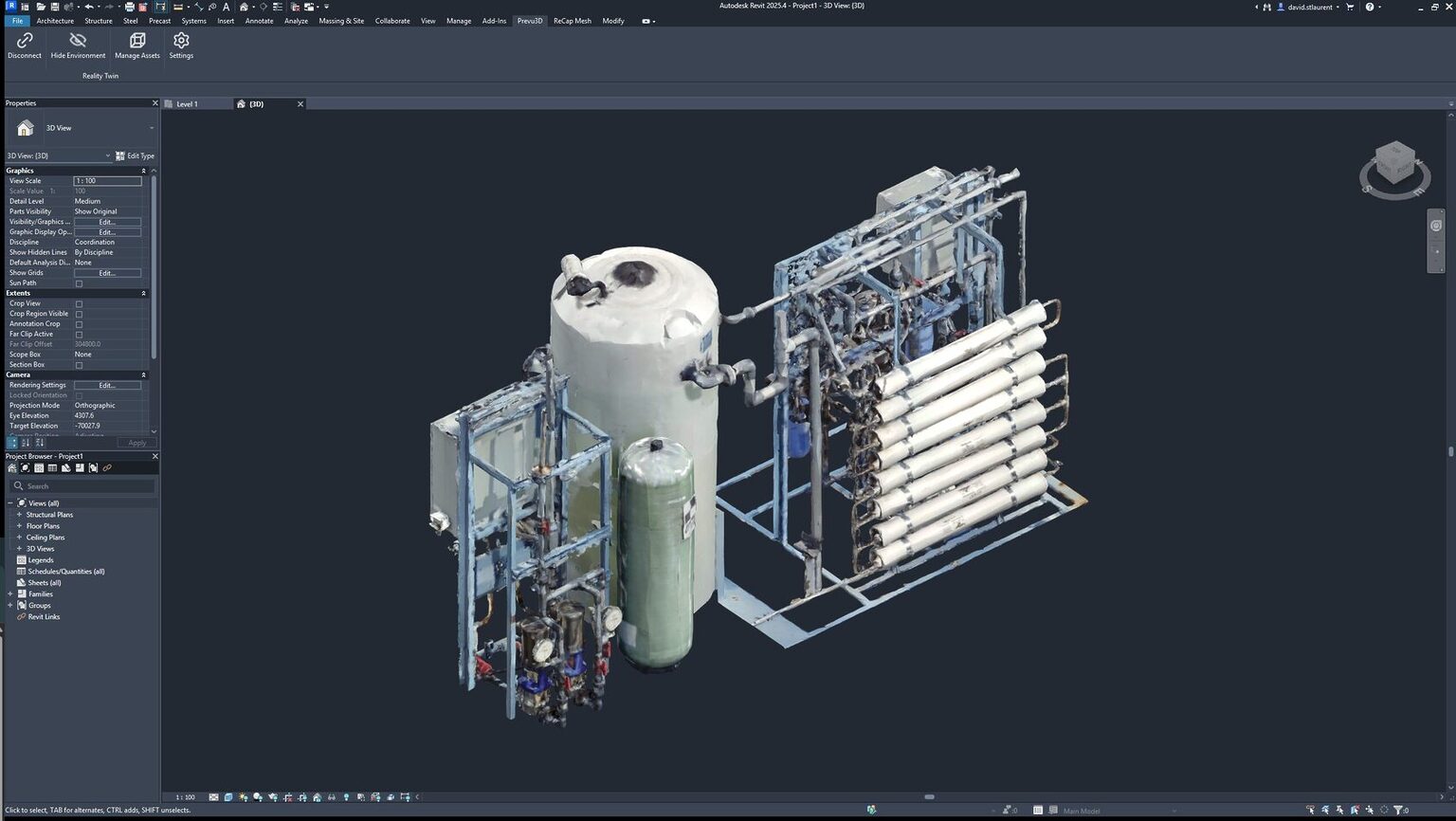
Instead of wrestling with heavy point clouds, your team can stay focused on what matters: making accurate design decisions and delivering buildable models.
Common workflows this supports:
- Import E57, LAS, and RCP point clouds directly into Revit — no file conversion required
- Selective loading: stream only the scan area you need to keep Revit performance stable
- Model from as-built reality capture data, not outdated drawings
- Detect clashes between scan geometry and new design elements before construction
- Deliver scan-to-BIM models faster with fewer field verification trips
Connecting Scan-to-Revit to Reality Capture and CAD Modeling
RealityConnect™ acts as the bridge between reality capture and CAD modeling.
It enables engineering teams to bring real-world site data into Revit workflows in a practical and scalable way.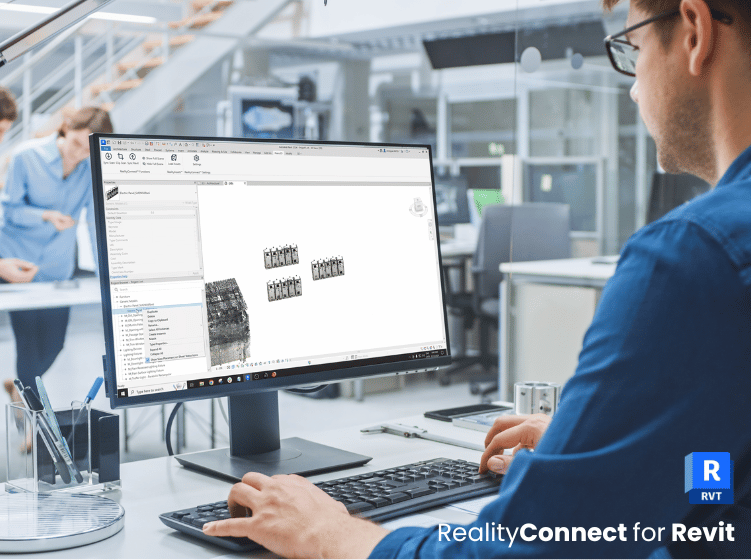
How it fits into the pipeline:
- Reality capture data is collected (point clouds, meshes, imagery)
- Data is organized and managed in a centralized environment
- RealityConnect™ connects Revit to the right dataset
- Engineers model with real-world context directly inside Revit
- This makes it easier to move from field reality to design intent to execution-ready deliverables.
Validate Revit designs against as-built site conditions — before construction begins
Design decisions made from outdated surveys cause clashes, rework, and costly change orders. RealityConnect™ closes the loop by pushing your Revit models into RealityPlan™ for spatial validation against live, georeferenced scan data — so every design decision reflects what actually exists on site.
- Export updated Revit models directly into RealityPlan™ for as-built clash detection
- Overlay design intent on georeferenced point clouds to identify geometric gaps and integration conflicts
- Visualize design changes in real-world 3D context before committing to construction
- Share designs with remote stakeholders for web-based review and annotation — no software install required
- Catch clashes at model stage, not on site, and keep infrastructure projects on schedule
Built for your workflow
From point cloud to BIM model — inside Revit
From scan-to-BIM workflows to clash detection and as-built validation — see how BIM coordinators, EPCs, and AEC firms use RealityConnect™ to model faster from reality capture data inside Revit.
BIM & Design Engineers
Import E57, LAS, and RCP point clouds into Revit for scan-to-BIM modeling. Build accurate BIM models from georeferenced as-built scan data — fewer assumptions, fewer RFIs.
EPC & Construction Project Teams
Validate Revit BIM models against live point cloud data before issuing for construction. Detect MEP clashes, structural conflicts, and clearance issues at model stage — not on site.
Scanner & Survey Firms
Deliver reality capture data as RealityAssets™ directly into client Revit environments. No file conversion, no middleware — faster scan-to-BIM handoff on every project.
Point Cloud to Autodesk Revit Plugin FAQ
Does your Revit point cloud plugin support large Revit files?
Yes. RealityConnect™ is built to support workflows that involve heavy scan datasets, helping teams stay productive while working with real-world context.
How do I import a point cloud into Autodesk Revit?
With RealityConnect™, import E57, LAS, and RCP point clouds directly into Revit from Prevu3D’s RealityPlatform™. No file conversion or external tool required. Load only the scan area you need to keep Revit performance stable, even on dense multi-zone projects.
Can I convert a point cloud to a 3D model in Revit?
Yes. RealityConnect™ lets you segment point cloud data and generate lightweight RealityAssets™ to use as reference geometry for scan-to-BIM modeling directly inside Revit. Control mesh resolution and Level of Detail (LOD) without leaving your CAD environment.
What is the best Revit plugin for reality capture and point clouds?
RealityConnect™ by Prevu3D is a native Autodesk Revit plugin built for reality capture and scan-to-Revit workflows. It connects Revit to a centralized point cloud and mesh management platform, supports selective E57/LAS/RCP loading, and enables scan-to-BIM modeling without performance tradeoffs.
Does the Revit point cloud plugin support as-built modeling and clash detection?
Yes. Import georeferenced LiDAR or photogrammetry scan data into Revit, generate 3D mesh geometry, and use it as a reference layer to detect MEP clashes, structural conflicts, and clearance issues at model stage — before issuing for construction.
Can I load only part of the Revit dataset?
Yes. RealityConnect™ enables selective loading so you can focus on the areas you need.
Does this replace Revit modeling?
No. RealityConnect™ supports and accelerates back modeling in Revit by improving access to reality data.
Do project stakeholders need a Revit licence to review BIM models?
No. Push your Revit BIM model into RealityPlan™ and share it via web browser with project owners, EPCs, and site teams. Stakeholders can review, annotate, and approve designs in 3D without installing Revit or any other software.