
Oct 22th 10:00 AM ET
What Happens When AI Understands Reality?
Register Now

Simplify Revit Workflows with Seamless Reality Capture Integration

Streamline Revit modeling with RealityConnect. Sync point clouds and meshes, create accurate as-built families, and optimize BIM workflows with Prevu3D.

Wednesday, 18 June 2025 , 10:42 am EST

Realityconnect for Revit Thumbnail Prevu3d

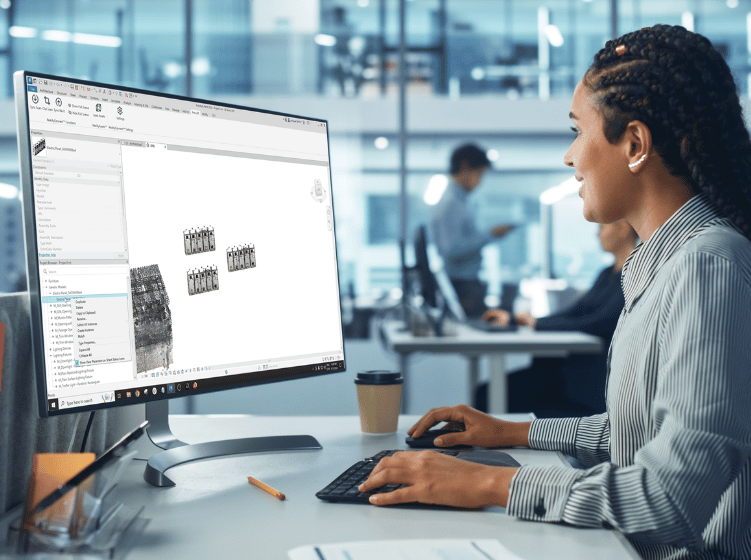
Modeling with reality capture data in Revit can be challenging, especially when handling complex point clouds and large meshes. Prevu3D’s RealityConnect for Revit plugin simplifies this process by enabling seamless synchronization between reality capture data and Revit. With 3D assets now in Revit, you can begin the As-Built Revit Family Creation process or refine imported elements—what you see in reality, you can bring into your Revit family in just a few clicks. Reduce the complexity of reverse engineering and optimize your workflow with a more efficient solution.

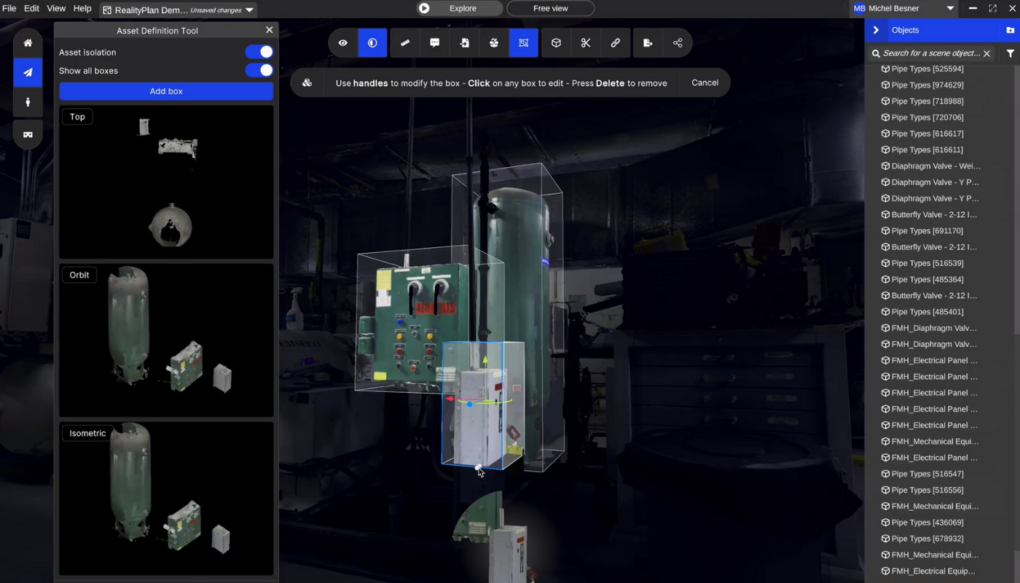
Step 1: Isolating Specific Assets for Revit/BIM Modeling

When working with a 3D scan model, isolating key assets for CAD modeling is crucial. RealityAsset Creation Tools in Prevu3D streamline this process with:

The AI Magic Wand Tool for quick selection of key elements.

The Bounding Box Tool to refine asset selection for accuracy.

The Turntable Tool for easy inspection and adjustments before integration into CAD workflows.
Prevu3d

Step 2: Sync Your Data with RealityConnect for Revit

Ensure the RealityConnect plugin is installed in Revit before proceeding. Start the connector in RealityPlan to establish a link between Prevu3D and Revit. Using the Sync Scan button, seamlessly import your point cloud or mesh data into Revit without complex manual imports.

Traditionally, this workflow required Autodesk Recap to process point clouds before importing them into Revit. RealityConnect eliminates this step, saving time and simplifying the process.
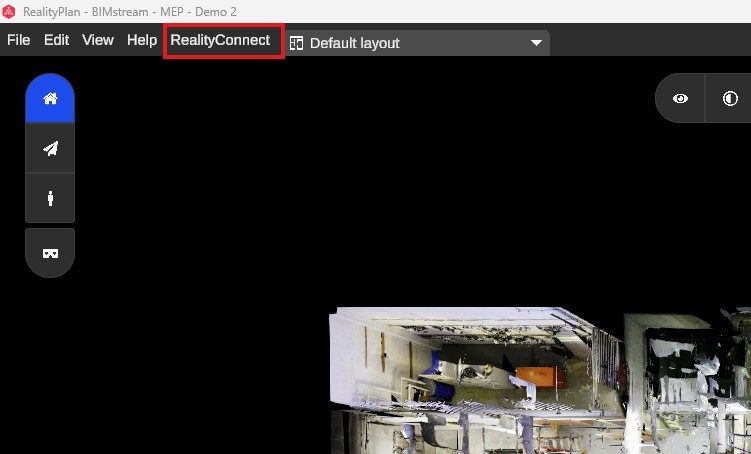
Realityplan Software Interface with the realityconnect Menu Highlighted and a Partial 3d Scan Visible in the Workspace Prevu3d

Step 3: Importing Point Cloud Data and Mesh Sections

RealityConnect streamlines the handling of large point cloud datasets and meshes, avoiding unnecessary file conversions and data processing.

Efficient Point Cloud Management

Traditionally, managing large point clouds required extensive processing. RealityConnect simplifies this by:

  • Allowing low-resolution previews for quick navigation.
  • Enabling high-resolution clipping of specific areas as needed.
  • Optimizing performance by controlling point cloud density.

Seamless Mesh Integration

  • Revit struggles with large meshes, but RealityConnect improves usability by:
  • Loading low-resolution overviews while enabling high-detail clipping where required.
  • Preserving textures and materials during import.
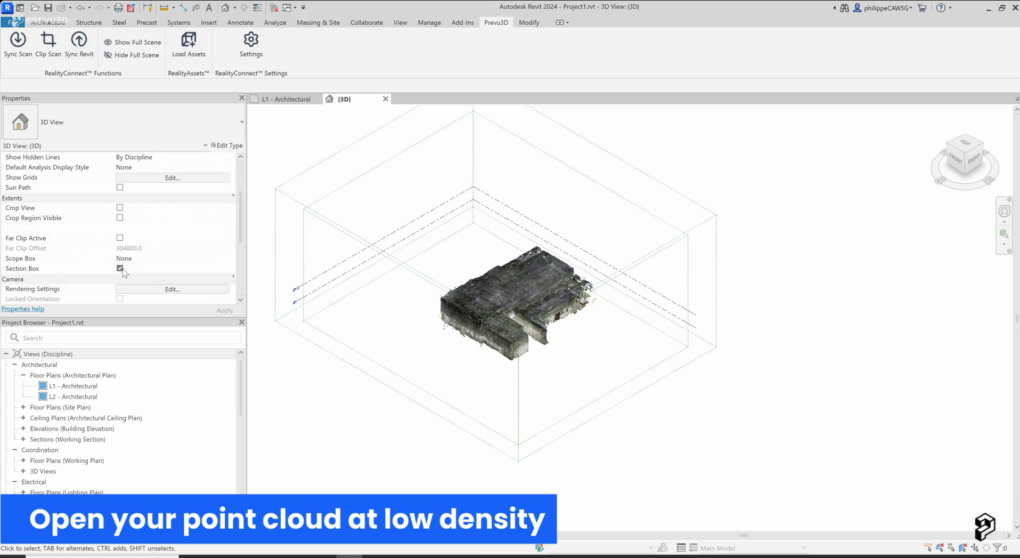
Autodesk Revit Interface Displaying a 3d View of a Low density Point Cloud Scan Within a Section Box with a Caption Reading open Your Point Cloud at Low Density Prevu3d

Step 4: Import 3D Assets into Revit

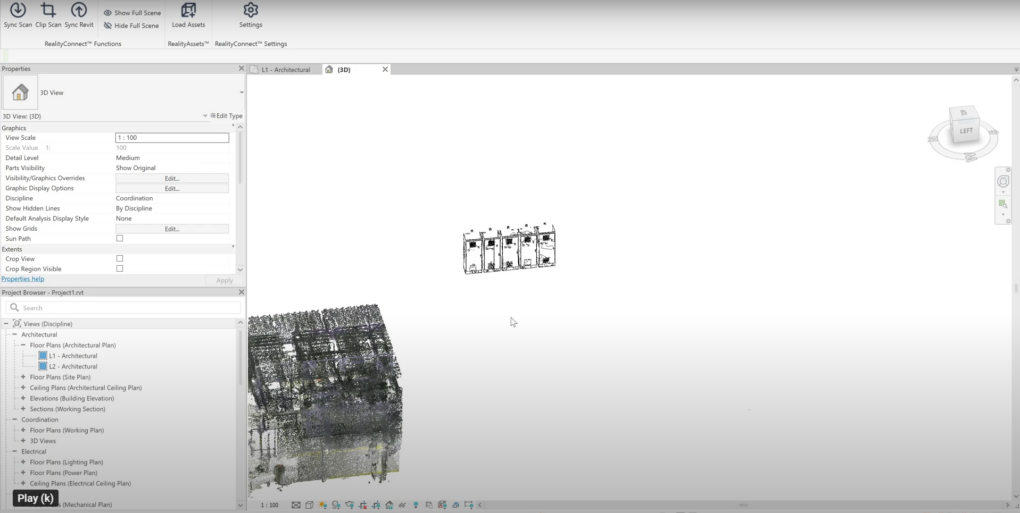
Use the Load Asset button in RealityConnect to import RealityAssets from your RealityPlan layout while controlling mesh density for optimal performance. By importing only the necessary sections, you reduce system load and improve efficiency.

Additionally, you can import the entire project as a mesh reference, providing a visual guide for modeling and alignment within Revit without overwhelming your workflow with excess data.
Realityconnect for Revit Mobile Prevu3d

Step 5: Perform Back Modeling & Make Direct Edits in Revit

With RealityAssets now in Revit, you can begin the As-Built Revit Family Creation process or refine imported elements. Whether modifying structures, aligning designs, or integrating new components, RealityConnect ensures an intuitive and efficient workflow with visual and spatial context.

Imported meshes are automatically recognized as Revit families (.rfa), allowing you to change their category for future clash detection. You can use the Prevu3D mesh in Revit to extract dimensions, create your Revit family, and seamlessly integrate it into your project—or back into Prevu3D for further use.
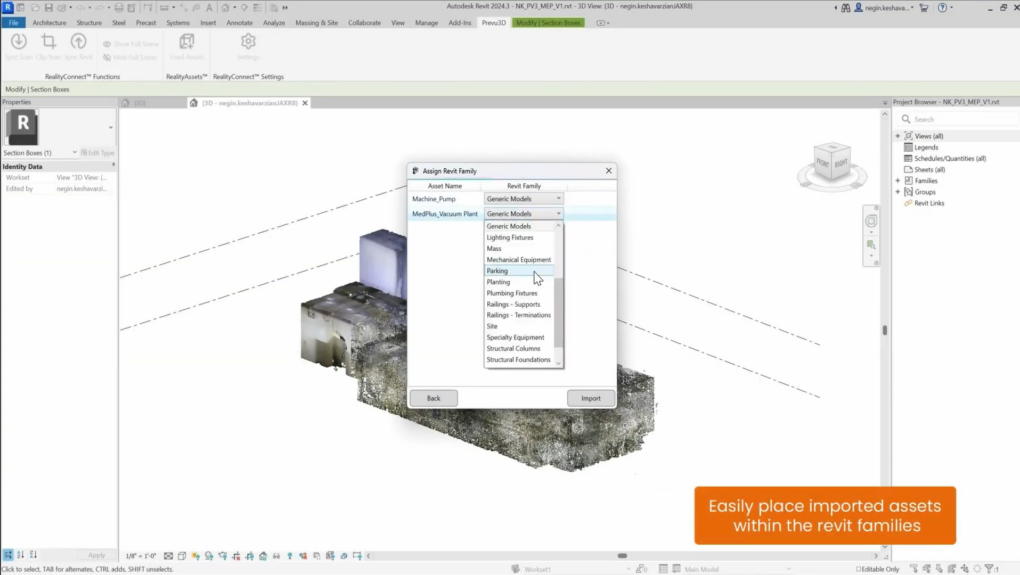
Autodesk Revit Interface with Realityconnects Assign Revit Family Window Open Showing Imported Point Cloud Assets and Family Type Dropdown Menu Prevu3d
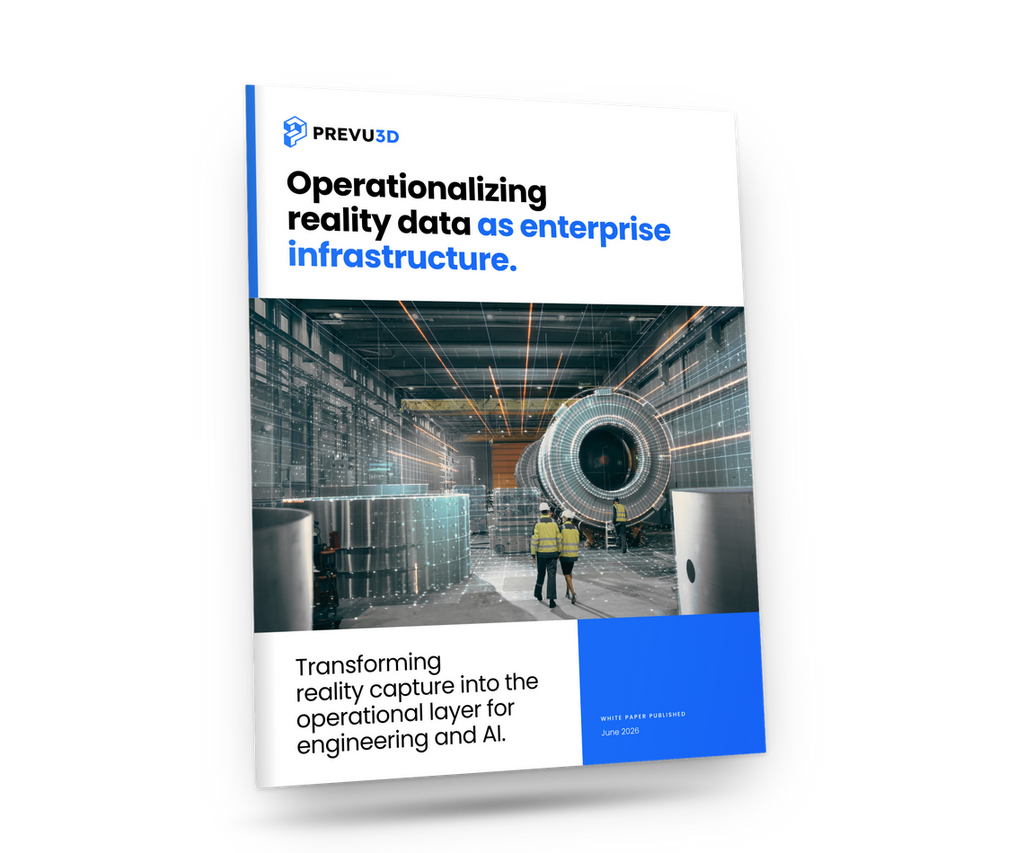
Cover of a Prevu3d Brochure Bold Headline operationalizing Reality Data As Enterprise Infrastructure over an Industrial Facility Photo with Workers in Safety Gear Prevu3d
WHITE PAPER

Operationalizing reality data: building the Enterprise Reality Layer

Who it's for
Free Download
28-page report
— digital twin webinars

Hear It from the Field

What Happens when Ai Understands Reality Prevu3d
Expert Xchange Series

What Happens When AI Understands Reality?

Watch Now
Hero Banner for a Live Webinar the Human Side of Digital Transformation with Blue Geometric Accents on a Black Background Prevu3d
Expert Xchange Series

The Human Side of Digital Transformation

Watch Now
Hero Banner reduce Time to decision with Faster Site Digitization with Blue Shapes on a Black Background Bottom Bar Reads Live Webinar Prevu3d
Expert Xchange Series

Reduce Time-to-Decision with Faster Site Digitization

Watch Now
— digital twin resources

Resources from the Reality Capture and Digital Twins As-built World

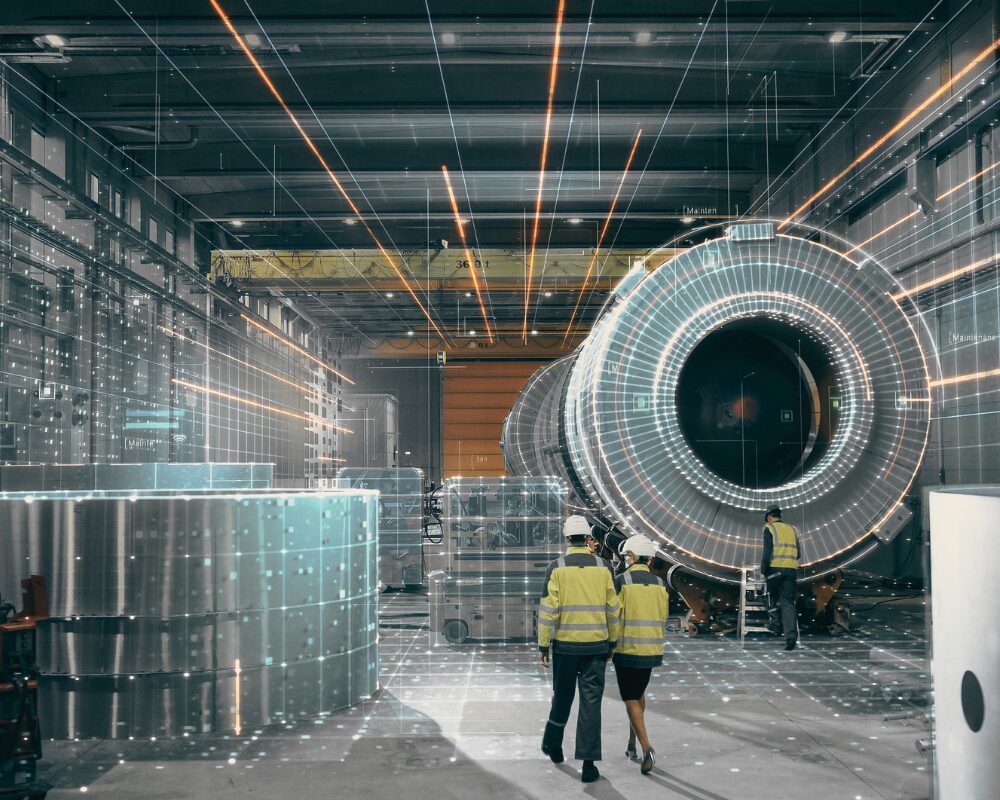
Industrial Factory Scene with a Large Cylindrical Machine and Three Workers in High visibility Vests Inspecting It Prevu3d
White Paper

Operationalizing Reality Data: Building the Enterprise Reality Layer

Reality data is trapped in isolated project files. See how the Enterprise Reality Layer turns scans into a continuously updated, AI-ready operational asset.
Download
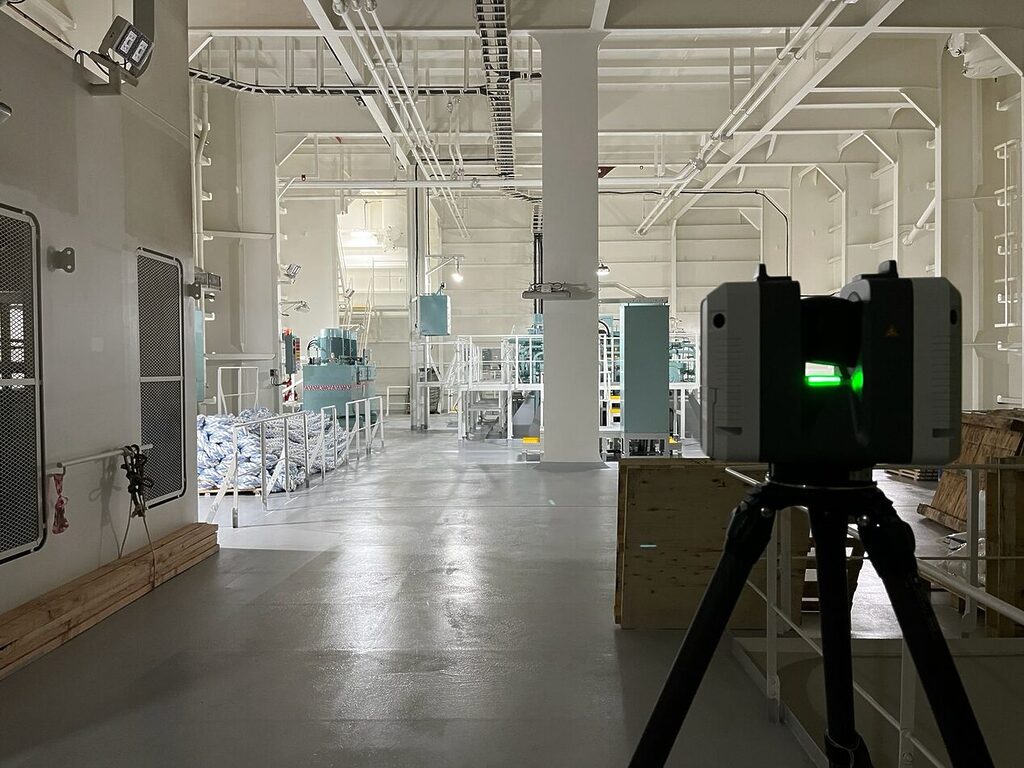
Lidar Scanner Capturing Interior Vessel Data Inside an Engine Room for Digital Twin Creation Prevu3d
White Paper

Laser Scanning with purpose: Maximize Reality Capture Process

Download the must-have checklist to plan and maximize your reality capture process.
Download
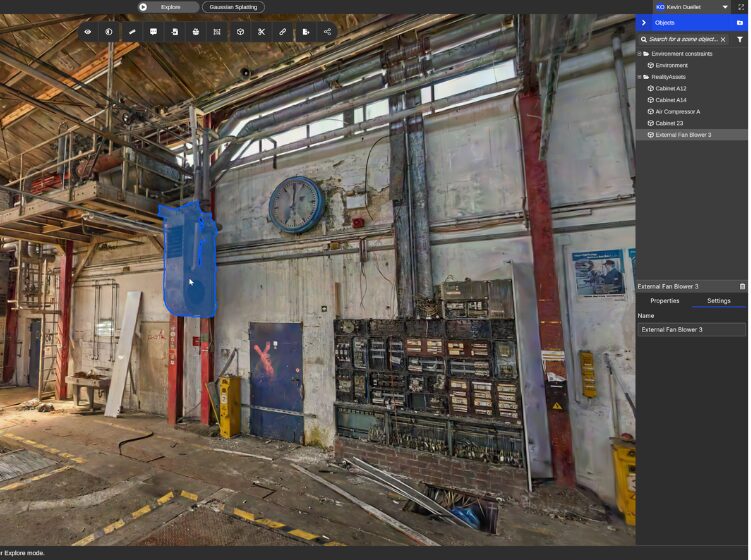
Industrial Workshop Interior with Exposed Pipes a Blue Hanging Hoist and a Wall Clock Above a Workbench Area Prevu3d

Deutsche Bahn: Facility Operations in a Digital Twin 3D Visualization Setup

Facility operations at Deutsche Bahn happen with Prevu3D Digital Twin 3D visualization: cutting maintenance costs, reduced travel, and transformed daily operations.
Case study
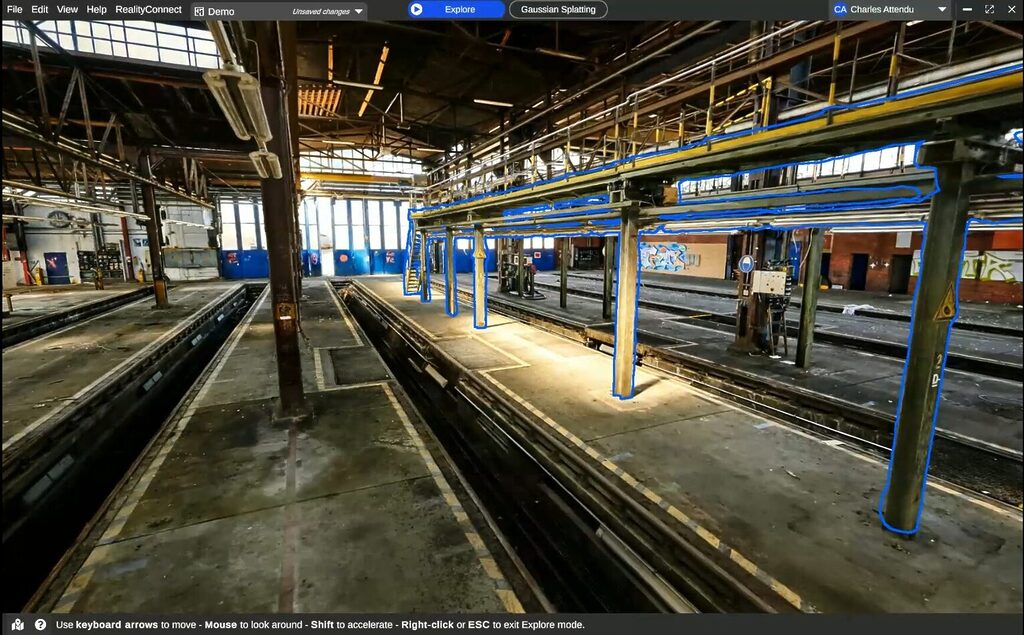
Inside a Large Industrial Rail Yardmaintenance Hall with Multiple Track Pits Metal Columns and an Overhead Gantry Blue Outlines Mark Suspended Walkways and Supports Prevu3d

Deutsche Bahn: From Manual 3D Modeling to a Digital Twin Foundation

Deutsche Bahn ditched manual 3D modeling for scan-to-mesh digital twins. See how 3d scan and Prevu3D digitized hundreds of rail stations at enterprise scale.
Case study
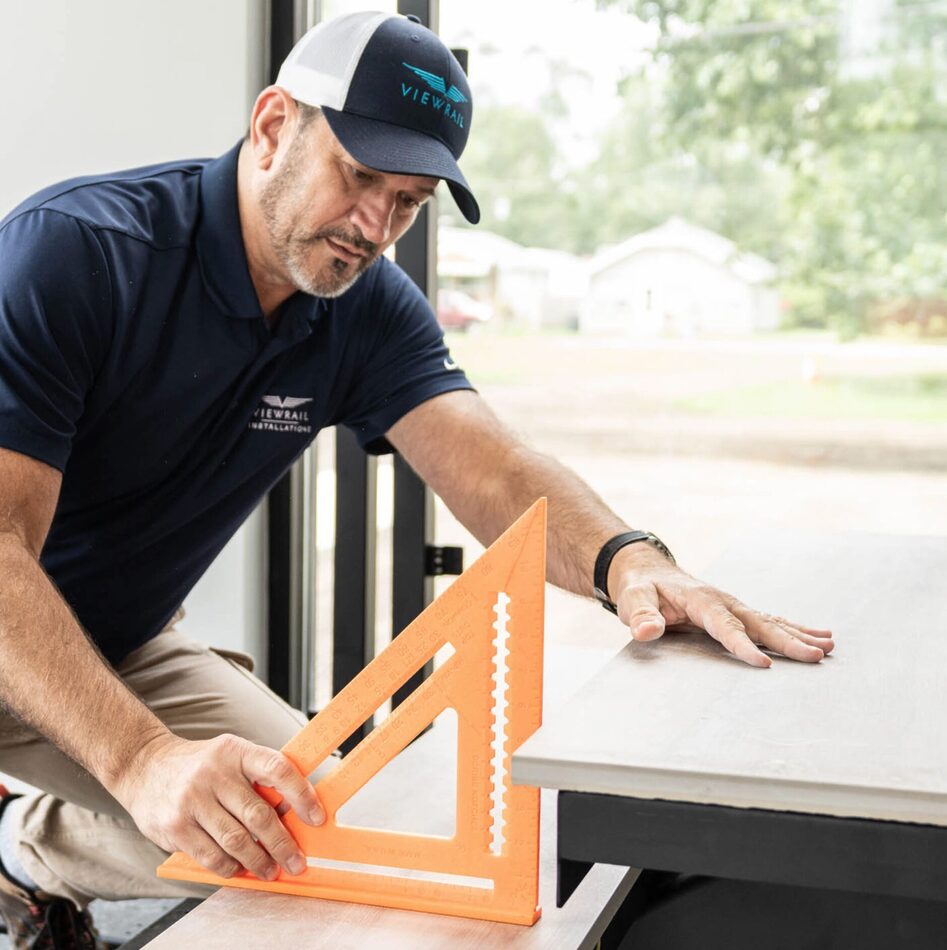
Carpenter in a Navy Polo and Cap Measures a Wooden Board with an Orange Speed Square Prevu3d

Reality Capture: How Viewrail Builds to Exact Spec

Viewrail manufactures custom staircases to exact spec by anchoring every decision to reality capture data in Prevu3D — from first scan to client sign-off to production. See the full workflow.
Case study

Simplify Revit Workflows with Seamless Reality Capture Integration

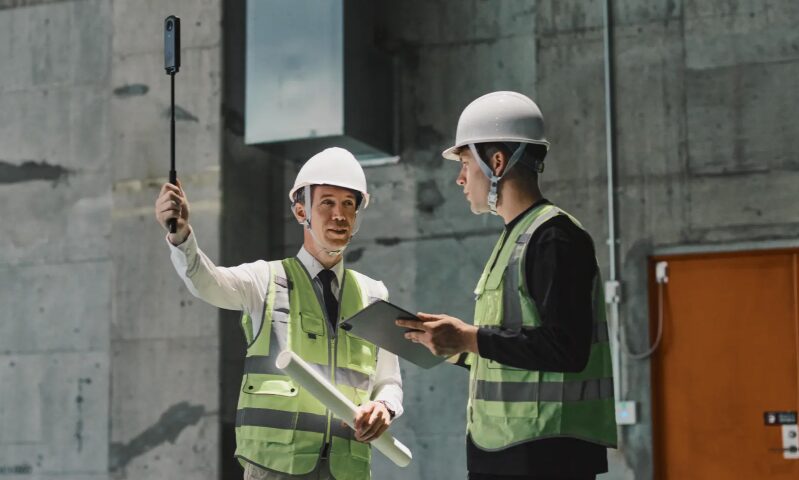
Two Construction Workers in Hard Hats and Hi vis Vests Discuss Plans One Holds a Blueprint and a Selfie Stick the Other a Clipboard Prevu3d
360 Camera vs Laser Scanner: When to Grab the Camera, and When to Call in the Crew
Learn more