
Every facility manager has been there: a project kicks off and the first question is “What do we actually have on the floor?” The drawings are outdated. The last scan was two years ago. Someone walks the site with a tape measure and a phone.
This is not a technology problem, but rather an economics problem. Full LiDAR scanning campaigns are powerful, but they are planned events, not everyday practice. The result is a documentation gap that costs teams time, repeat site visits, and decisions made on incomplete information.
Prevu3D and Insta360 are closing that gap.
360 Capture and LiDAR: A Smarter Combination
Let’s be direct: 360 video capture does not replace LiDAR. It complements it in ways that make the entire documentation process more intelligent.
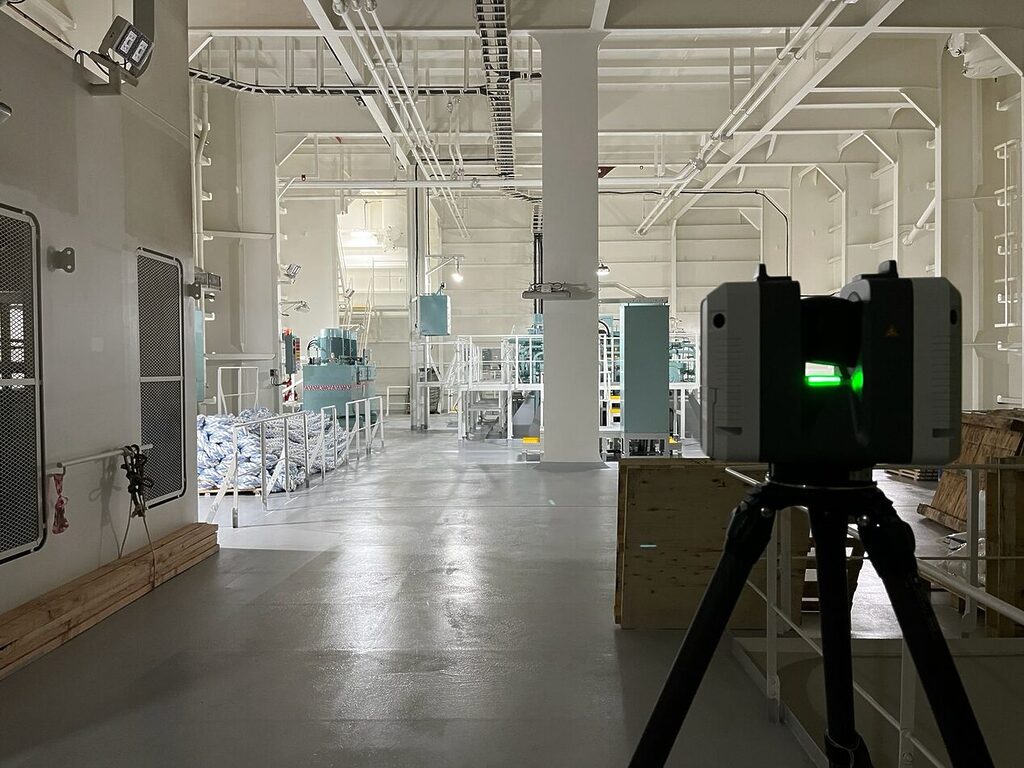
LiDAR delivers millimeter-level accuracy and is the right tool for precision engineering, tight-tolerance design, and structural documentation. But a full LiDAR campaign requires planning, specialized crews, and significant investment. You do not deploy it on a Tuesday morning because something changed on the production floor.
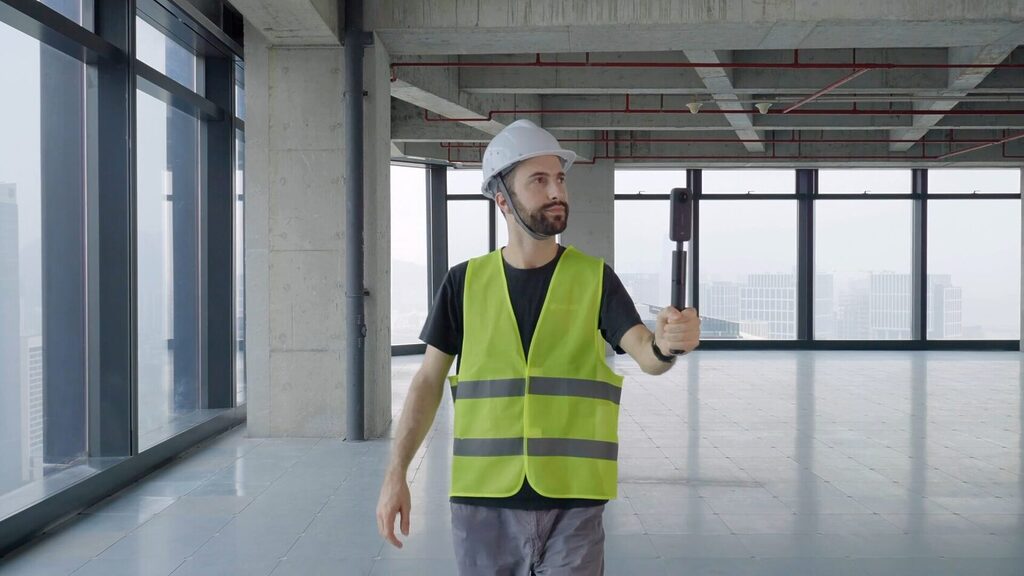
360 capture, by contrast, is economically viable at a frequency LiDAR cannot match. A field team can walk an entire facility in a single session and have a navigable as-built environment ready the same day. That changes what is possible at the start, and throughout the lifecycle, of any industrial project.
In practice, 360 capture becomes a smarter first step before deploying LiDAR scanners:
- Walk the full facility to understand layout and conditions
- Identify the critical zones that actually require precision scanning
- Plan scanner placement with spatial context rather than guesswork
- Reduce repeat site visits by resolving questions before the LiDAR crew arrives
- Used together, 360 capture and LiDAR are not competing tools, but sequential layers of the same documentation strategy.
Used together, 360 capture and LiDAR are not competing tools, but sequential layers of the same documentation strategy.
Why Insta360 Enterprise
Not all 360 cameras are created equal for industrial use. Prevu3D’s RealityPlatform™ Digital Twin Software requires specific data characteristics to produce accurate, production-ready 3D environments: complete spherical coverage, embedded IMU and gyroscope metadata, and raw files that preserve the full sensor record.
Insta360 Enterprise cameras (the X2, X3, X4, and X5) meet all of these requirements natively. The cameras record directly to the .insv format, which carries both fisheye video tracks and the IMU data Prevu3D’s reconstruction engine depends on. This is not a workaround. It is purpose-built hardware meeting purpose-built software.
As Michel Besner, CEO of Prevu3D, put it:
Prevu3D is expanding what’s possible with a very accessible and high quality camera. A field team can walk a site with a camera they already own and have a navigable as-built environment ready the same day. That changes what’s possible at the start of any industrial project
The Engineering Under the Hood
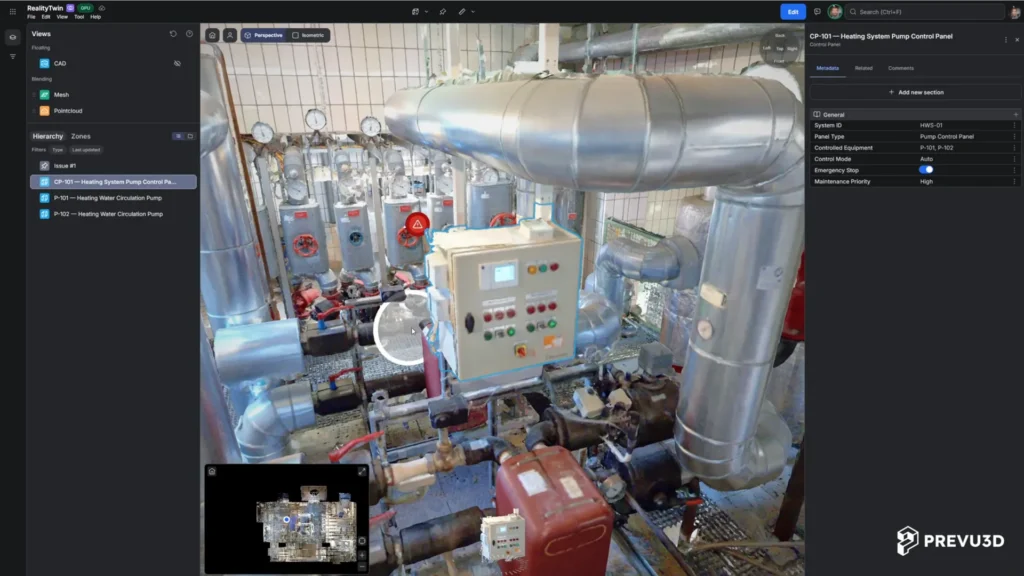
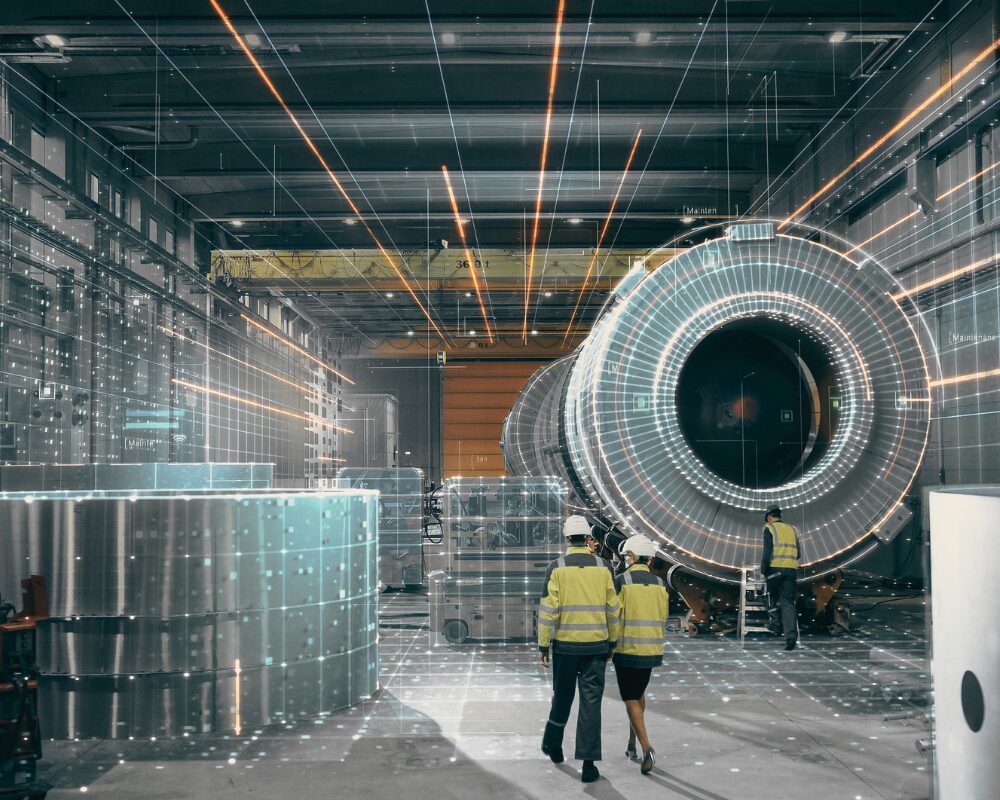
When Insta360 footage is uploaded to RealityPlatform™, the processing pipeline does the heavy lifting. The raw .insv files are fed into a photogrammetry reconstruction engine that extracts spatial data from overlapping frames and sensor metadata, producing a complete spatial dataset from a single capture session.
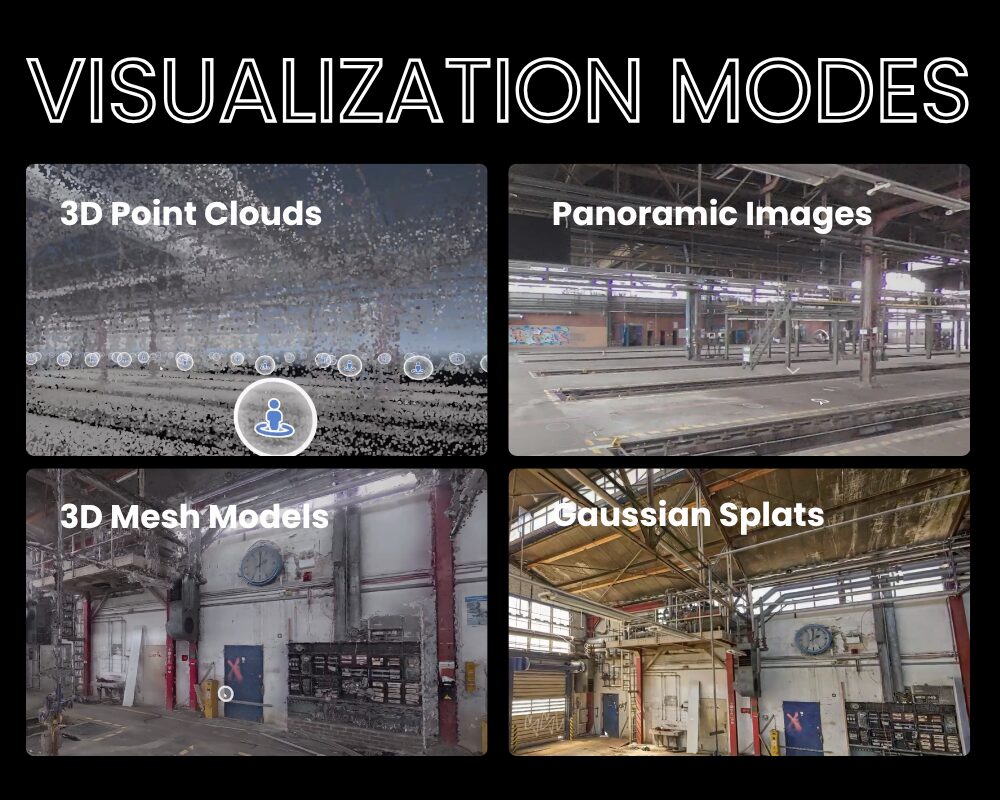
The output is available in four visualization modes, each suited to a different use case:
Point Cloud Mode
The foundational output. A dense set of data points representing the spatial geometry of the environment. The starting point for measurement, analysis, and further processing into mesh or splat formats.
Photo Mode
The fastest output. Panoramic images automatically positioned within a reconstructed 3D environment, navigable immediately after processing. Ideal for site review, condition assessment, and rapid stakeholder communication.
Mesh Mode
A full 3D mesh reconstructed from the capture. Navigable geometry that can be annotated and used as a visual reference for understanding structure, layout, and spatial context. Best suited for teams who need to orient themselves within a space or communicate conditions to stakeholders, not for precision measurement.
Gaussian Splat Mode
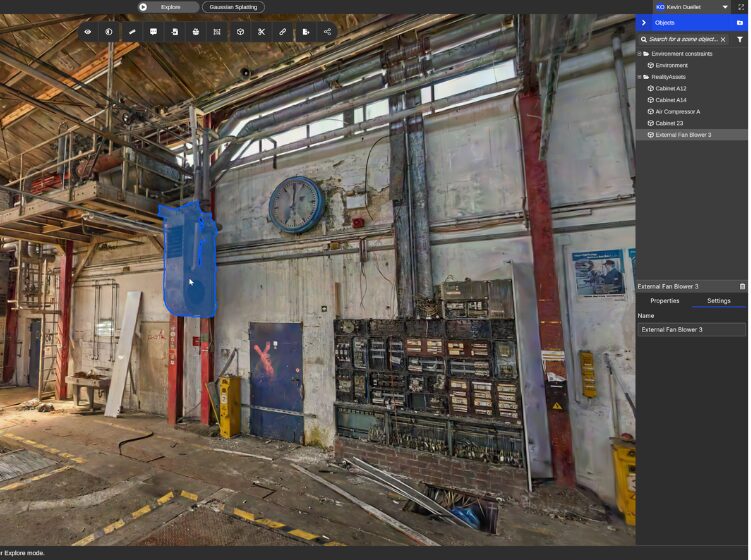
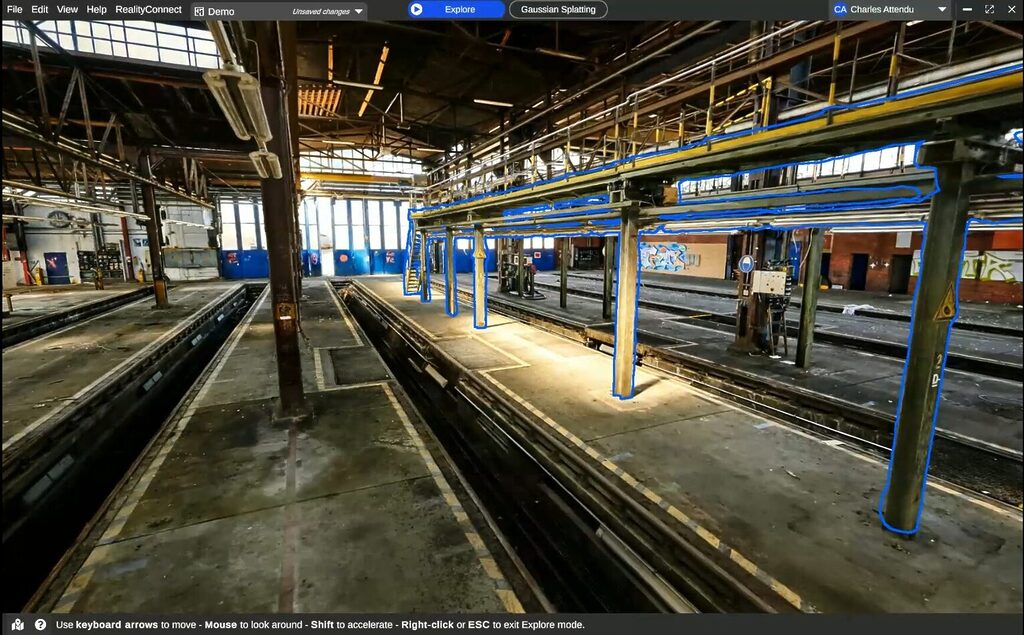
The highest-fidelity 3D visualization mode. Gaussian splatting renders photorealistic 3D environments that are navigable in real time, capturing texture, lighting, and fine detail at a level that mesh models cannot match. Teams reviewing equipment condition, material handling setups, or facility aesthetics will find this mode the most immersive and practical.
From Environment to Decision
Your as-built world is only valuable if it connects to the places where decisions are made. This is where Prevu3D’s RealityConnect™ matters.
As-built environments generated from Insta360 footage can be streamed directly into engineering tools including Siemens DesignCenter NX, Autodesk Revit, Siemens Plant Simulation, and NVIDIA Omniverse—without exports, format conversions, or data degradation. The environment captured in the field becomes the spatial reference inside the tools your engineers already use.
For facility managers, this means the gap between a site walkthrough and an initial spatial record shrinks from weeks to hours. And when combined with LiDAR data inside RealityPlatform™, that environment can flow directly into engineering tools including Siemens DesignCenter NX, Autodesk Revit, and Siemens Plant Simulation, giving design and process engineers a reality-grounded starting point for layout planning, equipment validation, and renovation projects.
The Business Case
The economic argument for 360-first documentation is straightforward:
- Lower barrier to entry: No specialized scanning crews or complex hardware setup. Any team member can capture a facility with an Insta360 camera.
- Faster time to decision: From walkthrough to navigable environment in hours, not weeks.
- Fewer site visits: Remote teams can explore and review the environment in Gaussian Splat mode without returning to the facility.
- When precision scanning is required, you go in with a plan informed by a complete spatial understanding of the facility.
- Living documentation: Facilities change. 360 capture is economically viable at the frequency industrial operations actually require.
This is not a replacement for rigorous engineering workflows, but rather the foundation that makes them faster, better-informed, and less dependent on everyone being physically present.
Quick-Start Guide: Capturing Your Facility with Insta360 for Prevu3D
Ready to capture? Here is what you need to know before your first upload to RealityPlatform™.
Supported Cameras
- Insta360 ONE X2
- Insta360 X3
- Insta360 X4
- Insta360 X5
- Insta360 X6
Recommended Recording Settings
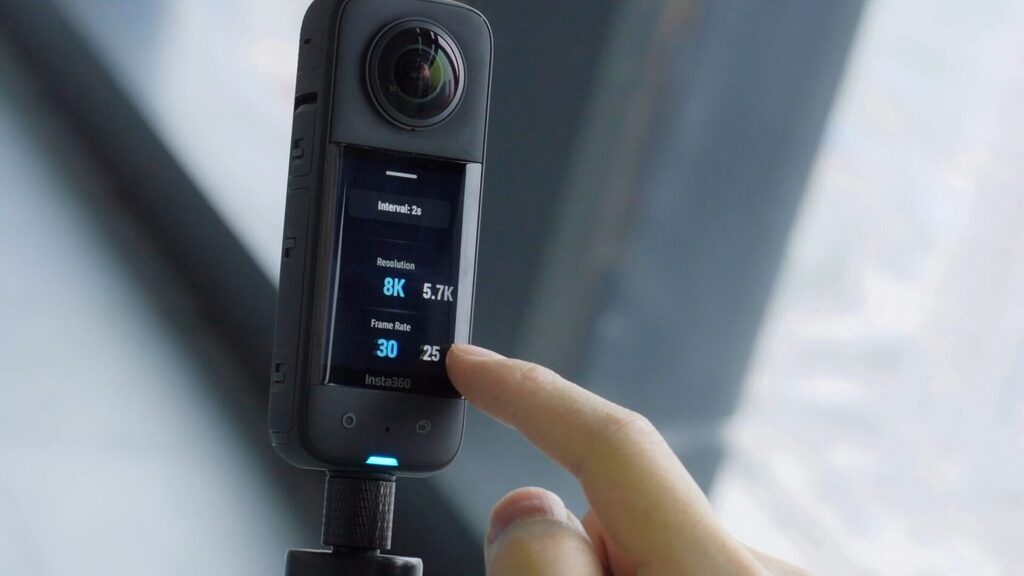
- Shooting Mode: Timelapse 360
- Resolution: 5.7K
- Frame Rate: 30 fps
- Interval: 0.5 seconds
These two settings work together to capture a minimum of 2 images per second—the threshold for reliable reconstruction quality.
Using different settings may result in processing failures or poor reconstruction quality.
Before You Capture
- Update camera firmware to the latest version
- Remove lens caps and clean both lenses with a microfiber cloth
- Ensure sufficient battery and storage space before starting
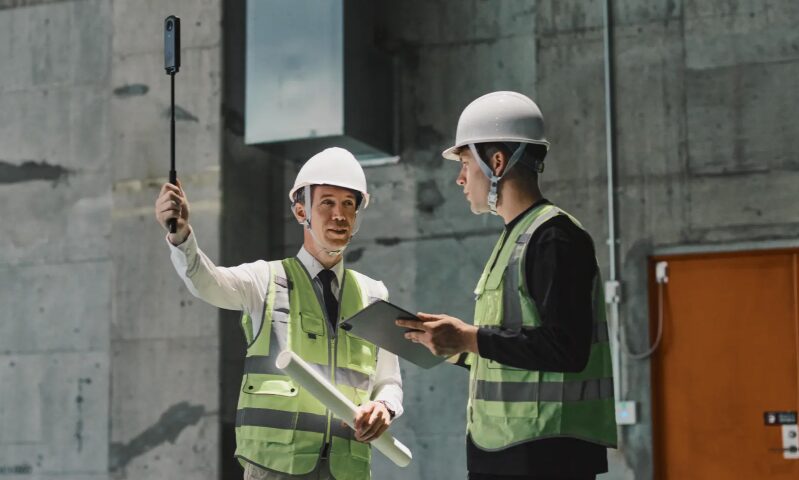
- Use the Insta360 114cm Invisible Selfie Stick for mounting—keeps the operator in the camera’s blind spot
File Requirements
Prevu3D requires the original raw .insv files captured directly from the camera’s SD card. Two upload modes are supported:
- Single Video Upload: One .insv file containing both fisheye video tracks and embedded IMU data (supported on some newer devices)
- Two Videos Upload: Two .insv files from the same recording session (VID_XXXX_00.insv and VID_XXXX_10.insv), each with one fisheye track. At least one file must include IMU data.
Critical — What Not to Do
- Do not export video using the Insta360 Studio or mobile app
- Do not convert files to .mp4 or .mov
- Do not rename or modify .insv files
- Do not upload stitched or edited videos
- Do not re-mux files with ffmpeg—this strips the required protobuf footer
Video Duration Limits
- Minimum: 1 second (at least 10 frames)
- Maximum: 15 minutes (900 seconds)
- For large environments, capture multiple recordings
Note: settings and requirements may evolve — always refer to the latest documentation at doc.prevu3d.com for up-to-date guidance. See full documentation.