





Layout Design in navigable 3D space
Run layout iterations, validate placements, and walk clients through design decisions—all inside a navigable 3D space that reflects your facility as it actually is.
ENGINEERING WORKFLOWs, BUILT ON YOUR AS-BUILT
From Scan to Layout In a single 3D environment
RealityPlan™ gives you the tools to place, reposition, and iterate on equipment directly inside your as-built 3D environment. Run multiple layout options and move faster from conception to validated design.
Iterate fast
in as-built reality capture
Run 2–3 layout options before your next design review.
Walk clients
through your as-built
Share a link—no software, no site visit required.
Decide
before CAD is ready
Make spatial decisions ahead of engineering models.
Digital Twin Layout Design Tools
Design, iterate, and validate your Facility Layout
RealityPlan's layout planning tools work directly on your as-built environment, so every equipment placement decision is grounded in the space as it actually exists today — not an outdated floor plan or a set of assumptions.
- Place and reposition equipment in 3D.Import CAD models or use assets already segmented in your environment. Position, rotate, and adjust clearances in real time against the real geometry of your facility.
- Run multiple iterations without leaving the environment.Explore different layout configurations, compare options spatially, and identify the right configuration before committing to a design direction.
- Share and validate with your full team.Send a link to engineers, clients or other project stakeholders. Everyone navigates the same environment—no software install, no site visit required.
Factory Layout Software for the As-Built Environment
Run layout iterations, validate placements, and walk clients through design decisions—all inside a navigable 3D space that reflects your facility as it actually is.
Equipment installation & Retrofits
Validate that new machinery fits before it arrives on site—including clearances, access paths, and connection points.
- Import a CAD model of the new equipment directly into the as-built environment
- Visualize it in context (mesh, point cloud, or CAD overlay) against the real geometry of your facility
- Confirm spatial fit, rotation, and access routes before work is scheduled
- Every placement decision is made against the facility as it actually stands today.
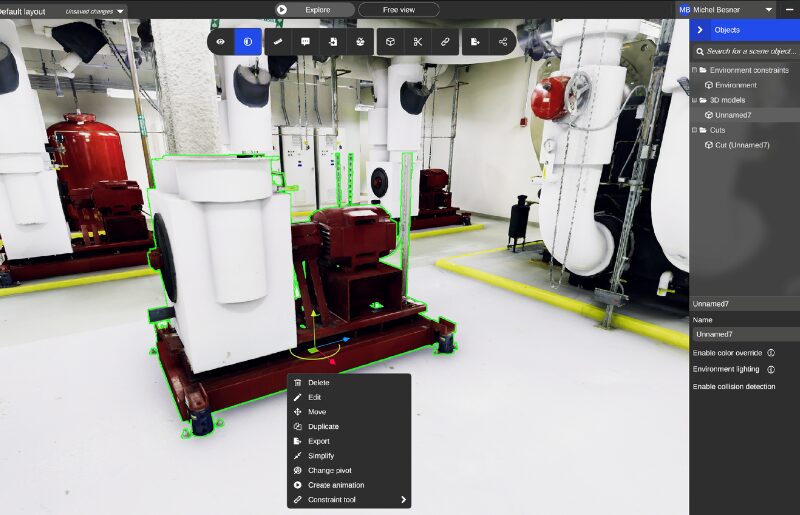
Production line Reconfiguration
Plan the movement and reinstallation of existing equipment across a live facility layout without stopping production to measure.
- Work with segmented assets already identified in your environment
- Assign equipment numbers and organize movement sequences digitally
- Confirm pathways and clearances before anything is touched on the floor
- Plan every move digitally before the first piece of equipment shifts on site.
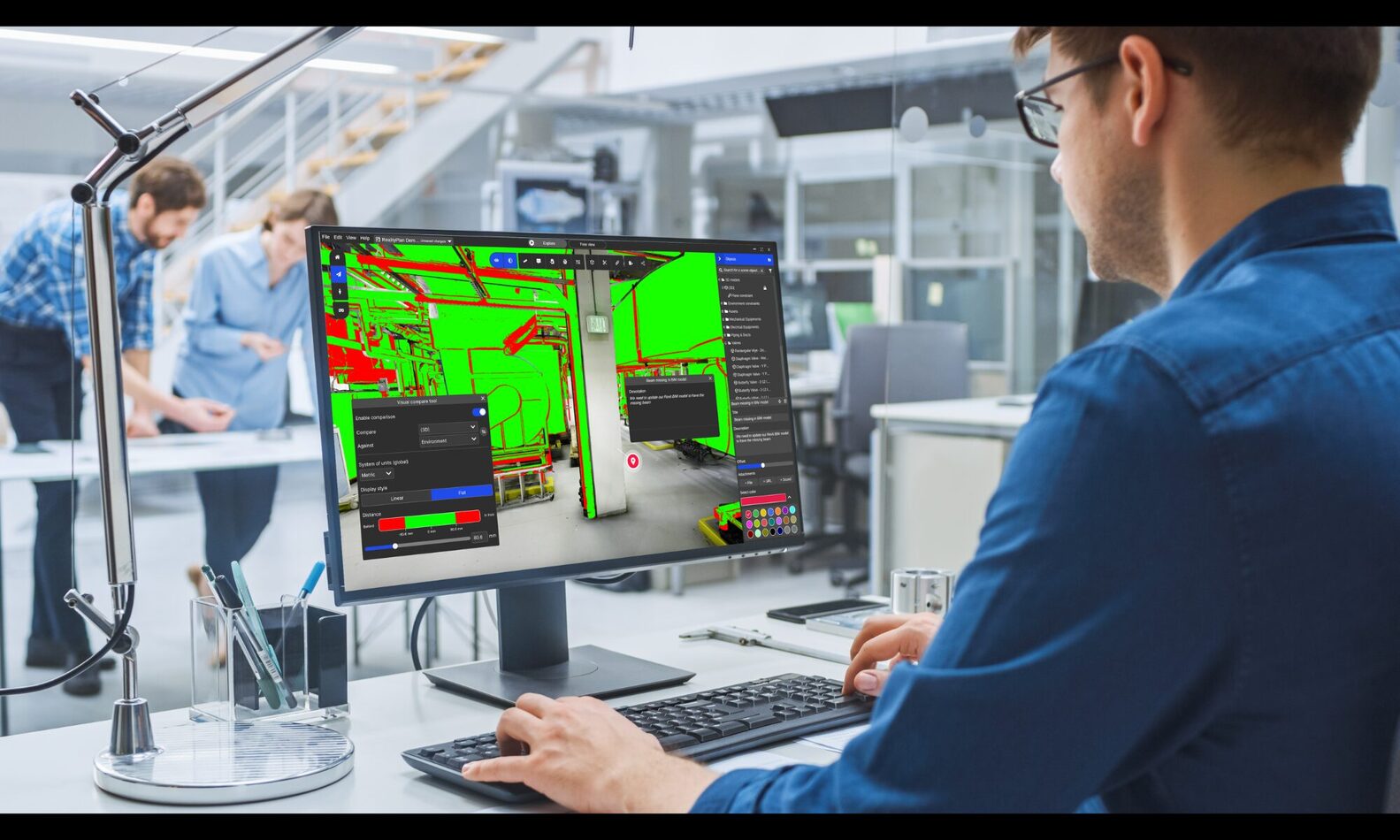
Facility capacity planning
Test whether your facility layout can accommodate growth — more storage, new lines, expanded footprint — before committing to engineering work.
- Model proposed additions inside the navigable 3D environment
- Assess vertical clearances and floor space visually across the full facility
- Validate feasibility before any engineering model is started
- Know whether a project is viable before you spend a single hour modeling it.
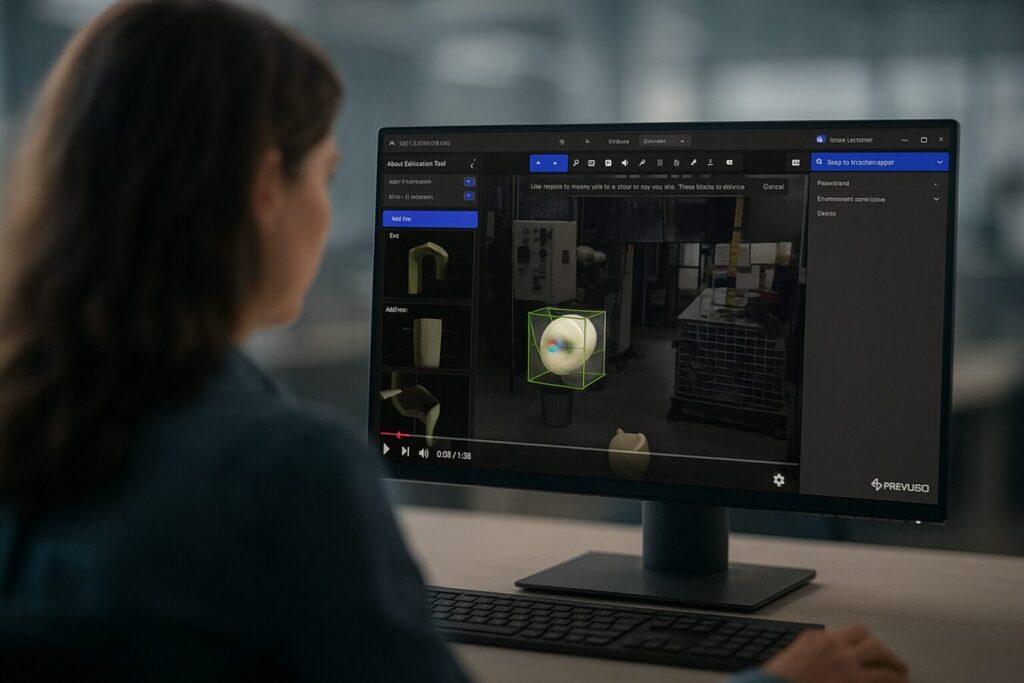
Client and stakeholder reviews
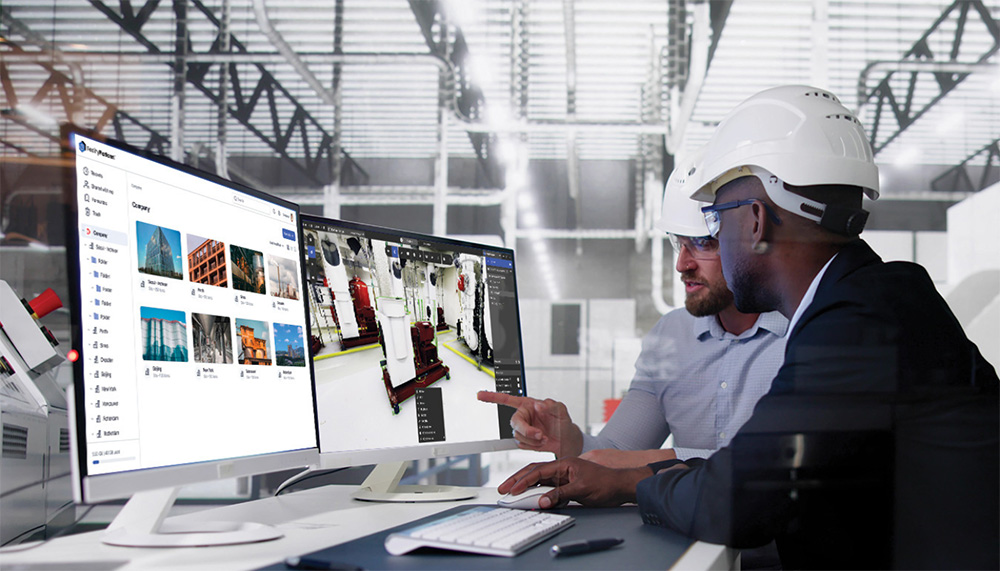
Walk every decision-maker through the proposed layout in the actual environment — no headset, software install, or site visit required.
- Share a link that opens in any browser
- Navigate the space together in a live meeting or let stakeholders explore independently
- Surface operational constraints from the people who know the facility best
The conversations that used to happen on a noisy plant floor now happen in the meeting room, with everyone looking at the same layout.
Scope Documentation & Contractor Briefing
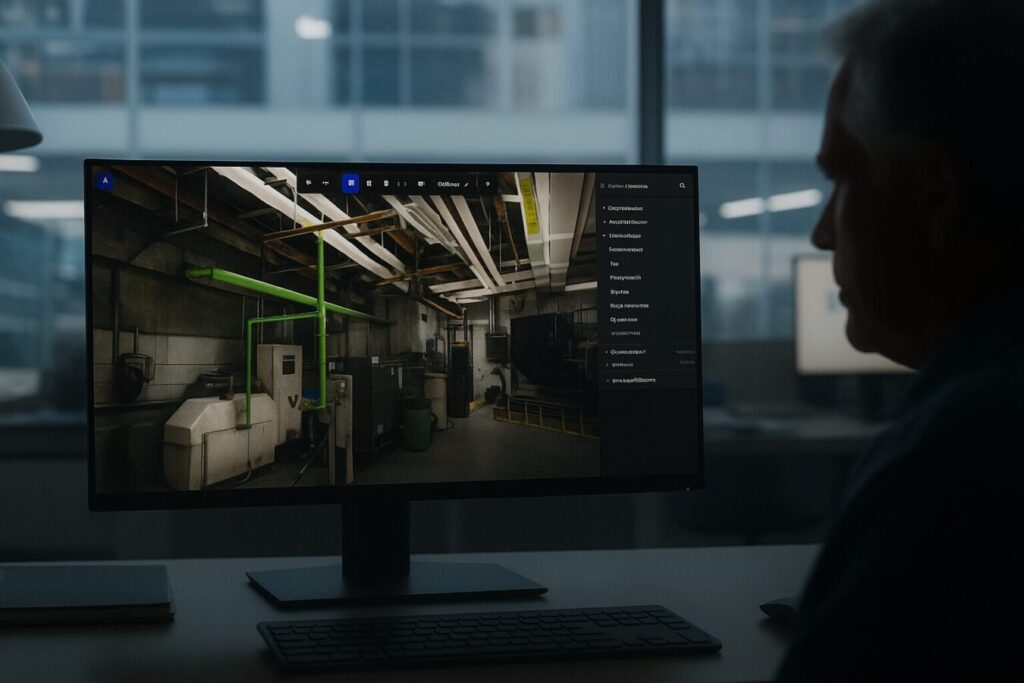
Build a scope of work from annotated 3D geometry so contractors know exactly what they’ll encounter before they mobilize.
- Annotate spatial constraints, access limitations, and installation sequences directly in the environment
- Share visual references alongside written scope documents
- Reduce change orders by eliminating the gap between what was described and what exists
Clearer scope documentation means fewer change orders and fewer surprises in the field.
Layout Design — FAQ
What is factory layout software, and how is RealityPlan different?
Factory layout software typically works from CAD drawings or manually recreated floor plans. RealityPlan works directly on a 3D scan of your actual facility, so every layout decision — equipment placement, clearances, access paths — is validated against the space as it exists today, not an outdated drawing.
Do I need a CAD model to plan a layout in RealityPlan?
No. You can plan a layout using assets already segmented in your as-built environment, or import a CAD model of new equipment and position it directly against the real geometry. Either way, you’re working in the same 3D space.
Can stakeholders review a layout without installing any software?
Yes. You can share a link that opens the environment in any browser. Engineers, clients, or other stakeholders can navigate the same 3D space live in a meeting or explore it independently — no install, no site visit.
How accurate is a layout plan built in RealityPlan compared to the physical facility?
Layouts are built directly on top of your as-built 3D scan, so placements, clearances, and dimensions reflect the facility as it actually stands — not what’s on file in an outdated floor plan or CAD drawing.
Can RealityPlan handle facility capacity planning, not just equipment placement?
Yes. Beyond individual equipment layouts, you can model proposed additions — new lines, storage, expanded footprint — inside the same environment to assess feasibility before any engineering work begins.
— prevu3d partners said

You can do two or three iterations before you present to your client. It helps to have everybody at the table looking at the digital twin — the constraints, the installation. This type of technology brings that to the table when you design.

Malik Sammouda
President, Élémentaire Consultants