
featured in
Assess Any Site with Just a 360 Camera
Capture a walkthrough with 360 camera and get a navigable as-built environment within the same day. No LiDAR required to get started.
AS-BUILT ENVIRONMENTS FROM 360° CAMERAS IN A SINGLE WALKTHROUGH
From 360 Video to Digital Twin — In a Single Walkthrough
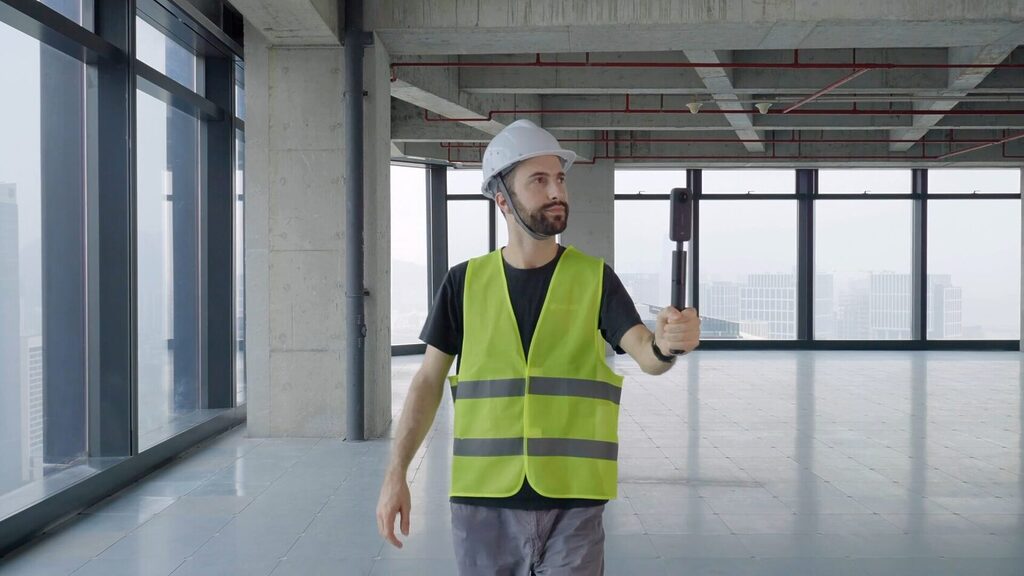
Prevu3D's native 360° video ingestion automatically processes a standard walkthrough into a navigable as-built environment. Upload your footage and access a georeferenced 3D space within the same day. No specialized operators, no manual processing.
Capture Instantly
No specialized workflow
Walk any space with a 360 camera. No operators, no scheduling, no delays.
Immediate Access
Same-Day Digital Twin
Upload your footage and access a navigable as-built environment within the same day.
Expand Coverage
Document more, for less
Capture lower-fidelity spaces and brownfield sites without the cost of 3D scanning.
One engineering Workflow. Two Capture Methods.
360 Video vs. LiDAR: The Right Tool for the Right Moment
360° video and LiDAR are complementary steps in the same workflow, applied where speed or precision is required.
Dimension
360° Video Capture
LiDAR Capture
Primary Use
Site assessment, speed, coverage
Precision, Engineering
Capture Hardware
360 Camera
LiDAR scanner
Operator
Field Technician
Trained Operator
Turnaround
Same day
Days to Weeks
Best For
Site assessment, coverage
As-built deliverables
Available with Prevu3D
360° CAMERAS capture combined with 3d scan
Use Both Reality Capture Methods in One Workflow
360° video ingestion in RealityPlatform™ enables faster capture, broader coverage, and more accessible digital twin creation, complementing LiDAR within the same workflow.
- Capture and generate digital twins in a single workflow.A field technician can walk a facility with a 360 camera, upload footage, and access a navigable environment the same day. No specialized operators or delays.
- Extend digital twin coverage beyond high-priority assets.360° video removes the cost and complexity constraints that previously limited capture to select areas, making it feasible to document entire facilities.
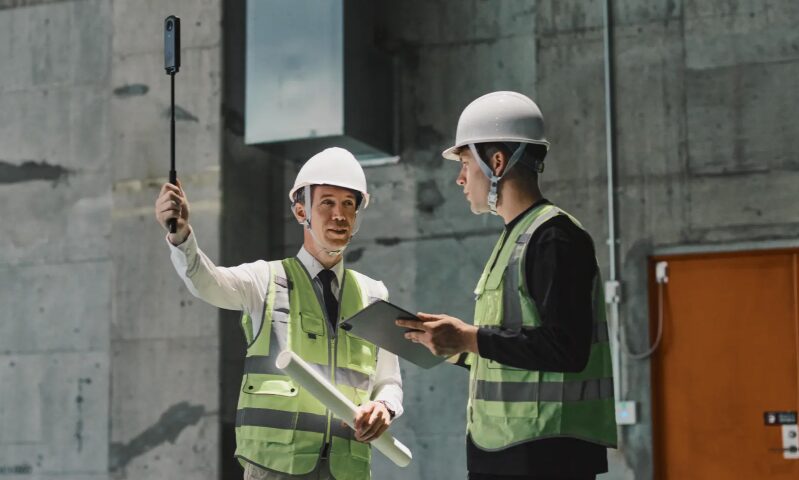
- Improve how LiDAR is planned and executed.360° video provides a navigable preview of the site, allowing teams to plan precision capture more effectively and reduce unnecessary scans or repeat visits.
featured in
Build Your As-Built World at the Speed of a Walkthrough
Capture any industrial space with a standard 360 camera and get a navigable as-built environment within the same day. No specialized operators, no high-precision hardware required to get started.
Document Your As-Built World Without Constraints
Digital twin coverage is no longer limited to high-priority assets.
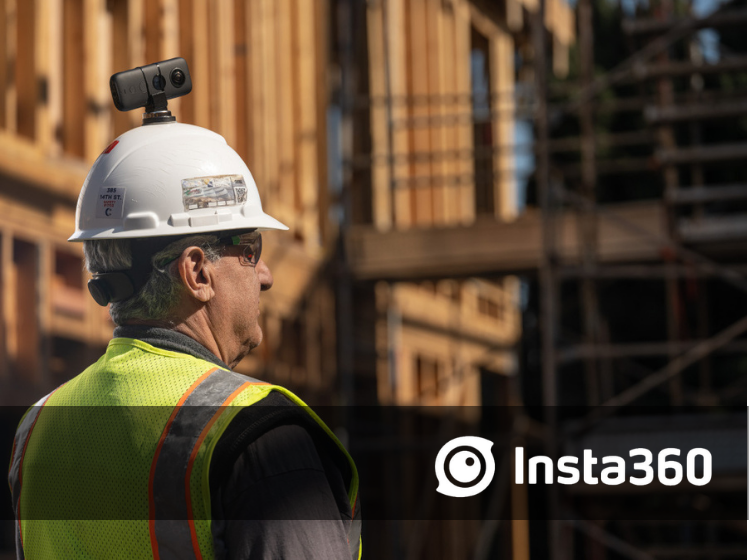
- Capture with standard 360 cameras (RICOH THETA, Insta360)
- Use existing field teams—no additional training required
- Expand coverage to spaces previously left uncaptured
360 video makes it feasible to document entire facilities, not just critical assets.
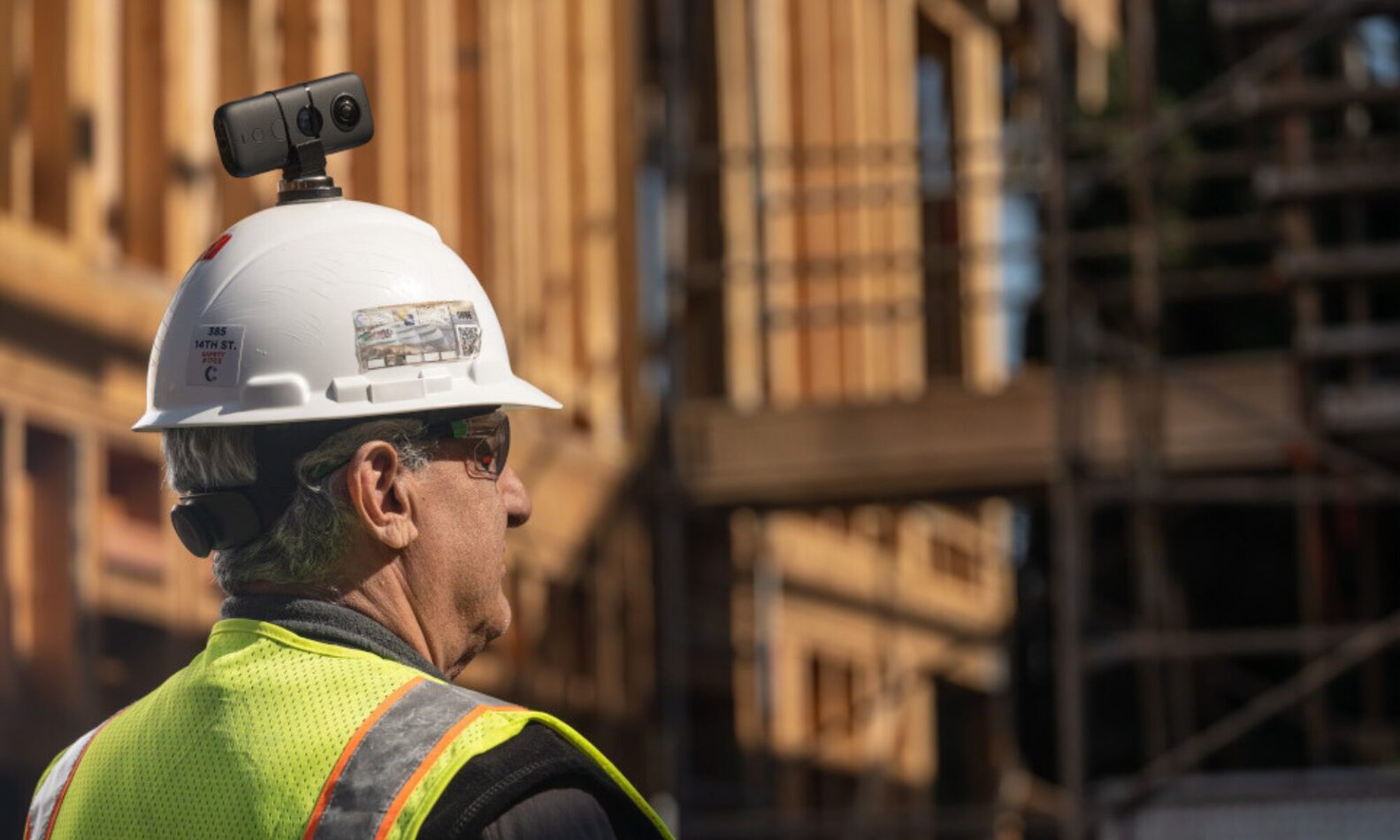
A Smarter Workflow Step Before Deploying LiDAR
360° video enhances how precision engineering workflows are executed.
- Explore and understand the site before deploying LiDAR
- Identify critical zones requiring high accuracy
- Plan scanner placement in advance
- Reduce repeat visits and unnecessary scans
Projects can begin before LiDAR capture is scheduled.
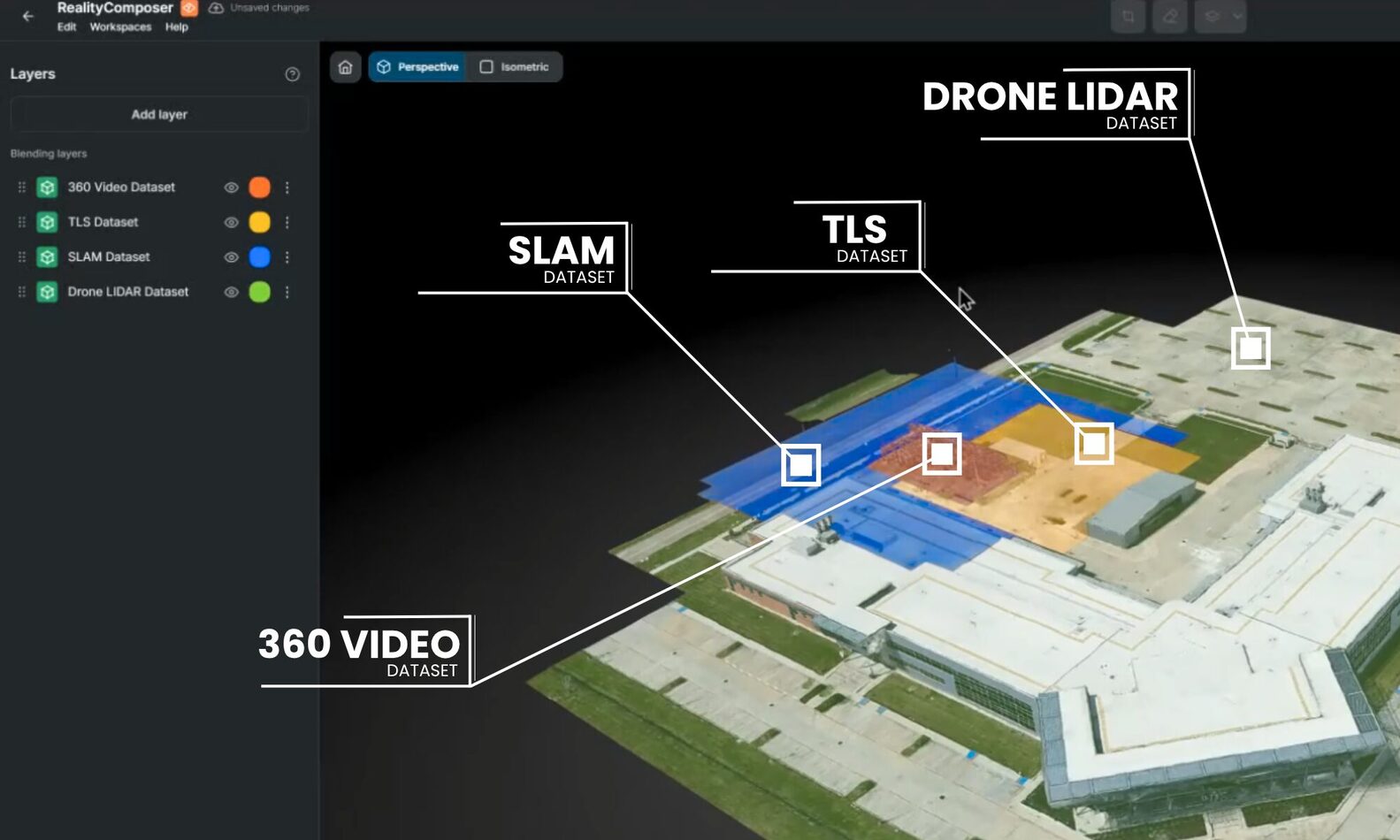
One Digital Twin, multiple reality capture methods
RealityPlatform™ aggregates 360° video, SLAM, and LiDAR into a single navigable environment. One source of truth for your entire as-built world, regardless of how it was captured.
- Use 360 video for site assessment, speed, and coverage
- Use LiDAR for precision and engineering deliverables
- Combine both within a continuous workflow
This is not a replacement. It is an expansion of capability.
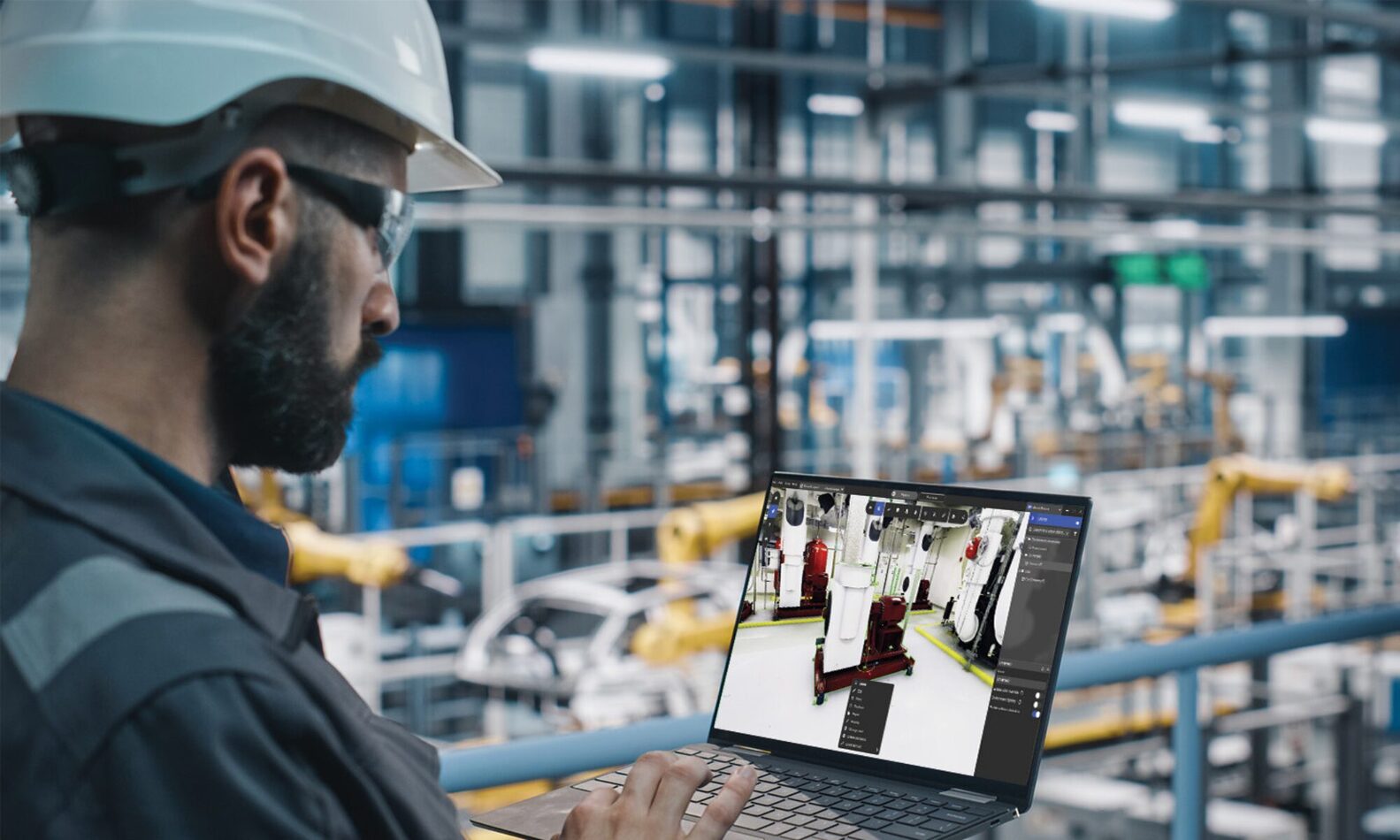
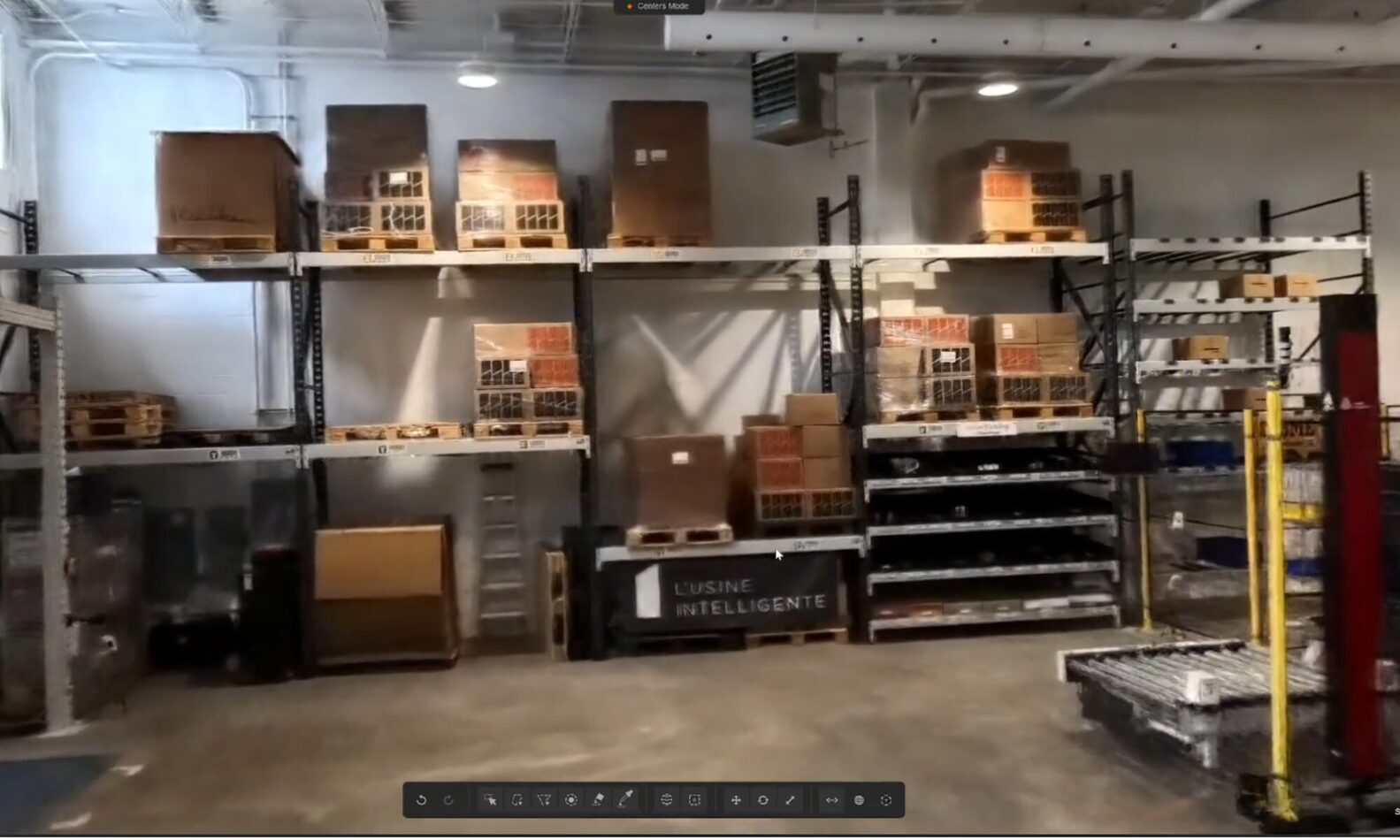
From 360 Video to Navigable As-Built Environment
360° video is automatically processed into a georeferenced, navigable as-built space. No manual processing, no specialist required.
- Generate panoramic images, point clouds, and gaussian splats from a single capture
- Navigate and review your as-built space in context
- Access your environment the same day footage is uploaded
Your as-built world is ready to use the moment processing is complete.
From 360 Video to Digital Twin — FAQ
Does 360 video replace our LiDAR offering?
No. 360 video and LiDAR serve different purposes within the same workflow. LiDAR remains the precision tool for engineering deliverables and dimensional accuracy. 360 video is for speed, site assessment, and coverage. RealityPlatform™ supports both within the same environment, so teams can use each method where it makes the most sense.
Can a customer use a 360 camera they already own?
Yes. Prevu3D supports standard 360 video formats. See the full list of supported cameras for each platform:
Is the 360 digital twin as accurate as LiDAR?
No, and we should not imply it is. 360 video reconstruction gives a navigable, high-resolution environment suitable for site assessment, review, and early project decisions. LiDAR is the appropriate tool when dimensional accuracy is required for engineering deliverables.
What is mixed viewing mode?
RealityPlatform™ offers multiple ways to view and navigate your as-built environment depending on your needs:
- Panoramic view — high-resolution 360 imagery for visual site navigation
- Point cloud view — georeferenced spatial data for precise spatial understanding
- Mesh view — a 3D surface model of the captured space
- Gaussian splat view — a photorealistic 3D rendering from the capture
- Mixed viewing mode — combines RealityAssets and their metadata with high-resolution 360 imagery simultaneously, giving teams both the visual context of the real environment and structured asset data in one view
Explore more about: 360 Video Reality Capture to Digital Twin
post
Reduce Time-to-Decision: A Framework for When to Grab a 360° Camera, and When to Call in a Scanner
Built for the workflows scanning and engineering teams rely on






Prevu3D helps us simplify the capture of stations. Now every employee can create basic 3D models themselves, scalable across hundreds of stations.
Requirements Manager, DB Systel GmbH
Rail Infrastructure, Transportation


