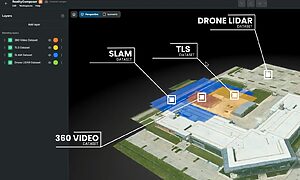

Autodesk Tandem Plugin
AUTODESK TANDEM PLUGIN
Run a living Digital Twin, before your BIM model is finished
Most digital twins are only as current as their last as-built export. RealityConnect™ streams verified, as-built reality straight into Autodesk Tandem, so your digital twin shows what's on site today, not what was designed months ago.
Overlay verified field conditions on your BIM twin in a Digital Twin
Stream As-Built Reality Directly Into Autodesk Tandem
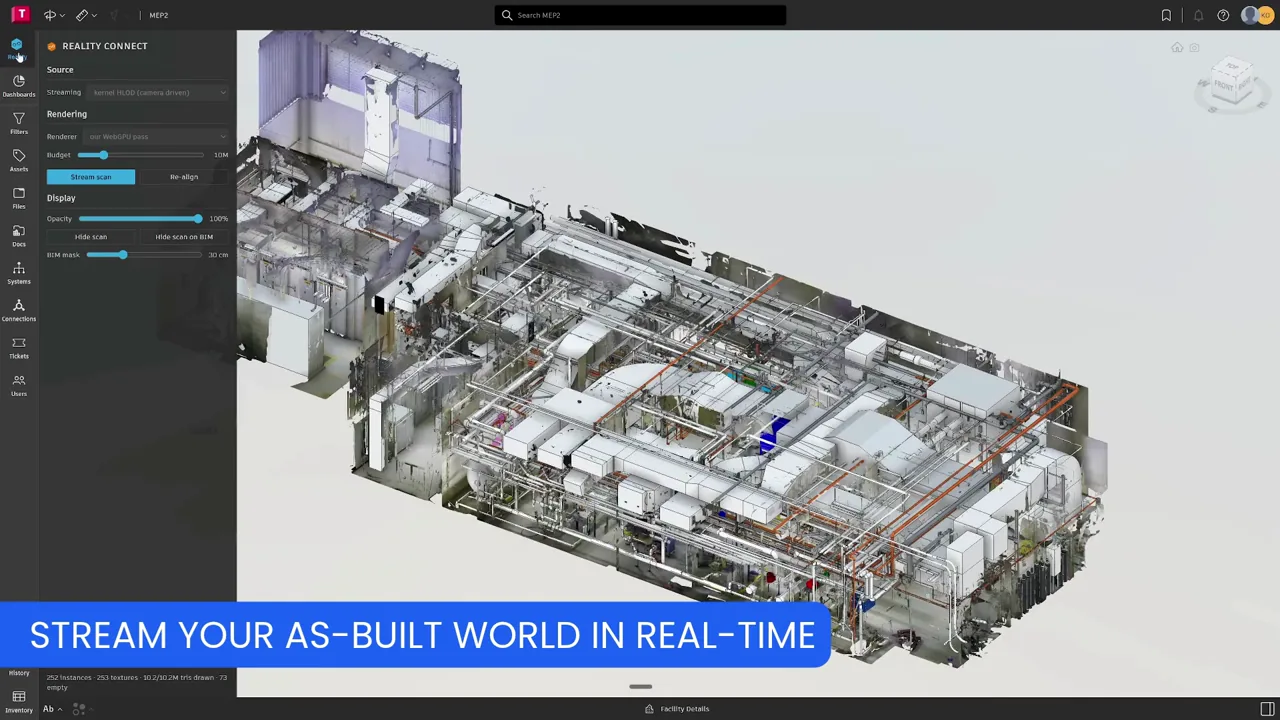
- Stream the as-built environment from RealityPlatform™ into Tandem’s viewer – no exports or file conversions
- Does not require import/export workflows via ReCap or Revit
- Mix BIM models with a stream overlay to verify field conditions
See As-Designed and As-Built, Side by Side
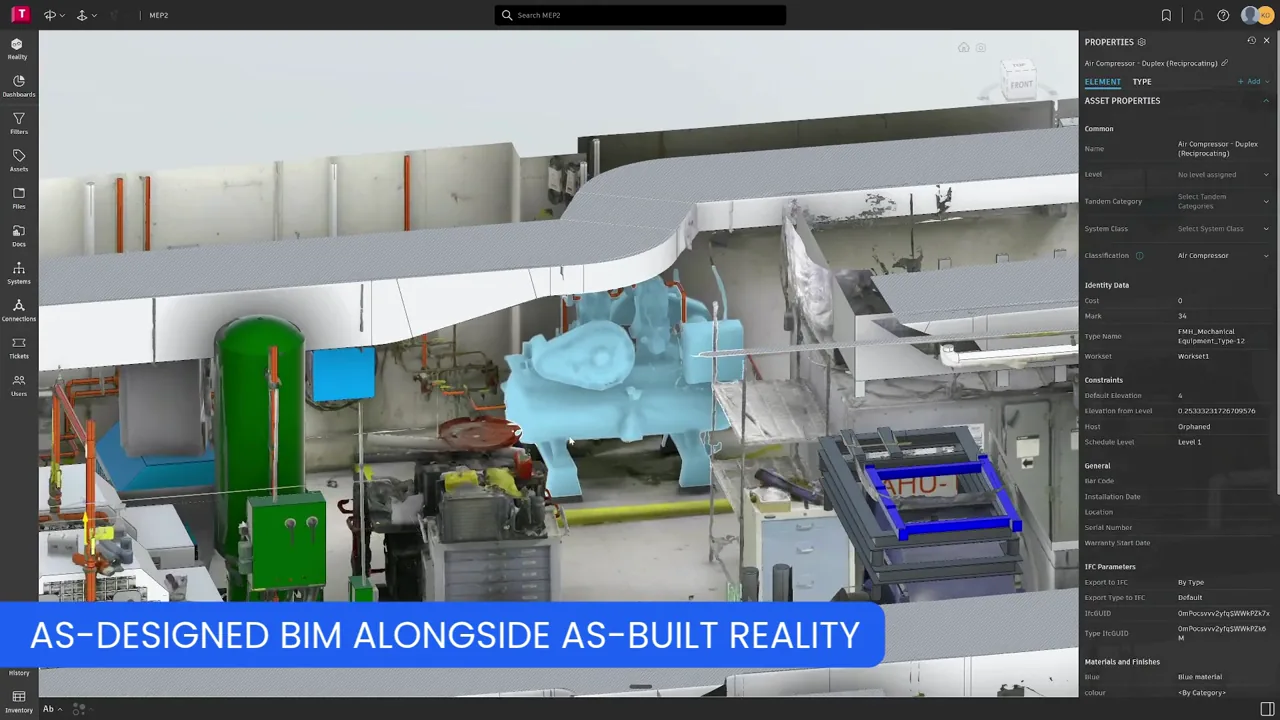
- Mixed viewing mode shows as-designed BIM models alongside as-built reality capture
- Confirm asset location and space context against what’s actually on site
- Decision-ready from day one, even before a complete 3D CAD model exists
Physical Truth for Operations & Maintenance
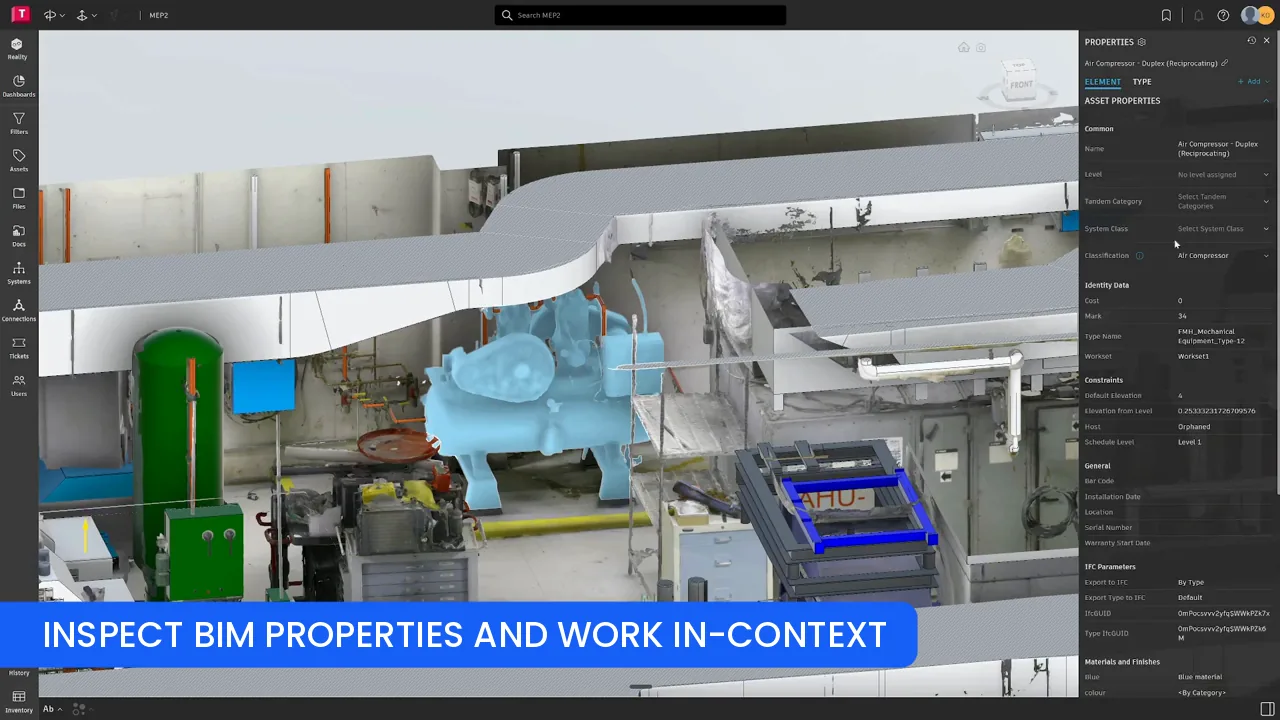
- Give O&M teams a digital twin they can actually trust, from day one
- Maintenance workflows reflect real, verified site conditions – not outdated drawings
- Prevu3D becomes the reality-data layer that elevates Tandem’s value immediately, not only after a full scan-to-BIM pipeline
Built for your workflow
From reality capture to a living digital twin - inside Autodesk Tandem
A digital twin is only as true as the last file someone exported into it. RealityConnect™ streams the real facility into Autodesk Tandem, so your twin keeps up with the site instead of the drawings.
Facility Managers
See real-world space and asset context inside Tandem without waiting on a finished BIM model, and know what’s actually on site, and where.
Maintenance & O&M Teams
Work from physical truth, rather than outdated drawings. Maintenance workflows reflect verified, as-built conditions.
Digital Twin & Asset Managers
Run a mixed-reality twin. As-designed BIM alongside as-built reality capture, without exporting or converting a single file.
See the truth of your facility, not just the design of it.
Prevu3D is not affiliated with Autodesk.