PlantStream 3D Integration for As-Built Piping Design
Connect PlantStream 3D to real-world scan data. Import reality capture meshes into PlantStream software for faster brownfield piping design, auto-routing, and as-built validation — scan to smart model in hours.
Accelerate Brownfield Design process
From 3D Scan to PlantStream 3D Piping Model — In Hours, Not Days
plantstream 3d
The PlantStream 3D Brownfield Design Workflow — Step by Step

Step 1
Measure Point Cloud Data in Prevu3D
Use laser scanning or LiDAR to capture accurate, high-resolution as-built data of the facility.
Step 2
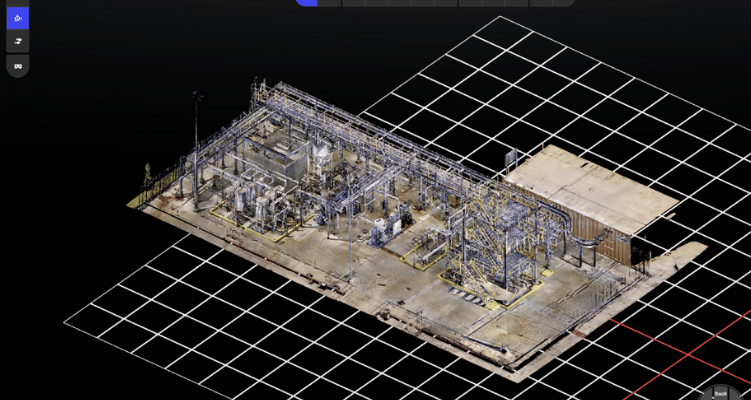
Generate Mesh Model in Prevu3D
Transform point cloud data into a detailed mesh model, preserving real-world spatial context.
Step 3
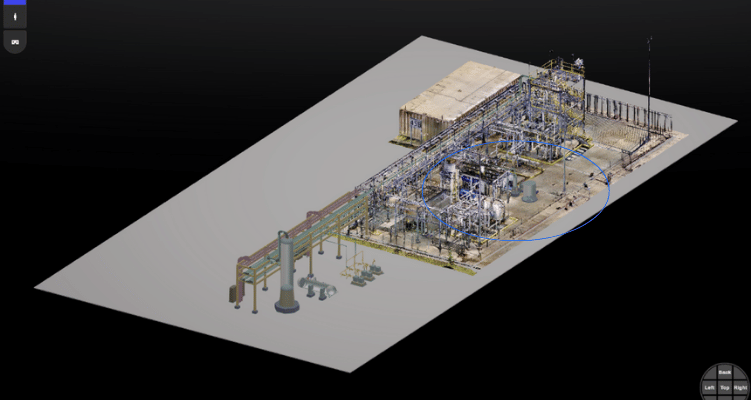
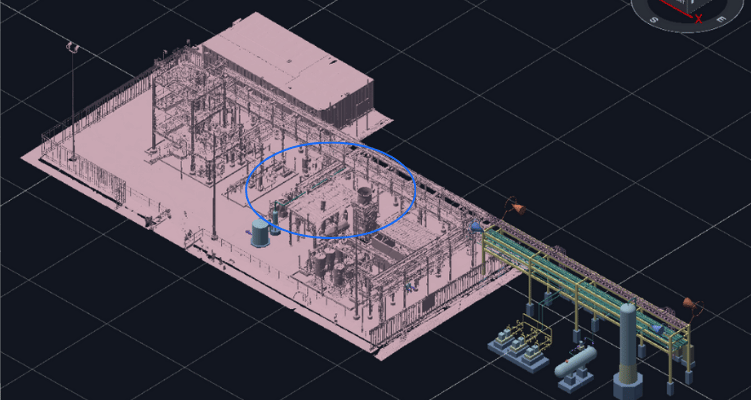
Import FBX File Into PlantStream
Export the mesh as an FBX file and bring it into PlantStream to begin piping layout and equipment design.
Step 4
Design Inside PlantStream with As-Built Context
Use the imported mesh to route piping and place equipment efficiently with PlantStream’s intelligent auto-routing tools.
Step 5
Export RVM and Validate in Prevu3D
Bring the PlantStream model back into Prevu3D (RVM format) for contextual visualization, stakeholder review, and field team validation.


