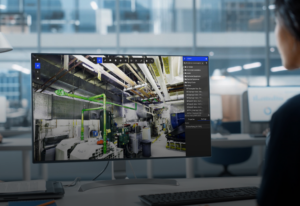






Visual Compare CAD or BIM models against scanned mesh
Compare your CAD or BIM model against the scanned mesh, set your own tolerance, and confirm your model accurately reflects the facility before you finalize a design.
ENGINEERING WORKFLOWs, BUILT ON YOUR AS-BUILT
From layout design to verified reality as-built
RealityPlan gives you the tools to overlay CAD models against your as-built environment and see exactly where they diverge. Run the comparison once and move forward with confidence instead of assumptions.
See
deviation instantly
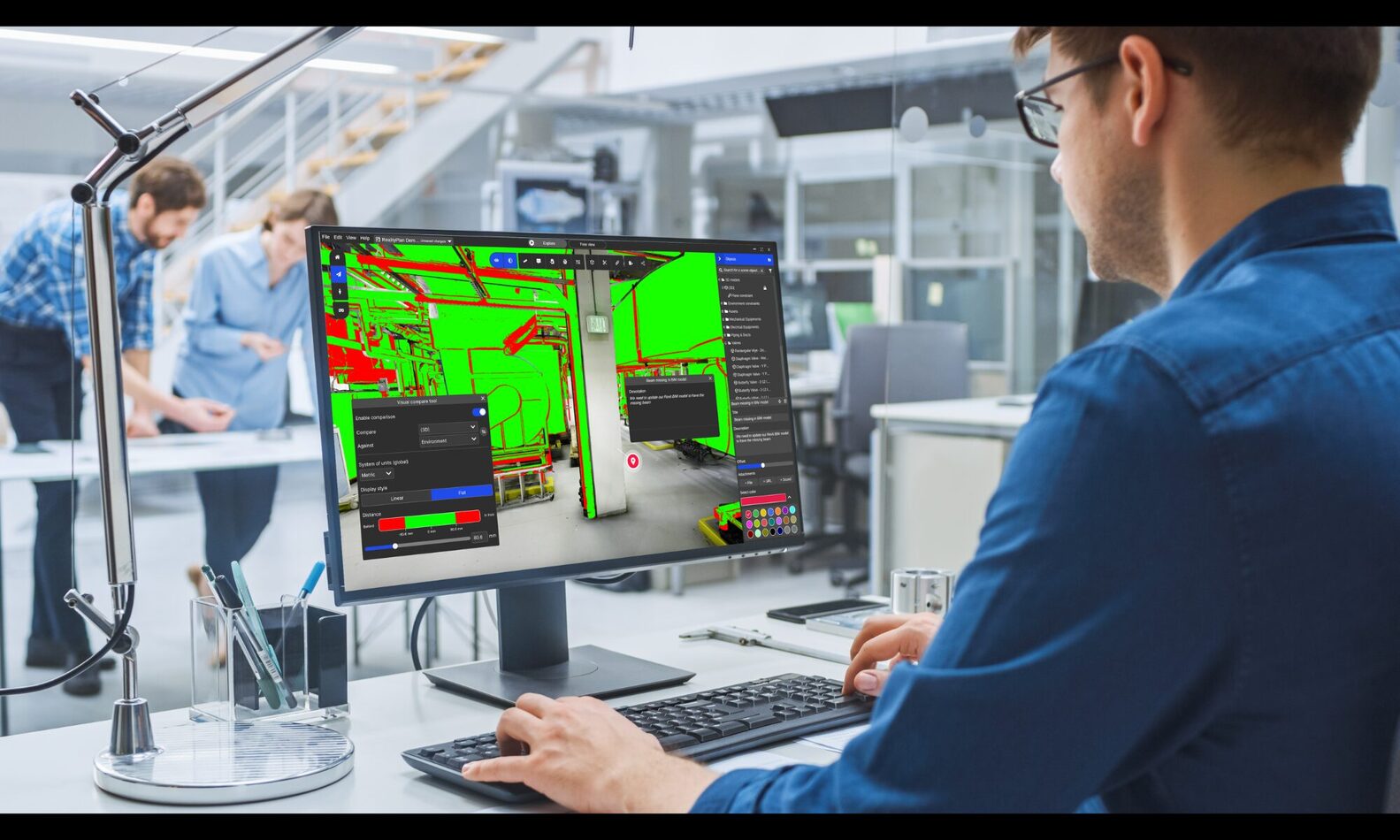
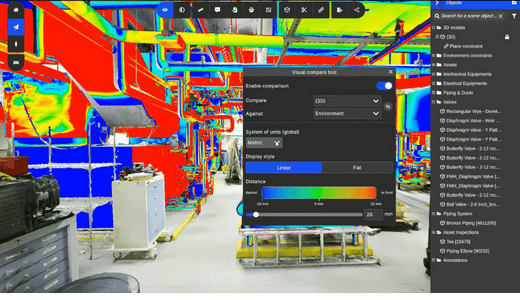
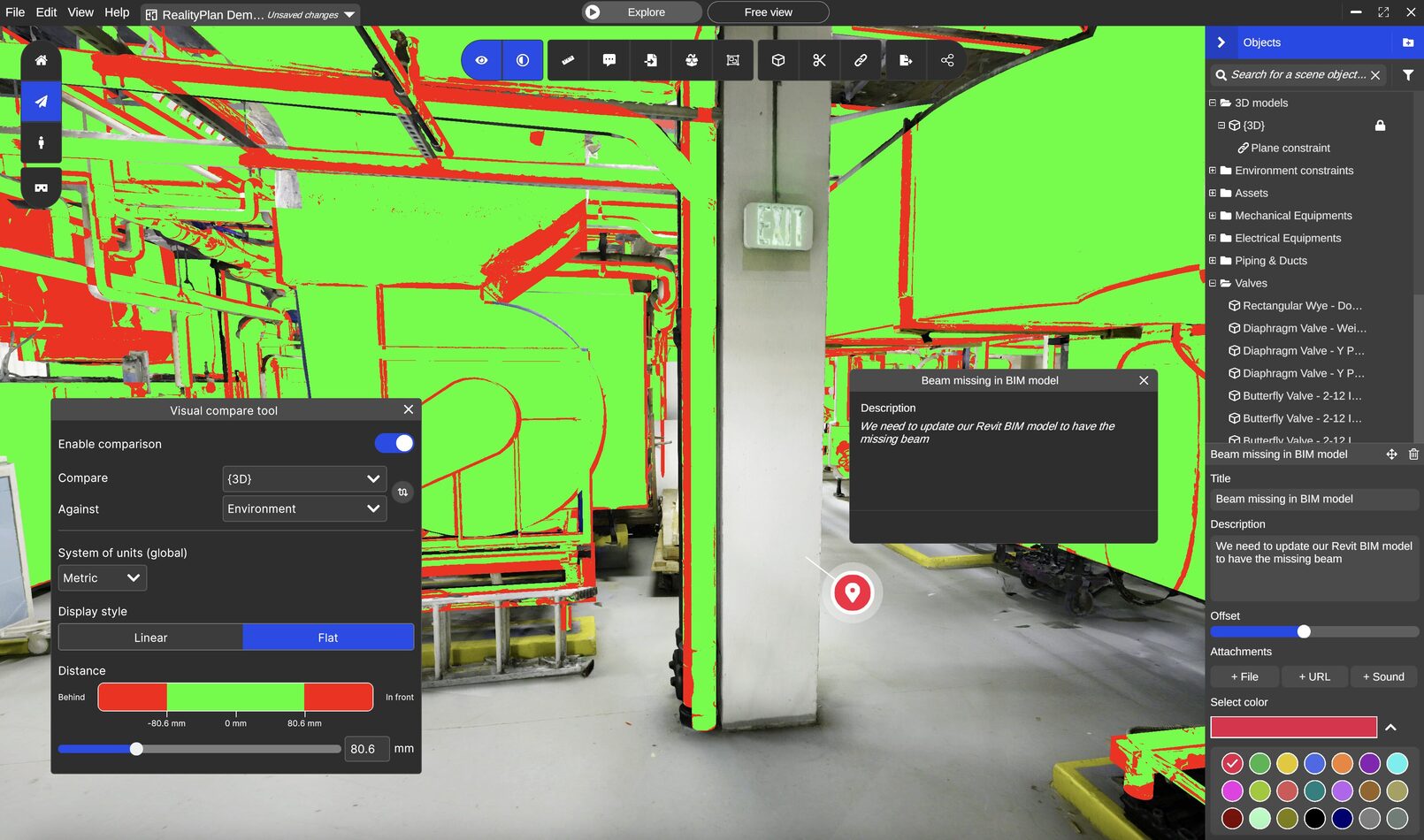
Colour-coded heatmap shows exactly where reality and design diverge.
Validate
before you build
Confirm fit and feasibility before fabrication or installation.
Share
findings easily
Annotate and send a link — no software required to review.
Digital Twin visual compare Tools
Compare, confirm, and move models forward with confidence
RealityPlan's compare tools work directly against your as-built environment, so every validation is grounded in the facility as it actually exists today.
- Overlay CAD models against the scan.Select the assets you want to compare. Choose your CAD/BIM model and the scanned mesh directly in your environment—no separate import or manual alignment step.
- Set your tolerance, then visualize the deviation.Choose a linear gradient to see deviation severity at a glance, or a flat view to instantly flag what's in or out of tolerance. Set the acceptable range yourself so "deviation" means exactly what your project requires it to mean.
- Annotate and share what you find.Mark deviations, add comments, and send a link. The team that ran the scan and the team signing off on the design see the same spatial context.
From Scan to Visual compare in a single 3D environment
Run layout iterations, validate placements, and walk clients through design decisions—all inside a navigable 3D space that reflects your facility as it actually is.
As-built verification after construction
Confirm that completed work matches the design model before project closeout.
- Compare the as-built mesh against the original CAD/BIM model
- Identify deviations spatially with the colour-coded heatmap
- Document punch-list items with visual evidence, not written descriptions alone
Closeout decisions backed by what’s actually there, not what was supposed to be there.
Scan to BIM Quality Assurance
Validate modeled geometry against the scanned reality before delivering a BIM model to a client.
- Run the comparison before submission, not after a client flags it
- Catch missing components or misaligned geometry early
- Reduce back-and-forth by resolving deviations before delivery
Fewer revision cycles, more confidence in what you hand off.
Pre-fabrication fit checks
Confirm a proposed component will fit against existing site geometry before fabrication is finalized.
- Import the proposed component into the scanned environment
- Set your tolerance and check clearances and connection points against real conditions
- Catch fit issues before fabrication or ordering, not after delivery
Avoid the cost of a part that doesn’t fit the space it was designed for.
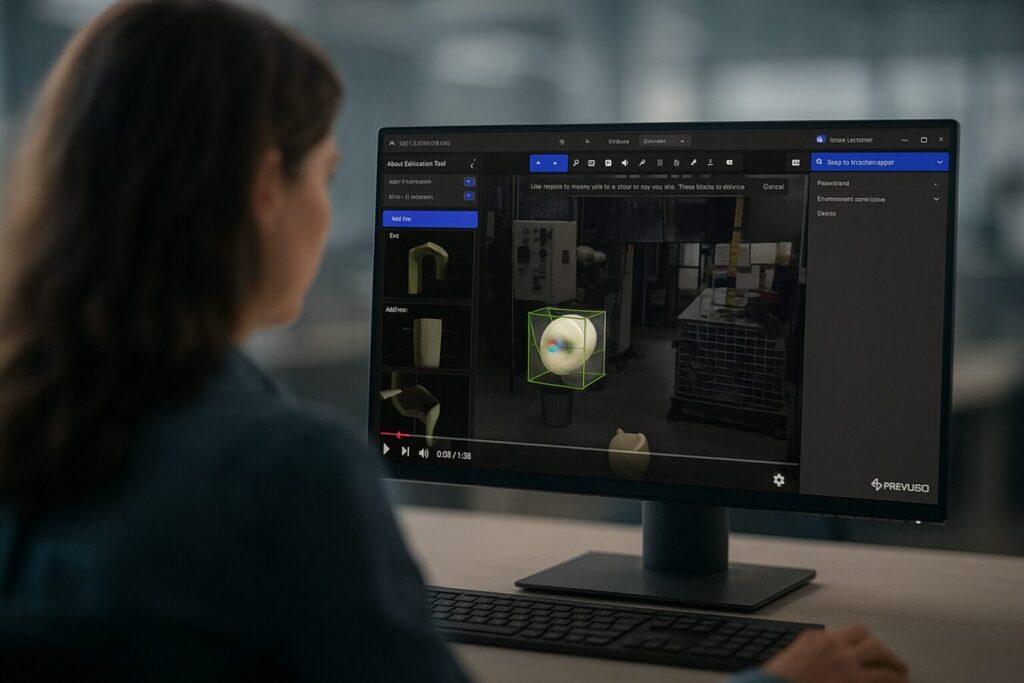
Design iteration & sign-off
Compare successive design revisions against the as-built to confirm each iteration still aligns with site conditions.
- Re-run the comparison as the design evolves
- Catch drift between design intent and physical reality early
- Sign off with a documented comparison, not just a visual check
Every revision validated against reality, not just against the last version.
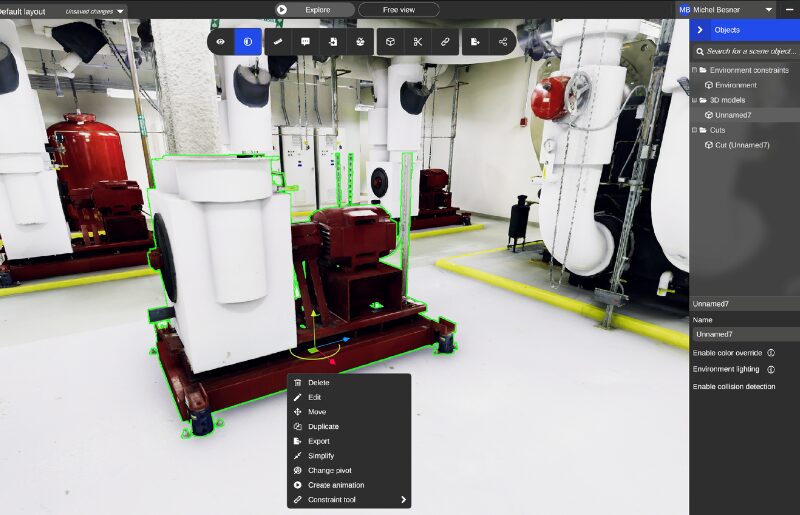
Deviation Reporting for Stakeholder Review
Share findings with engineers, clients, or project teams who need to understand what’s changed and where.
- Annotate flagged deviations directly in the 3D environment
- Share a link—no software install required to review
- Export a deviation report alongside the visual comparison
Everyone reviewing the same spatial evidence, not a written summary of it.
Visual compare models in a Digital Twin — FAQ
What is factory layout software, and how is RealityPlan different?
Factory layout software typically works from CAD drawings or manually recreated floor plans. RealityPlan works directly on a 3D scan of your actual facility, so every layout decision — equipment placement, clearances, access paths — is validated against the space as it exists today, not an outdated drawing.
Do I need a CAD model to plan a layout in RealityPlan?
No. You can plan a layout using assets already segmented in your as-built environment, or import a CAD model of new equipment and position it directly against the real geometry. Either way, you’re working in the same 3D space.
Can stakeholders review a layout without installing any software?
Yes. You can share a link that opens the environment in any browser. Engineers, clients, or other stakeholders can navigate the same 3D space live in a meeting or explore it independently — no install, no site visit.
How accurate is a layout plan built in RealityPlan compared to the physical facility?
Layouts are built directly on top of your as-built 3D scan, so placements, clearances, and dimensions reflect the facility as it actually stands — not what’s on file in an outdated floor plan or CAD drawing.
Can RealityPlan handle facility capacity planning, not just equipment placement?
Yes. Beyond individual equipment layouts, you can model proposed additions — new lines, storage, expanded footprint — inside the same environment to assess feasibility before any engineering work begins.
— prevu3d partners said

It's extremely rare to have an accurate as-built when you start a project. The CAD model is great, but it's not going to have all the right details you need to make those decisions.

Malik Sammouda
Élémentaire Consultants