

Autodesk Revit Plugin
quick scan to revit modeling
Design Faster. Coordinate Smarter. Deliver with Confidence.
RealityConnect™ empowers Revit users to work directly from reality capture data—without slowing down modeling performance. While others struggle with heavy point clouds and fragmented context, your team stays focused on what matters most: accurate design decisions and buildable models.
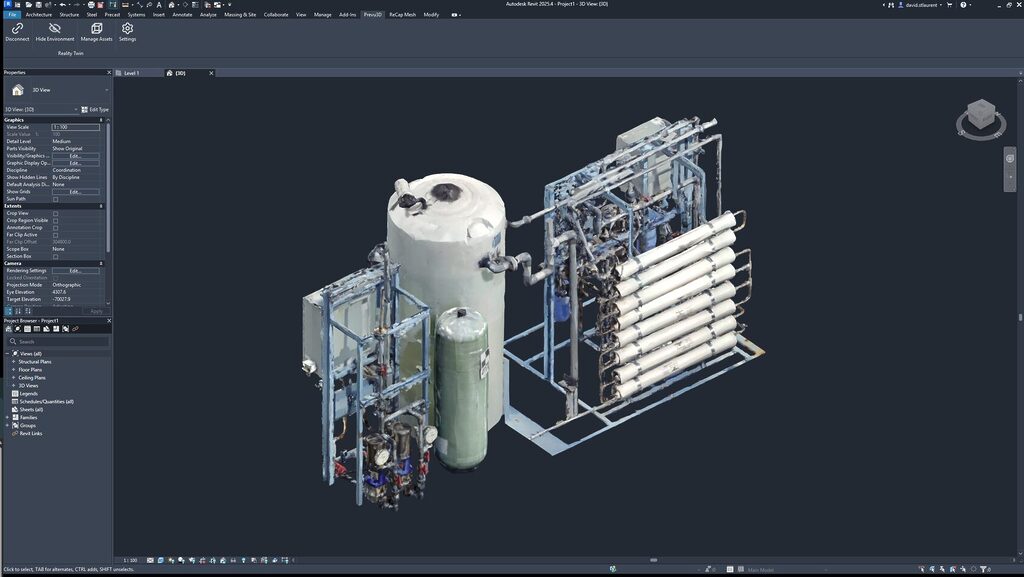
Built for scan-to-Revit modeling workflows
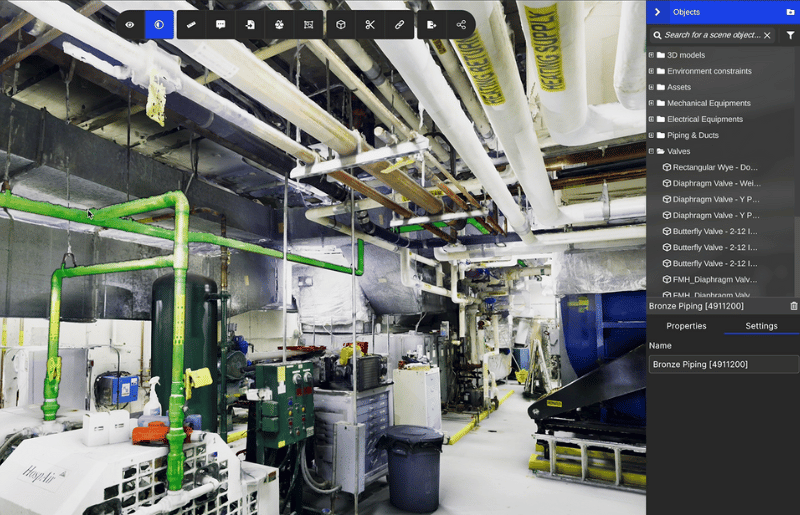
RealityConnect™ helps Revit users work from reality capture data without slowing down their modeling process.
Instead of wrestling with heavy point clouds, your team can stay focused on what matters: making accurate design decisions and delivering buildable models.
Common workflows this supports:
- Review point cloud and mesh data before modeling
- Load high-resolution areas only when needed
- Validate existing conditions and detect clashes early
- Model faster with fewer rework cycles
- Share context across project teams and stakeholders
How RealityConnect™ connects scan data to Revit
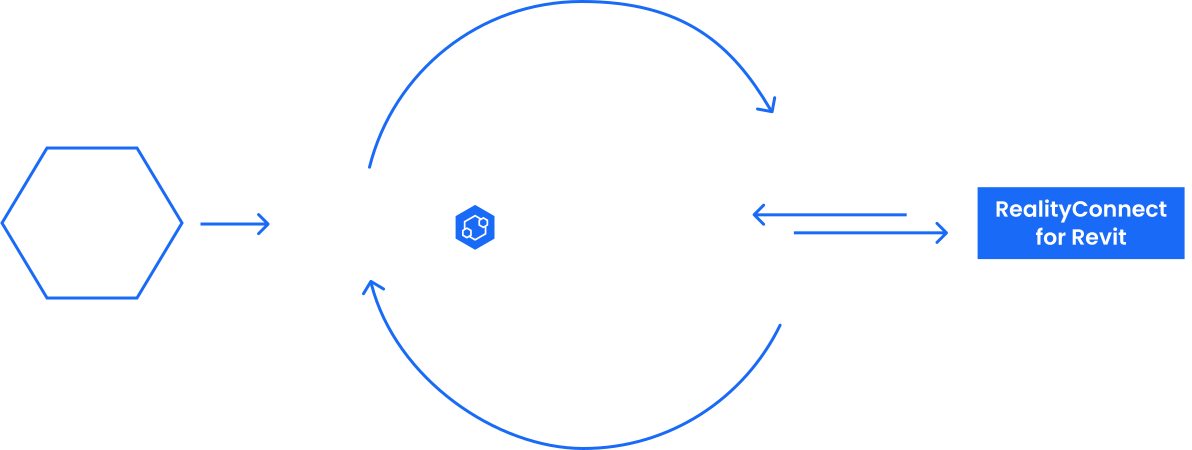
RealityConnect™ acts as the bridge between reality capture and CAD modeling.
It enables engineering teams to bring real-world site data into Revit workflows in a practical and scalable way.
How it fits into the pipeline:
- Reality capture data is collected (point clouds, meshes, imagery)
- Data is organized and managed in a centralized environment
- RealityConnect™ connects Revit to the right dataset
- Engineers model with real-world context directly inside Revit
- This makes it easier to move from field reality to design intent to execution-ready deliverables.
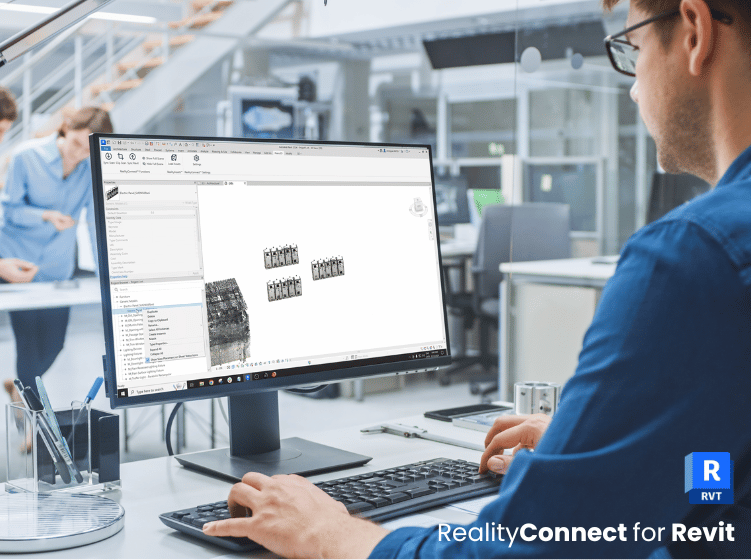
Turn Reality Data into Real Engineering Outcomes with PREVU3D Autodesk Revit Plugin
Retrofit and brownfield projects
Scan-to-BIM and as-built validation
EPC coordination and design updates

On-site verification and issue resolution
Frequently asked questions
Does RealityConnect™ work with large point clouds?
Yes. RealityConnect™ is built to support workflows that involve heavy scan datasets, helping teams stay productive while working with real-world context.
Can I load only part of the dataset?
Yes. RealityConnect™ enables selective loading so you can focus on the areas you need.
Does this replace Revit modeling?
No. RealityConnect™ supports and accelerates back modeling in Revit by improving access to reality data.
Who is this best for?
Engineering teams, EPCs, and owner/operators are working on complex sites where scan data and design validation are critical.