

featured in
View and navigate in 3D
Explore environments in 3D for in-depth spatial understanding.
Advanced visulization on RealityPlan™
Explore entire sites in one unified 3D Environment in point cloud
View point clouds, CAD designs, meshes, and layouts in a unified platform. Explore seamlessly with avatar, flythrough, and photosphere navigation modes.
Visualize
Reality capture data
View point clouds, CAD designs, meshes, and layouts in one platform.
Navigate
Advanced exploration
Explore projects with avatar, flythrough, and photosphere modes.
Understand
Insightful modes
Use x-ray, heightmap, shaded, and MatCap views for better project context.
Edit and explore your space with RealityPlan™
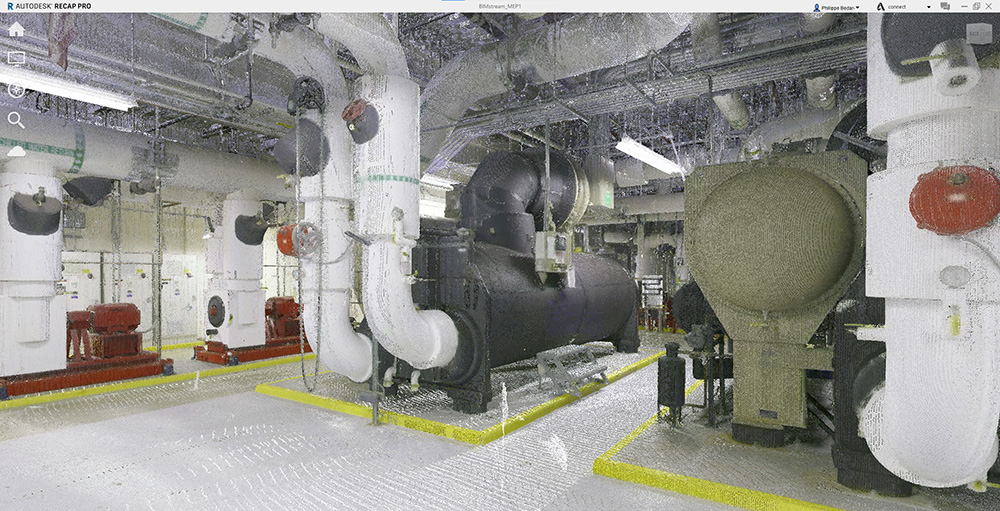
Point cloud viewer
- Easily inspect raw point cloud data directly within the Point Cloud Viewer.
- Adjust the minimum and maximum height of the point cloud change the viewing mode from top to any of the side views.
- Navigate seamlessly through site captures using immersive photosphere and picture-based navigation modes.
- View, manage, and share raw point cloud data effortlessly on RealityPlatform.
- Enjoy an intuitive interface designed for smooth exploration and walkthroughs of 360° site captures.
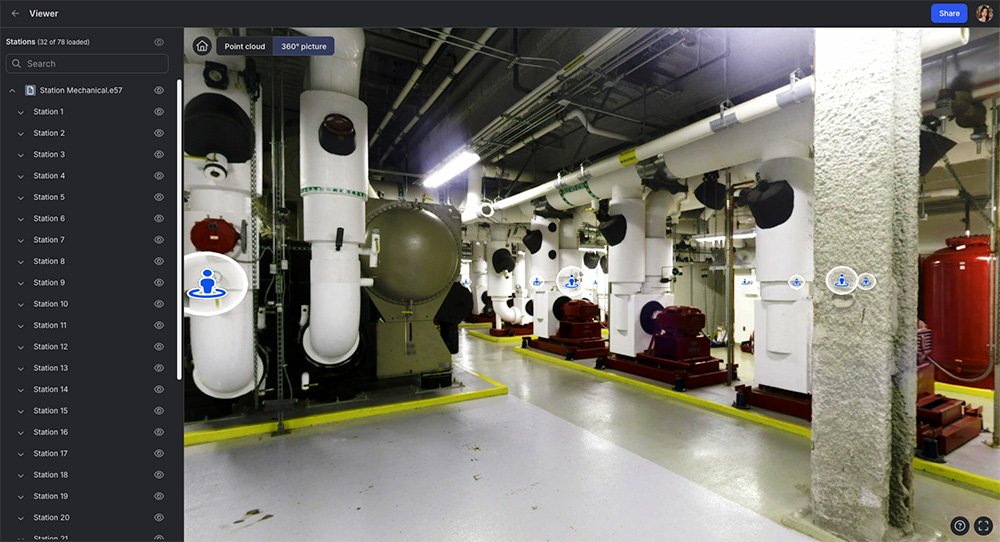
Navigation modes
- Navigate 3D environments using advanced modes like avatar, flythrough, and photosphere for a dynamic experience.
- Use avatars to virtually “walk around” and explore spaces, bringing your 3D environment to life.
- Switch between X-ray, heightmap, shaded, and MatCap (greyscale) modes to enhance contextual understanding.
- Combine navigation and visualization styles for a deeper understanding of your environment.
Document and measure
- View project layouts, track changes, and measure distances, areas, or diameters accurately with intuitive tools for enhanced project insights.
- Streamline assessments of landfills and stockpiles with volume calculation tools for brownfield and greenfield projects.
-
Use the coordinate pointer to visualize XYZ coordinates for precise positioning, and the area measure tool to calculate surfaces, angles, and side lengths.
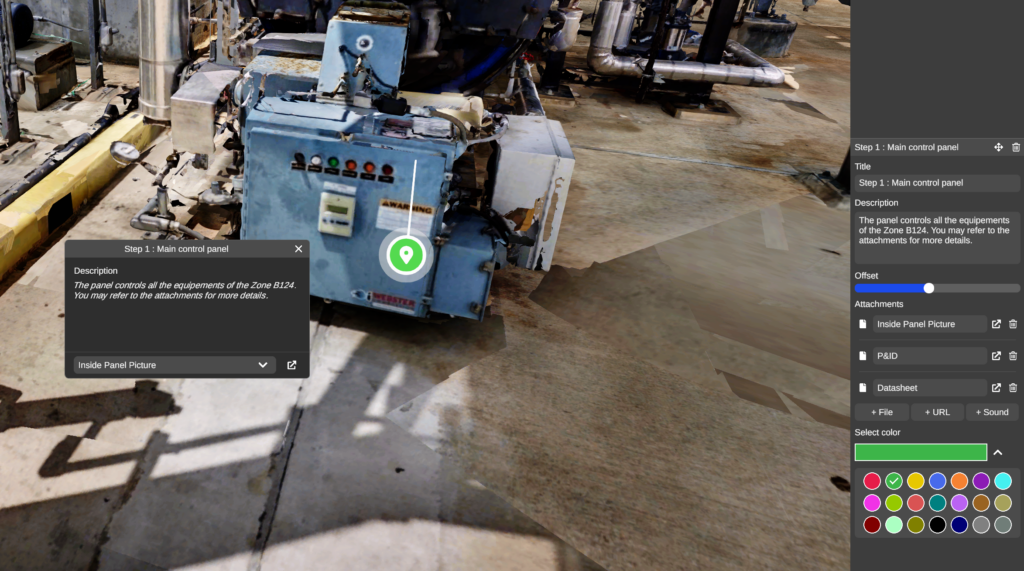
- Document your 3D environment and RealityAssets™ with annotations containing text, links, documents, or audio to enhance immersion and understanding.
DESKTOP APPLICATION

Discover more features with RealityPlan™, enabling rapid design iterations, detailed asset documentation, and seamless export of 3D models to CAD software for integration into existing engineering workflows.
Explore our RealityPlatform™ Resources
News
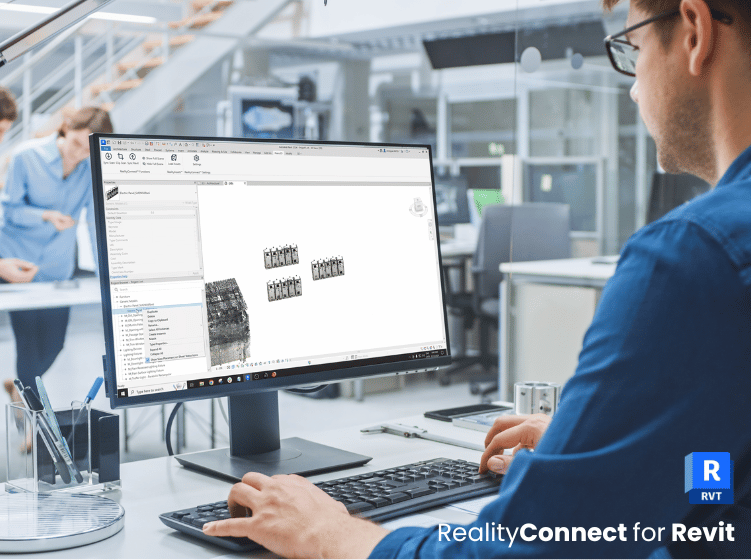
RealityConnect™ for Revit: accelerate your back modeling from point cloud
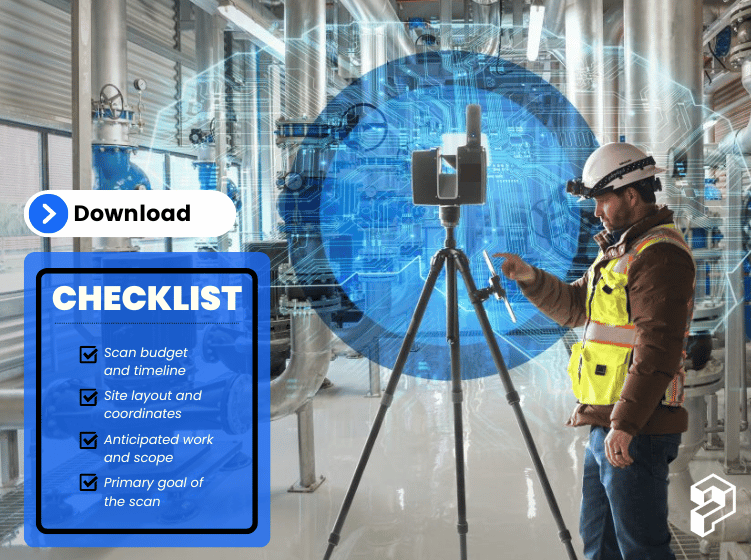

If I need to quickly review a specific area for installation preparation, I use Prevu3D to navigate the site. This allows me to confirm space availability and identify any potential pipes or obstructions that need to be considered.
Read the Case StudyJesus Echegaray
Project Manager at Agropur