

Plantstream 3D Plugin
ACcelerate your brownfield design process
Go from scan to smart piping model in hours—not days
See how RealityConnect™ bridges real-world plant conditions with fast, intelligent 3D modeling—from scan to mesh, design, auto-routing, and validation in Prevu3D and PlantStream.
See the step-by-step Workflow between Prevu3D and PlantStream
Discover a Faster Way to Design for Brownfield Projects

Step 1
Measure Point Cloud Data in Prevu3D
Use laser scanning or LiDAR to capture accurate, high-resolution as-built data of the facility.
Step 2
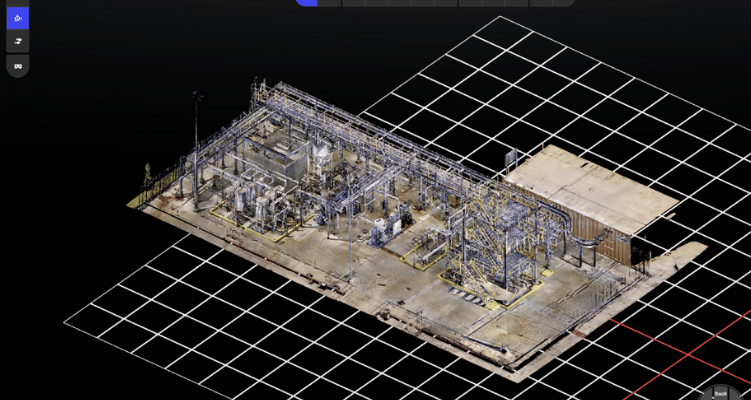
Generate Mesh Model in Prevu3D
Transform point cloud data into a detailed mesh model, preserving real-world spatial context.
Step 3
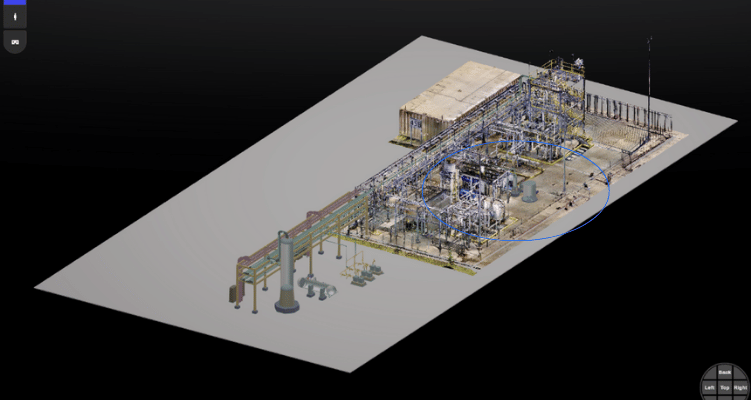
Import FBX File Into PlantStream
Export the mesh as an FBX file and bring it into PlantStream to begin piping layout and equipment design.
Step 4
Design Inside PlantStream with As-Built Context
Use the imported mesh to route piping and place equipment efficiently with PlantStream’s intelligent auto-routing tools.
Step 5
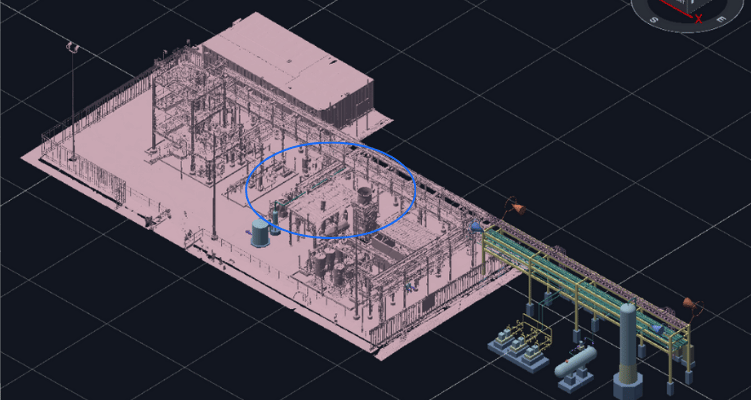
Export RVM and Validate in Prevu3D
Bring the PlantStream model back into Prevu3D (RVM format) for contextual visualization, stakeholder review, and field team validation.