

Prevu3d for AEC & Engineering Teams
Design engineering against reality capture
trusted by fast-growing startups and global enterprises











Design Risk in existing conditions
Where retrofit projects break down
Why retrofit designs break down
How Prevu3D enables design connected to reality
From scan to issued drawings
Validate designs before execution
Where Engineering Meets Existing Conditions
Brownfield Retrofit Design
- Design new systems within facilities shaped by decades of undocumented changes.
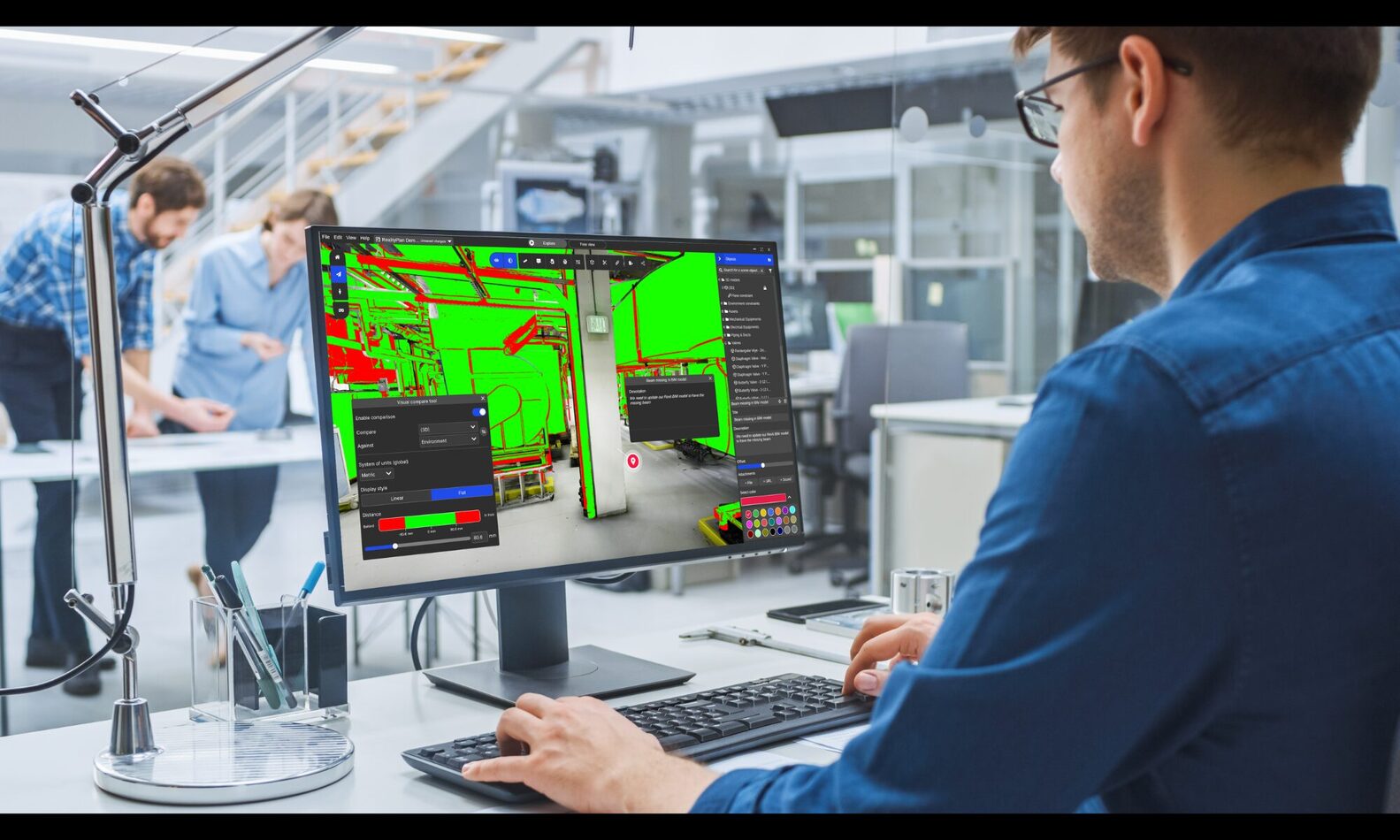
- Validate routing, tie-ins, and structural constraints against actual site conditions before issuing for construction.
Piping & Equipment Layout Validation
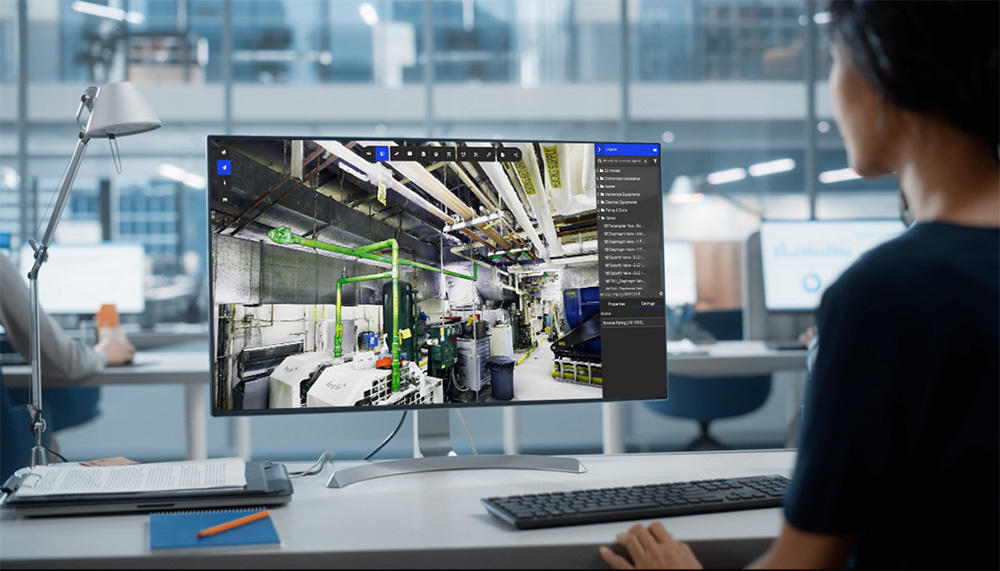
- Confirm clearances, access paths, and spatial tolerances early in the design phase.
- Reduce late-stage clashes that lead to field modifications and change orders.
Reality-Based Clash & Clearance Detection
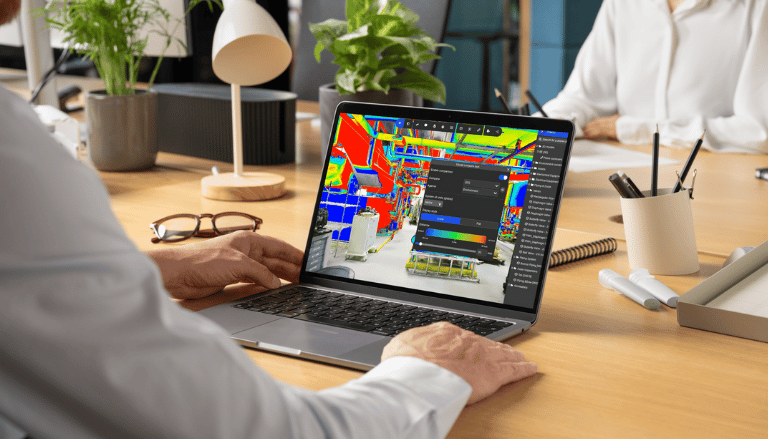
- Identify conflicts between new models and existing infrastructure, not just between design disciplines.
- Detect issues against the real site before they become installation problems.
Upgrade & Revamp Planning
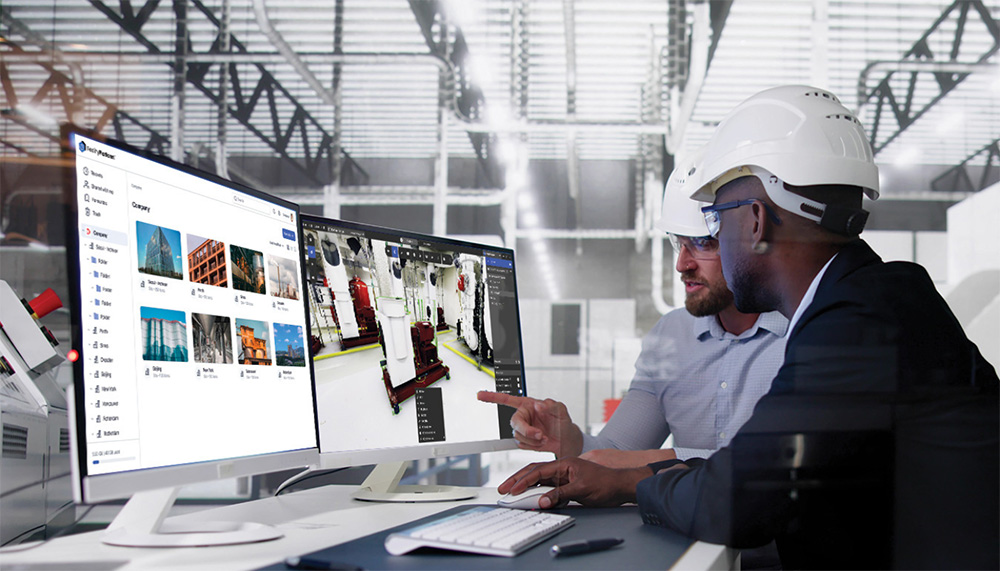
- Plan equipment replacements, system upgrades, and expansions within spatially constrained environments.
- Validate feasibility before procurement and mobilization.
Resolving Enterprise design teams delivering complex projects
Digital Design in Existing Conditions – FAQ
How does Prevu3D differ from a standard point cloud viewer?
Prevu3D converts scan data into structured mesh environments and connects them directly to design workflows, enabling model-to-reality validation instead of passive viewing.
Does Prevu3D replace Revit or Plant 3D?
No. It integrates directly into existing CAD workflows through RealityConnect, allowing engineers to validate models against real conditions without changing tools.
How does it improve clash detection?
Prevu3D enables validation against existing infrastructure, not just between disciplines, reducing field conflicts caused by undocumented site conditions.
Is this suitable for brownfield retrofit projects?
Yes. It is most valuable in environments where documentation is incomplete and existing conditions determine feasibility.
Can it reduce site visits?
It supports virtual validation and coordination, reducing unnecessary walkdowns while preserving field verification where required.