
RealityConnect™ Native Plugins for Autodesk® — Live at AU 2025
Bring real-world context directly into your Autodesk® workflows. With RealityConnect™ plugins for Revit, Plant 3D, and Inventor, you can instantly stream high-resolution scan data, access projects directly inside your tools, and eliminate the need for heavy file transfers.
Discover how RealityConnect™ transforms the way you design, build, and operate—faster, easier, and smarter.
I am a heading
Explore the RealityConnect™ for Autodesk Plugin Suite

Autodesk Revit
Streamline design workflows with Prevu3D's RealityConnect™ plugin for Revit
Explore the plugin
AutoCAD Plant 3D
Accelerate AutoCAD Plant 3D Layout Updates with Fast, As-Built Data Integration
Explore the plugin
Inventor
Seamless integration with Autodesk Inventor for collaborative mechanical design and visualization
Explore the pluginKey Benefits of RealityConnect™ Native Plugins
RealityConnect™ for Autodesk Revit
-
Select and import only the regions, densities, or assets you need.
-
Maintain geolocation and coordinate systems for accuracy.
-
Save time with direct integration into Revit families.
-
Streamline workflows and improve design confidence.
RealityConnect™ for Autodesk Inventor
- Import scans and assets from RealityPlatform™ as design context.
- Overlay assemblies directly on real-world conditions.
- Optimize performance with adjustable Levels of Detail.
- Validate and share designs in RealityPlan™ for collaboration.
RealityConnect™ for AutoCAD Plant 3D
- Stream laser scans or meshes directly into Plant 3D.
- Visualize piping and structures while placing new assets.
- Detect clashes early and minimize costly rework.
- Improve project startup with accurate as-built data.
Working with RealityConnect™ in Revit
Crop data, utilize 3D assets, and leverage real-time synchronization to enhance visual context and collaboration.
Why Teams Choose RealityConnect™ Plugins
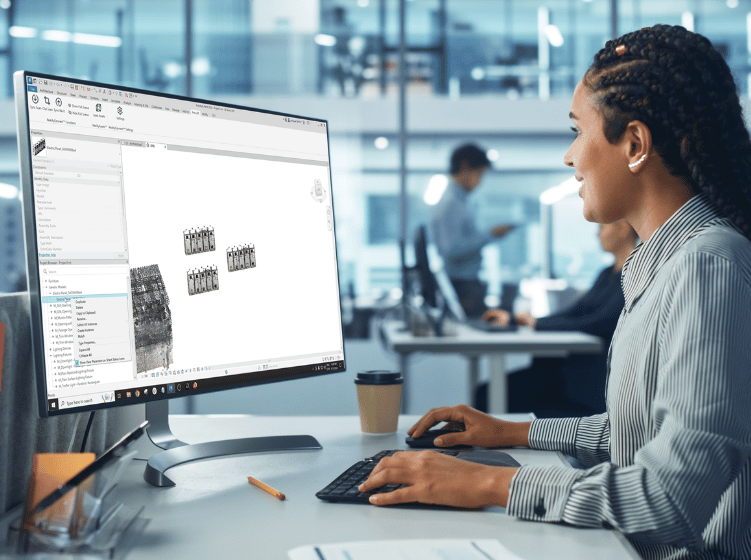
- Work in your tool — no extra steps
Native plugin integration means you design directly in Revit, Plant 3D, or Inventor without middleware. - Handle massive projects with ease
LOD-based visualization lets you load and navigate large environments smoothly. - Keep designs aligned every time
Spatial alignment preserves coordinate systems with snapping and reference points. - Bring assets in, ready to use
Import RealityAssets™ with full metadata for filtering, classification, and fast access.
Book Your RealityConnect™ Plugin Demo
Get a personalized walkthrough of RealityConnect™ for Revit, Inventor, and Plant 3D—see real workflows, explore technical details, and discover how it can accelerate your projects.